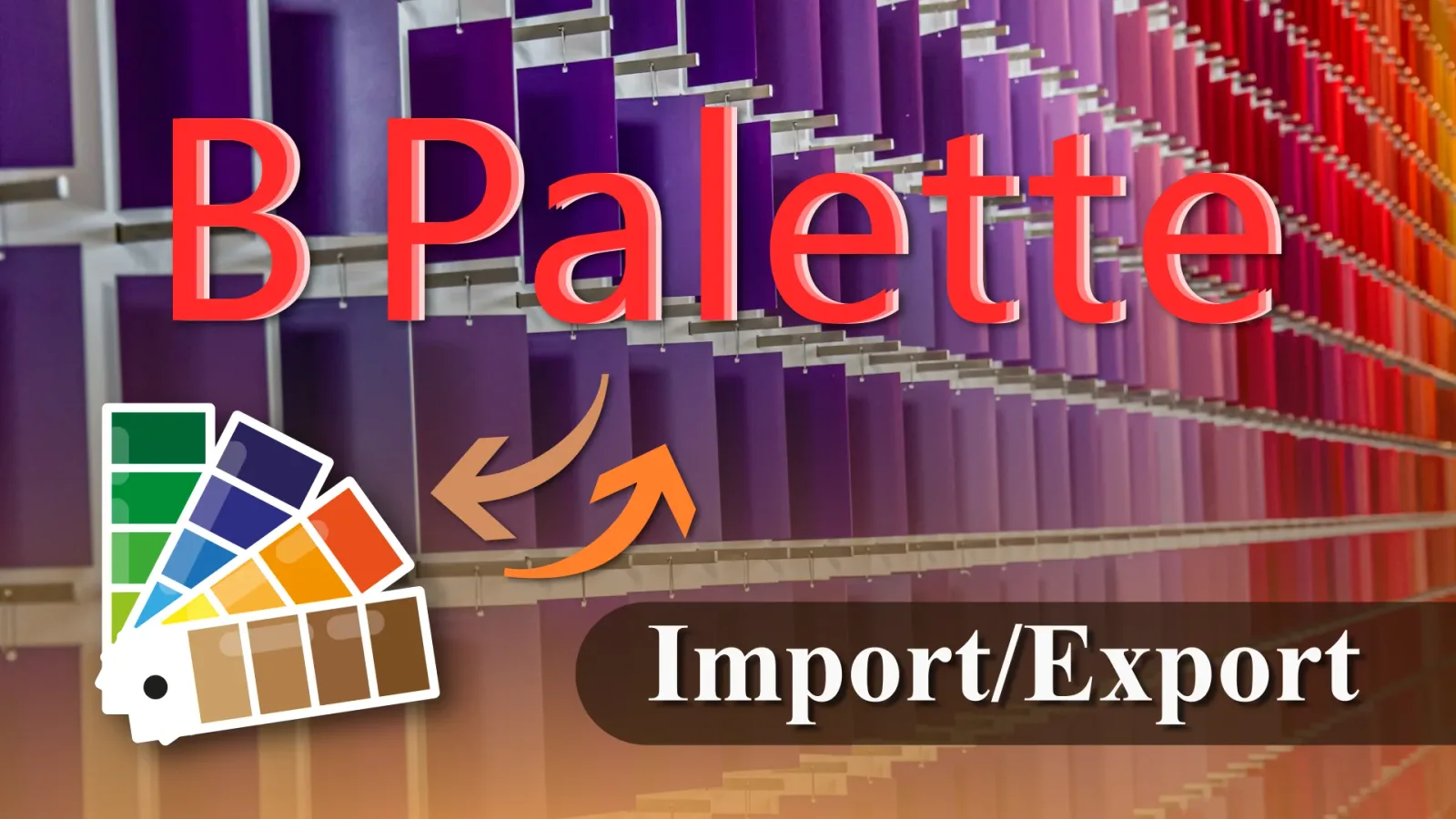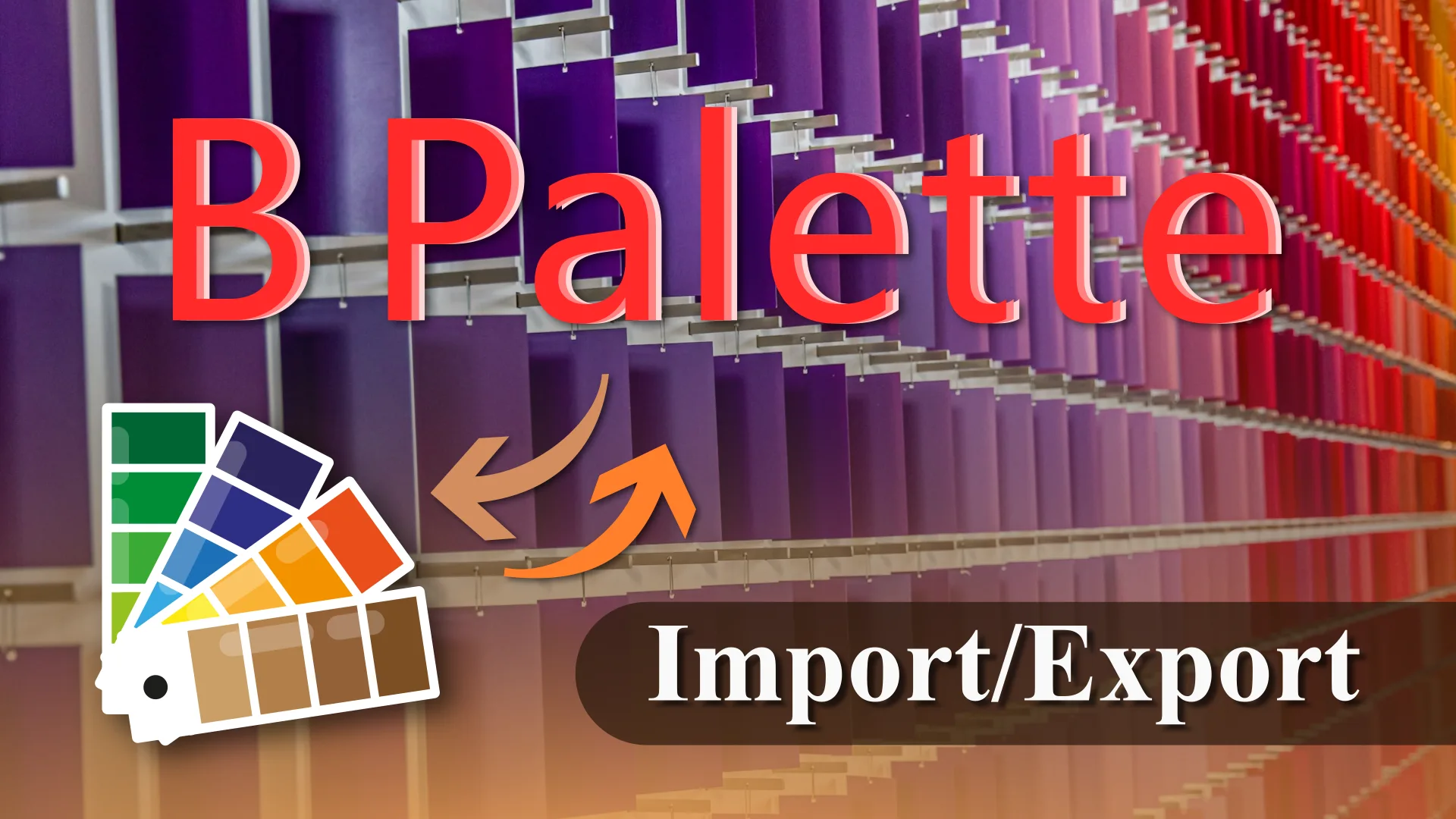
B Palettes is a Blender add-on for importing color palettes from other tools and exporting them for use elsewhere. It imports GPL, ASE, ACO, PAL, CLR, CSV, CSS, and TXT files. Export is available in GPL format, so the supported import and export formats are not the same.
Formats and batch support
Version 1.1.0 adds batch import and export for GPL files. The release notes do not describe batch support for the other formats. Imported palettes are added to Blender’s palette list.
CSV, CSS, and TXT files can contain colors in several forms. B Palettes reads color values from these text formats and skips non-color data where applicable:
- CSV accepts hexadecimal values with or without a #, RGB triplets from 0 to 255, and files that mix those forms.
- CSS parsing detects hexadecimal, RGB, and HSL colors. HSL values are converted to RGB, and commented lines are ignored.
- TXT parsing scans lines for hexadecimal, RGB, HSL, prefixed hexadecimal, or mixed color values. Unsupported lines are skipped.
This makes the text import options useful when a palette is stored among other notes or CSS declarations. For ASE, ACO, PAL, CLR, and GPL files, the extension listing identifies them as supported import formats.
Where to find the import and export commands
- Install the add-on in Blender using the extension listing’s drag-and-drop option or its download and Install from Disk instructions.
- To bring in a palette, choose File > Import > B Palette and select a supported file.
- To export, choose File > Export > B Palette, select a palette from the dropdown, and save it as a GPL file.
B Palettes requires access to the directory containing palette files. The Blender Extensions listing identifies version 1.1.0, Blender 4.5.0 as the minimum version, and the GNU GPL version 3.0 or later. See the Blender manual’s installation instructions for installing an extension from disk.