X-Plane SND Import/Export lets you inspect and edit X-Plane 12 .snd sound attachments in Blender. It turns each attachment into a Speaker object, so you can adjust its position in the aircraft scene and export the layout without editing coordinates by hand.
Place and organize sound attachments
Import a .snd file by dropping it into the 3D viewport or using Blender’s File > Import menu. The add-on creates one Speaker per attachment and groups them by event in the Outliner. Speaker orientation shows the sound’s direction cone. You can mute sounds, solo the selected one, or mute all while reviewing the layout. Move or duplicate Speakers in the viewport, rename events, then export.
The add-on reads the aircraft’s nearby .acf file to find the origin used for sound coordinates. Its axes match the X-Plane OBJ8 importers, and a raw aircraft-coordinate mode is also available.
Export edits while preserving the file
Export writes to the selected .snd file. Lines you did not change are written back byte for byte, including tabs, comments, line order, and line endings. This helps preserve data maintained by other tools during a layout edit.
Sound spaces and limits
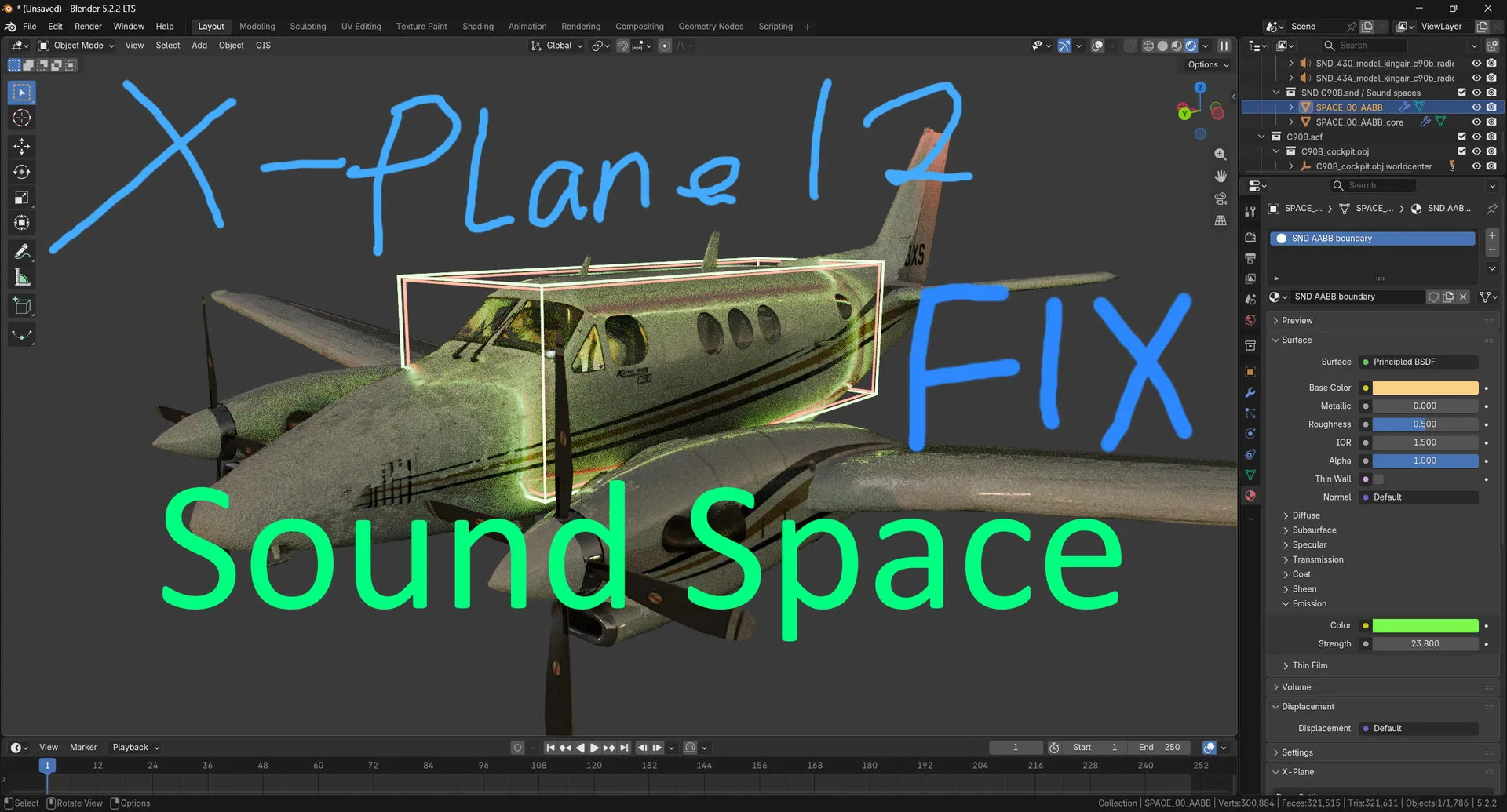
Version 0.1.10 can create sound spaces and add volumes. Existing AABB and SPHERE sound spaces are parsed and kept, but are not drawn as geometry. Trigger conditions are preserved and can be copied to new attachments; the add-on does not include a condition editor. FMOD banks and event definitions are not read or modified.
Requirements and source
Use Blender 5.2 or newer with an X-Plane 12 aircraft .snd file. The add-on also reads a nearby .acf file and writes only the chosen .snd. It requires no network access, background process, or other add-on. The Blender Extensions listing includes installation options; source code and issue tracking are available in the project repository.