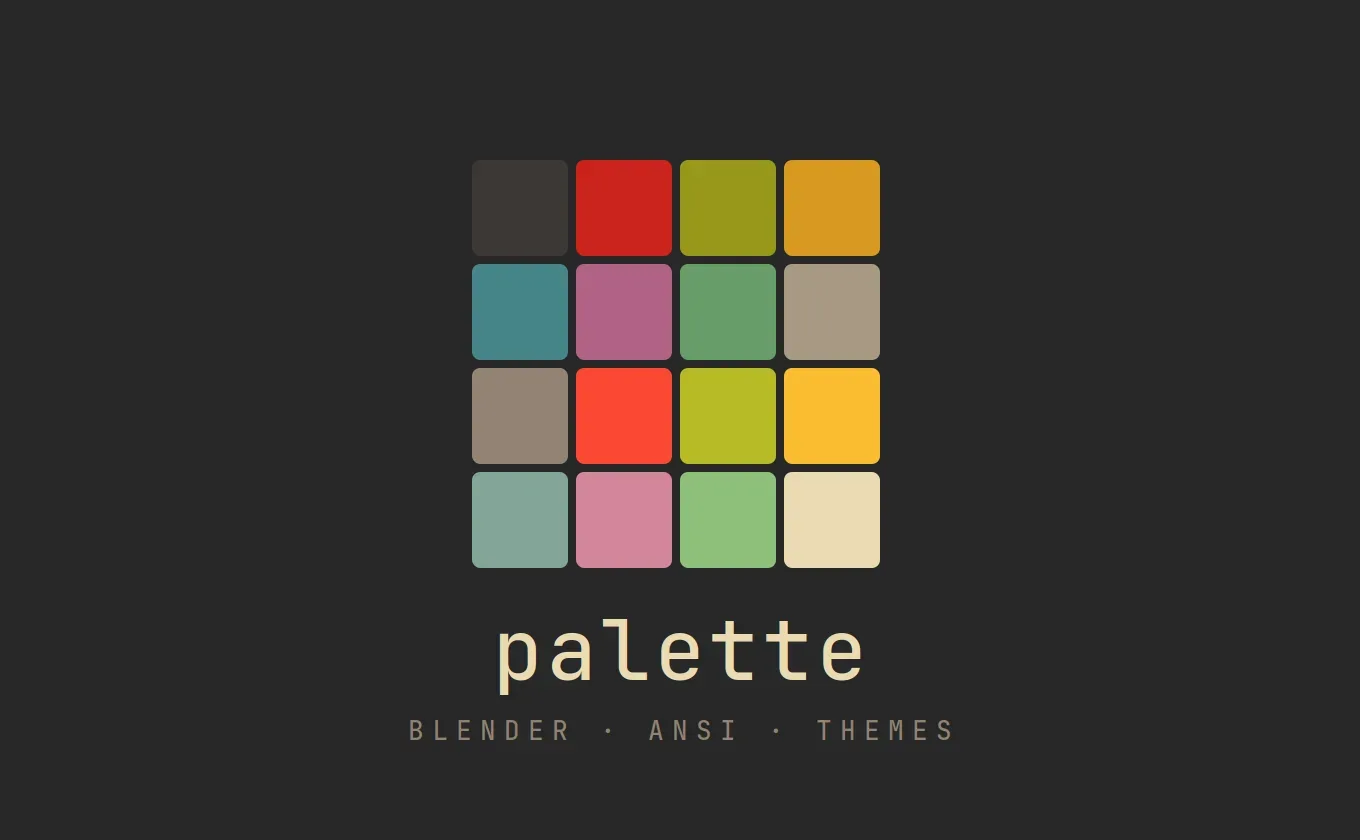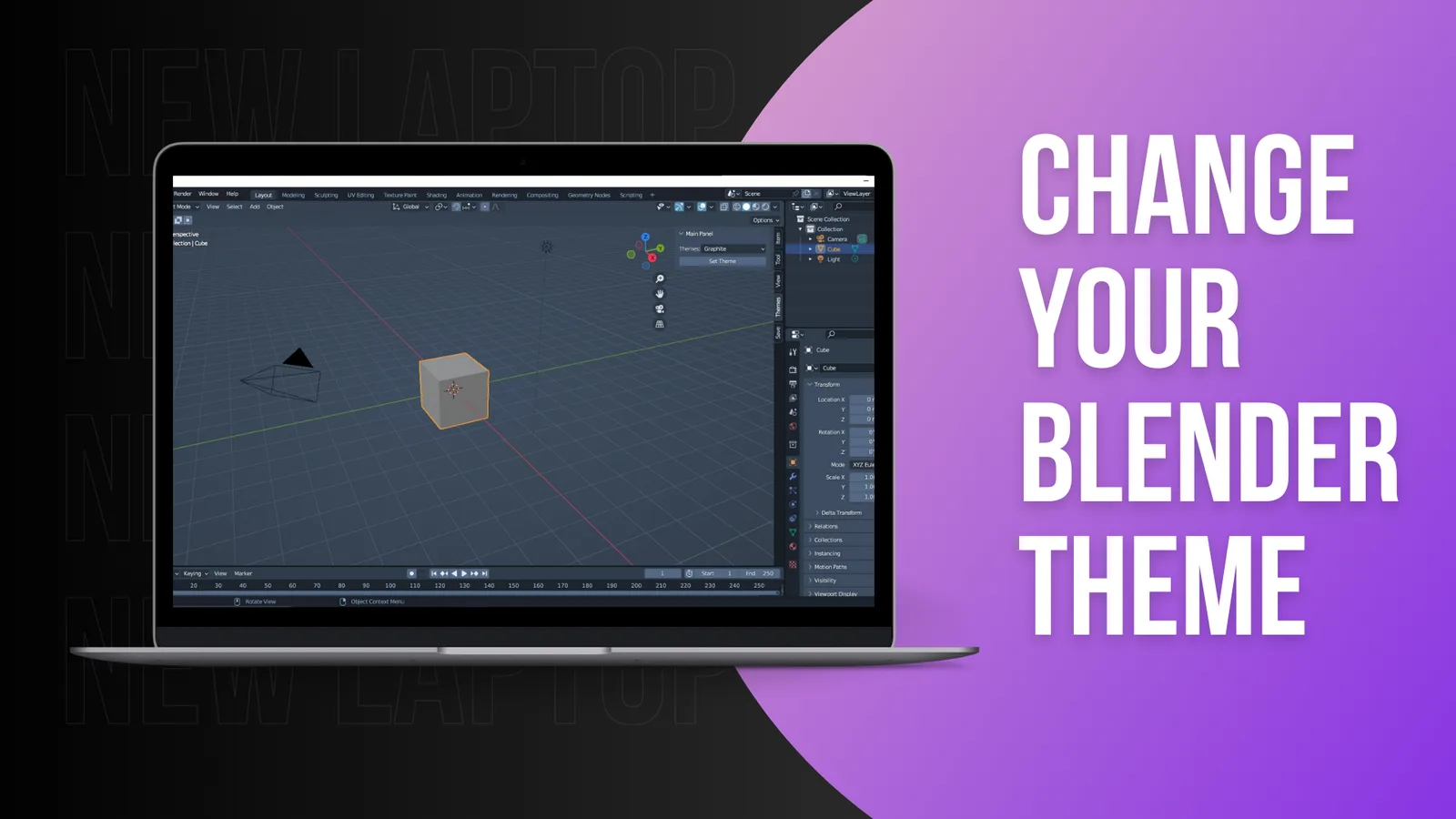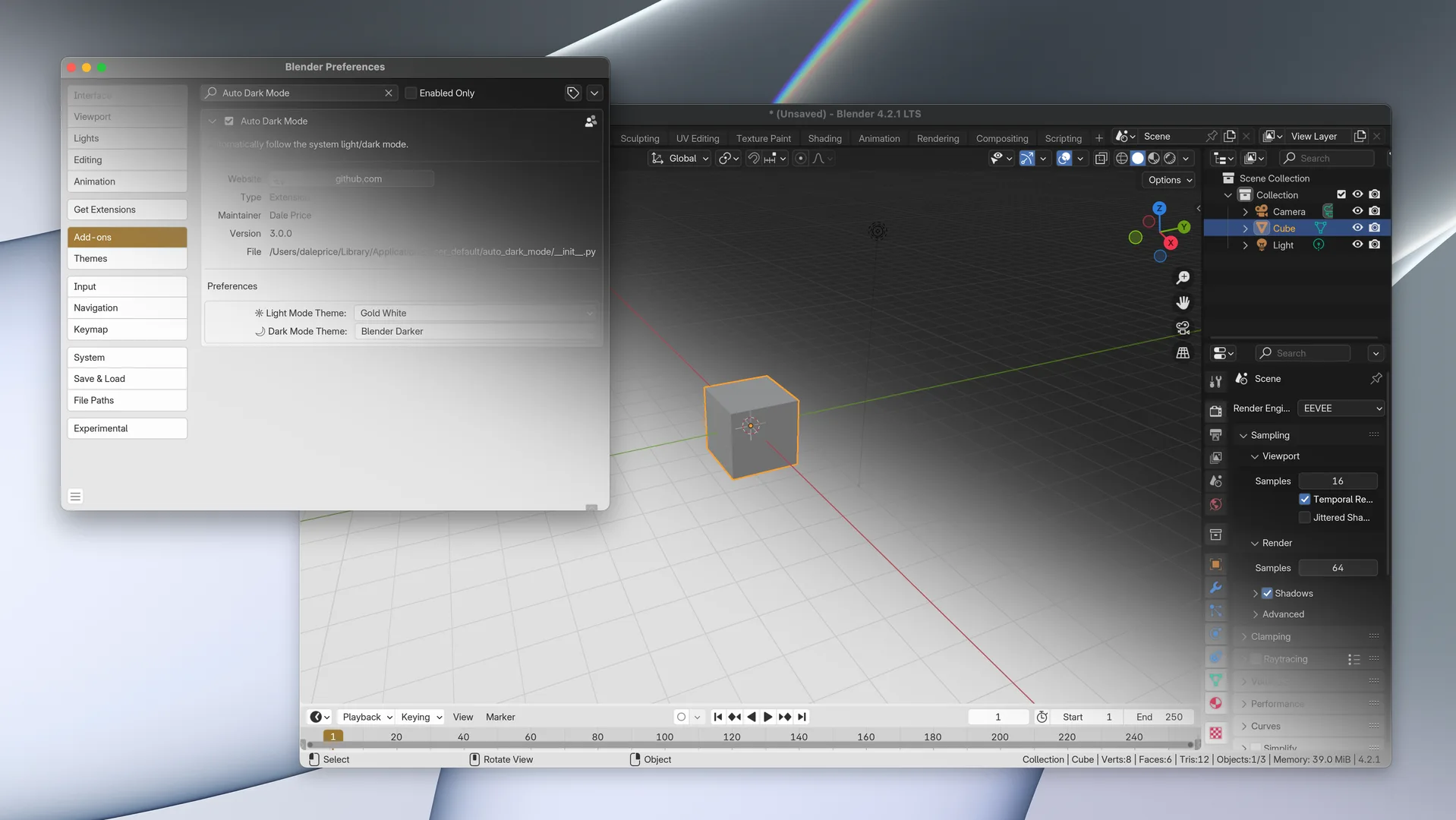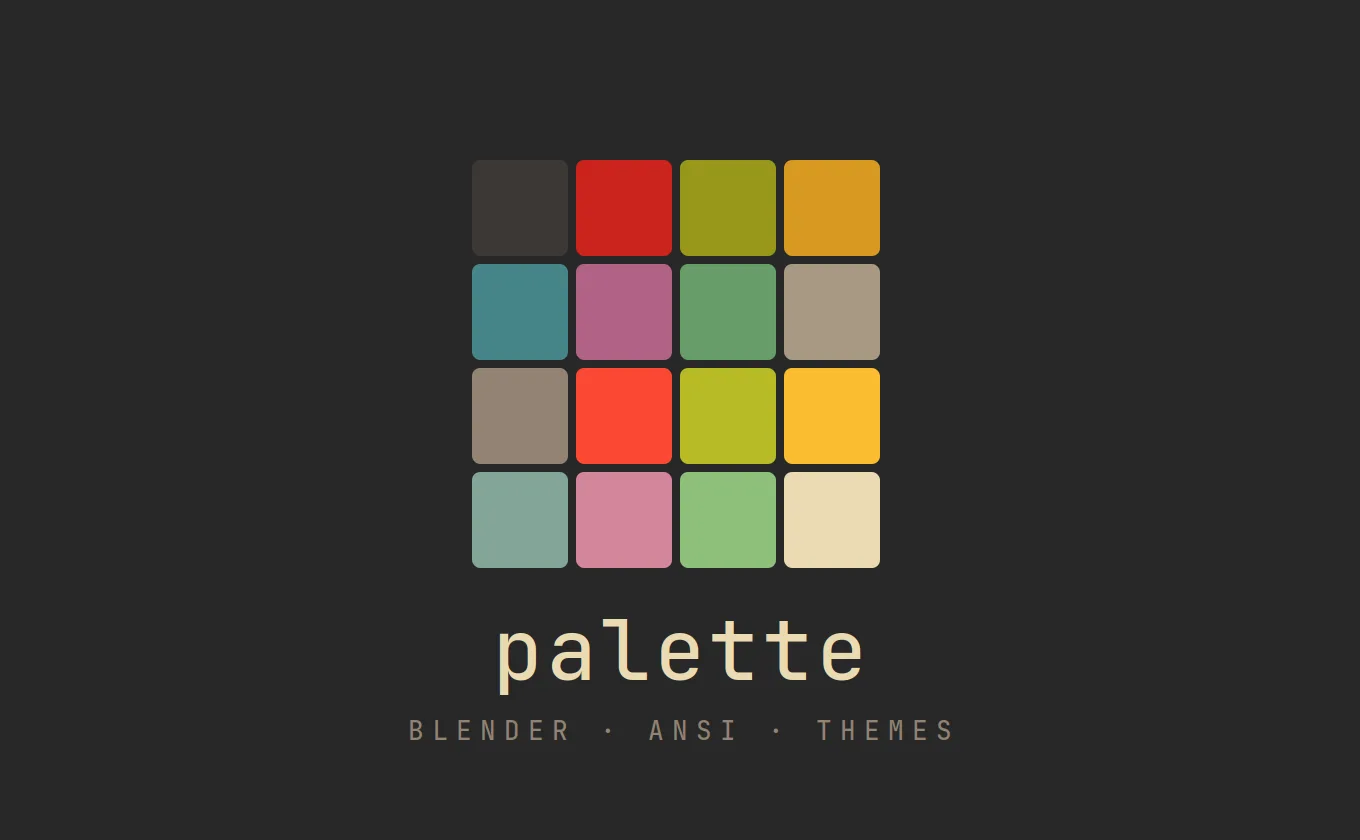
Palette is a Blender add-on by NXSTYNATE that turns terminal color schemes into complete Blender interface themes. Blender’s Extensions catalog describes it as loading 600+ palettes. Its catalog record lists version 1.1.5 and a minimum Blender version of 4.5.0.
Browse and preview themes
Load schemes from the iTerm2-Color-Schemes and Gogh projects. Palette provides a searchable, filterable theme list. Selecting a theme previews its colors in Blender; apply the choice when it suits your workspace, or reset it. The preview updates the interface without requiring a restart.
Edit colors before applying
The Palette Editor lets you adjust the 16 ANSI colors along with the background, foreground, selection, and cursor colors. Swap Colors exchanges two color slots, while Reset to Original restores the palette’s starting values.
Load online schemes or local files
When you choose Load Themes, Palette downloads scheme files from its upstream GitHub repositories and caches them locally. Remote downloads require Blender’s online access to be enabled. The add-on checks that setting before making a network request. You can also select a local folder containing .itermcolors, .yml, or .yaml files to load your own schemes, either alongside the online libraries or instead of them.
Compatibility, permissions, and license
The Extensions record declares network access to download color schemes from GitHub and file access to cache themes locally. The listed license is GNU GPL version 3.0 or later. Check the Blender Extensions listing for the published version and compatibility details.