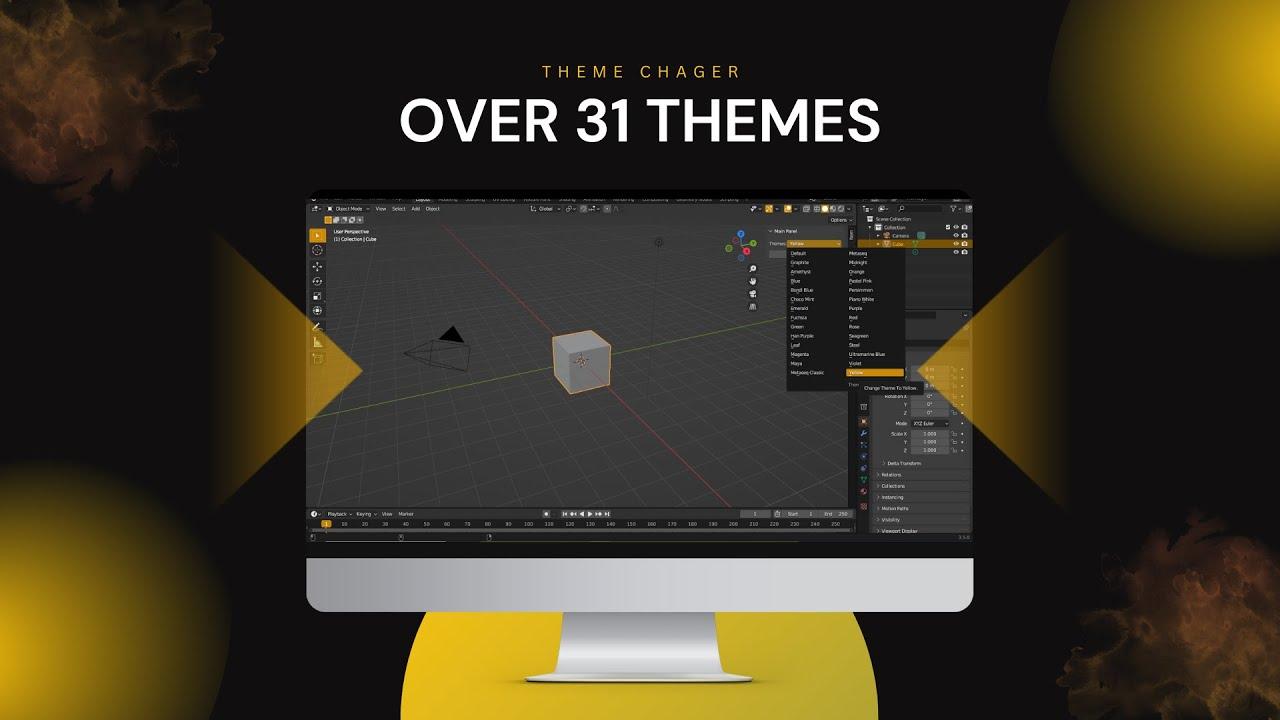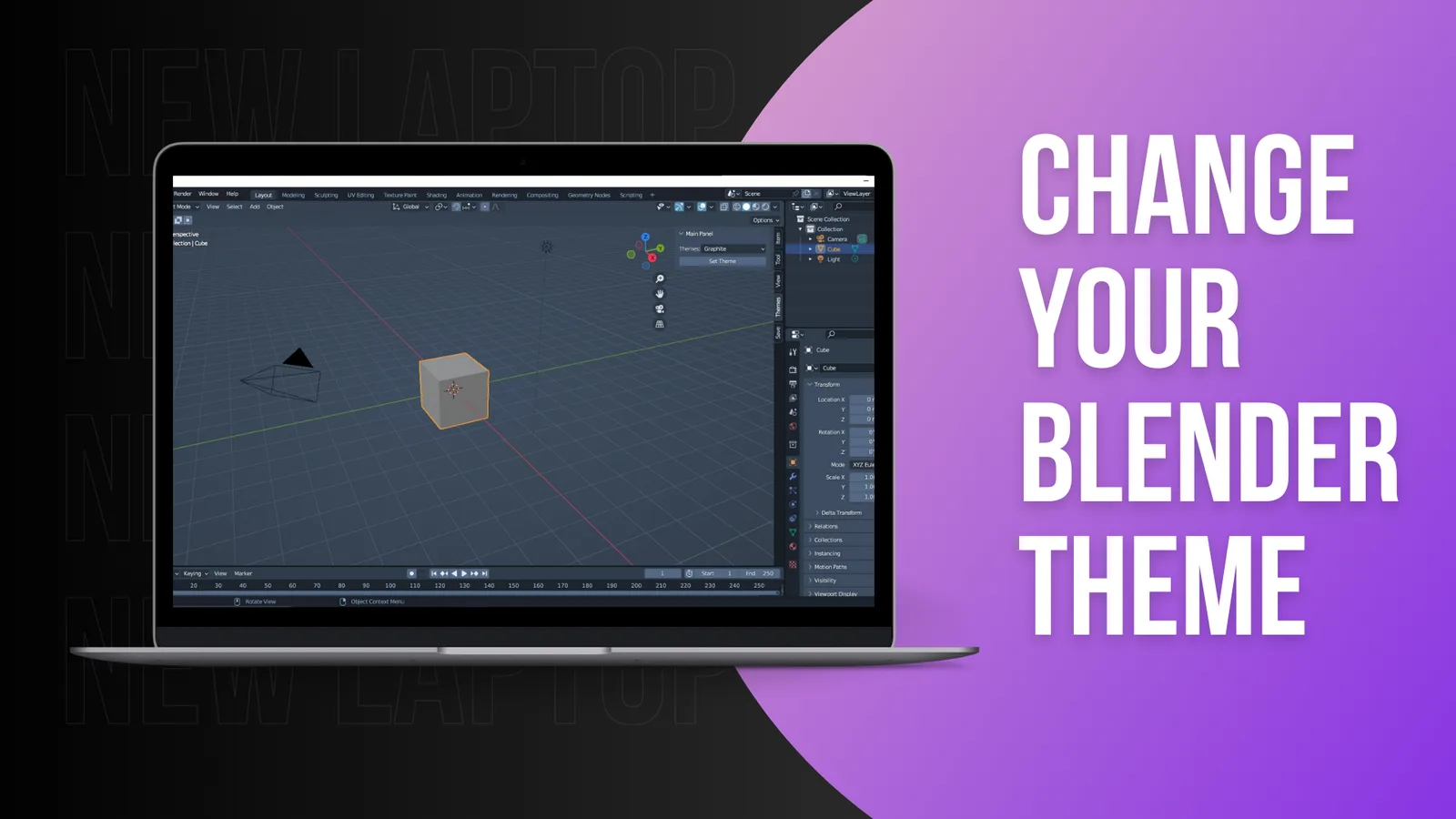
Theme Changer Addon is a Blender add-on for switching the interface between preset themes. It adds a panel in the 3D Viewport, where you choose a look from a dropdown. Named presets include Graphite, Amethyst, Choco Mint, Han Purple, Piano White, and Steel.
Choose and apply a theme
After enabling the add-on, press N in the 3D Viewport and open the Themes category in the side panel. Select a preset from the dropdown to apply it to Blender's interface. The listing describes interface appearance settings; it does not document changes to scene materials or rendered output.
Install through Blender Preferences
The seller's instructions use Blender's Add-ons preferences:
- Before purchasing or installing on Blender 4.x or newer, confirm compatibility with the seller; the Superhive listing names Blender versions only through 3.6. Then purchase the add-on and download its file.
- Open Edit, then Preferences, and select Add-ons.
- Choose Install and select the downloaded file.
- Find Theme Changer Addon in the list and enable it.
- Save preferences so the add-on stays enabled in future sessions.
Check Blender version support
The Superhive product listing names Blender versions from 2.6x through 3.6. It does not list later versions.