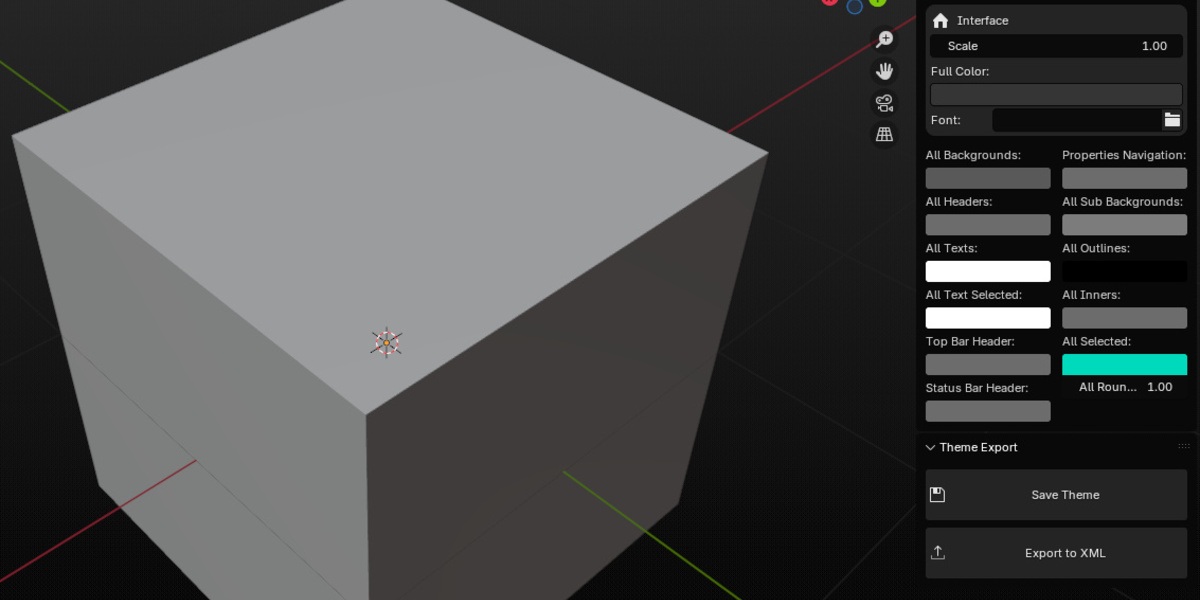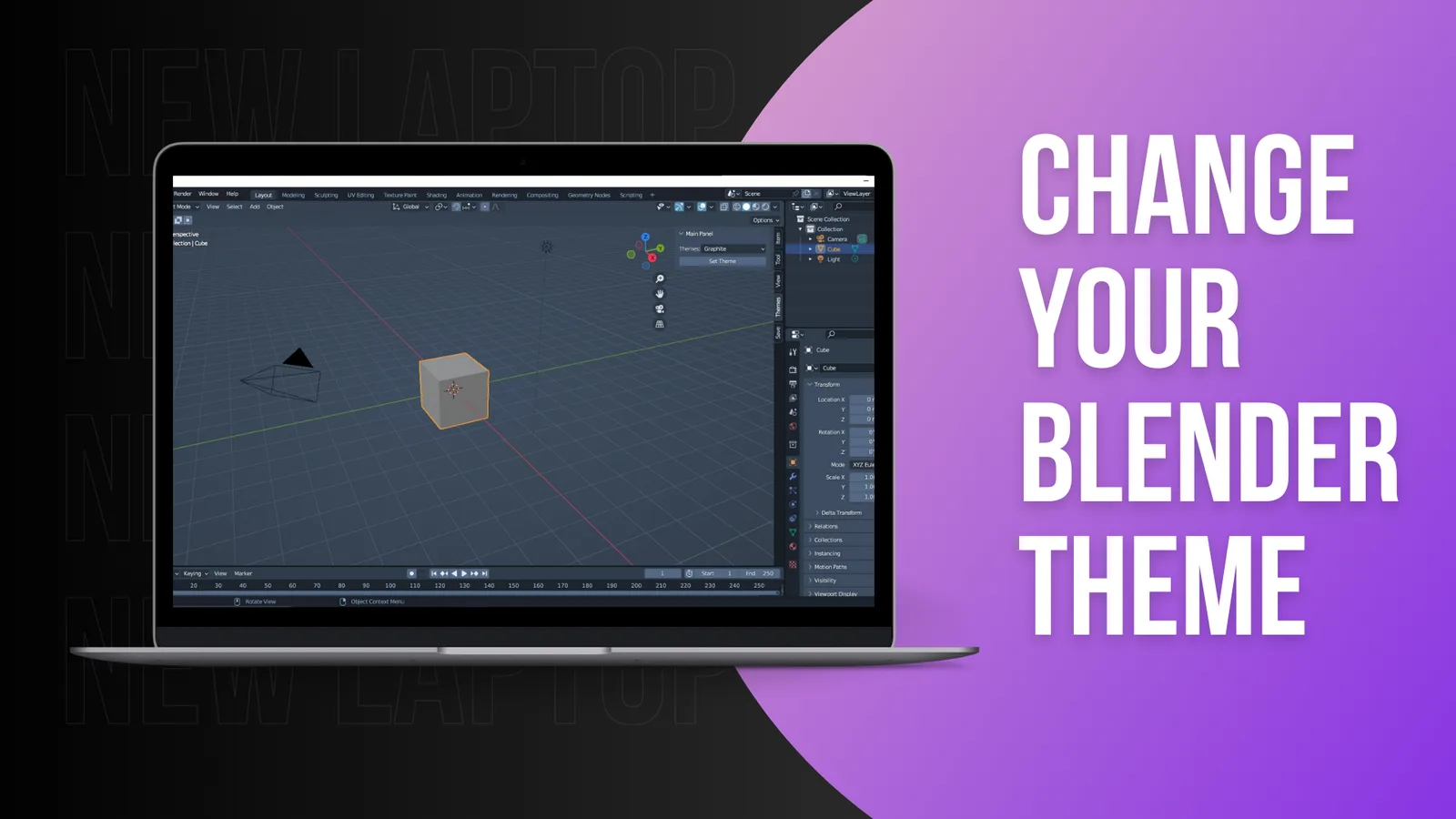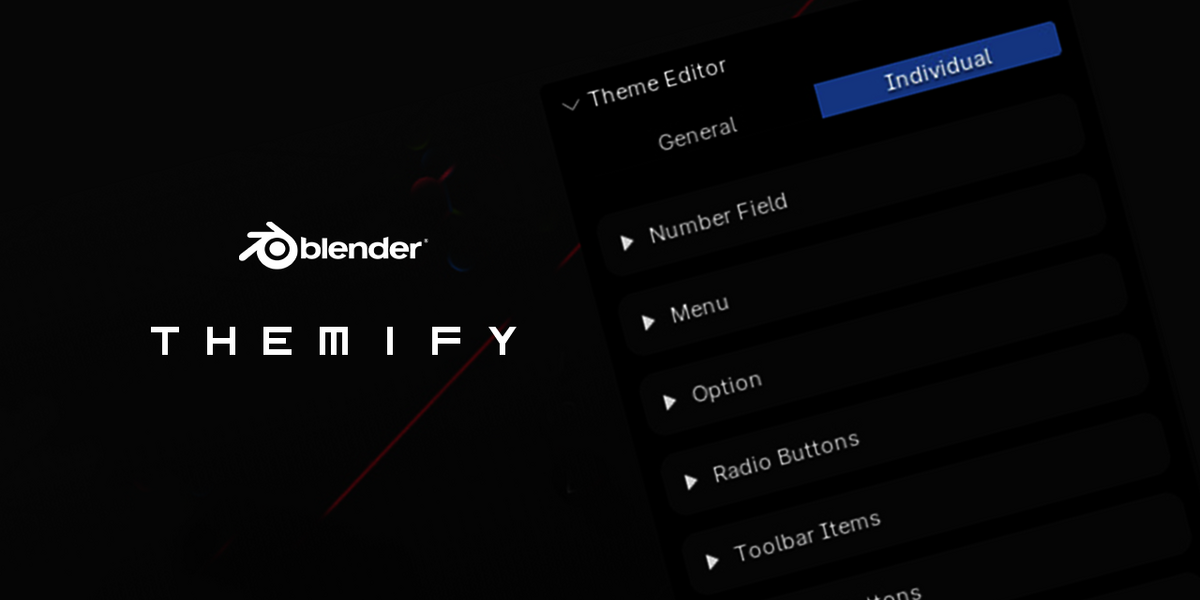
Themify is a Blender add-on for customizing the interface theme without editing theme files manually. It opens from the 3D Viewport's sidebar and groups its controls into General and Individual tabs. The Superhive listing identifies it as a Blender Theme Editor by EdenWeby 3D.
Set global and element-specific options
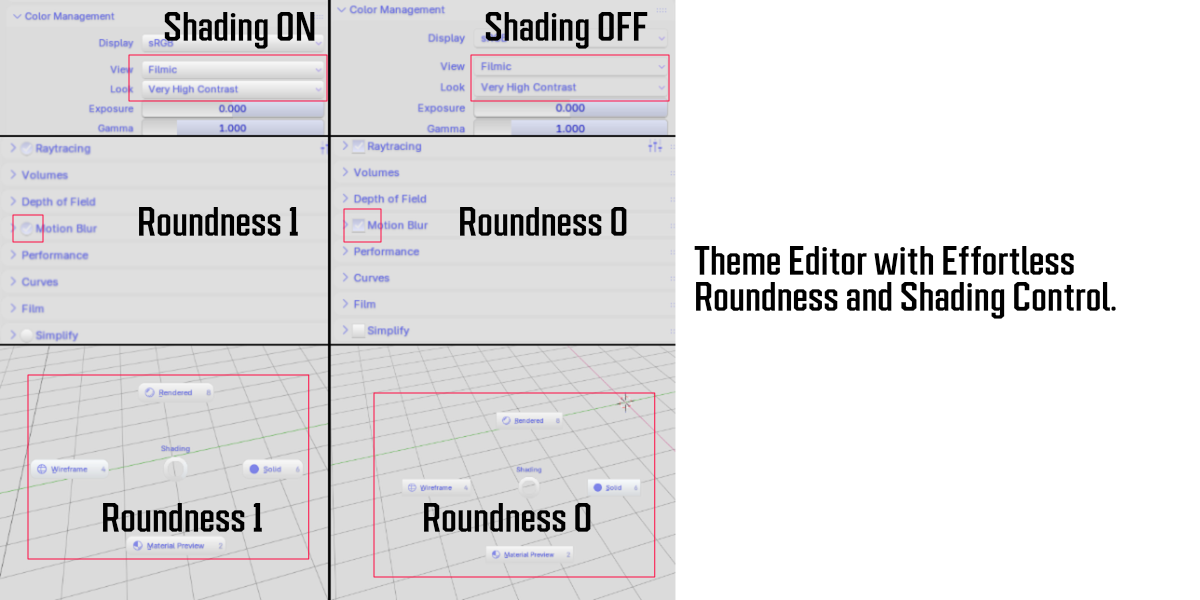
The General tab handles broad changes, including applying colors across the interface, adjusting UI scale and setting a custom UI font. The Individual tab provides controls for specific interface elements, organized into collapsible sections.
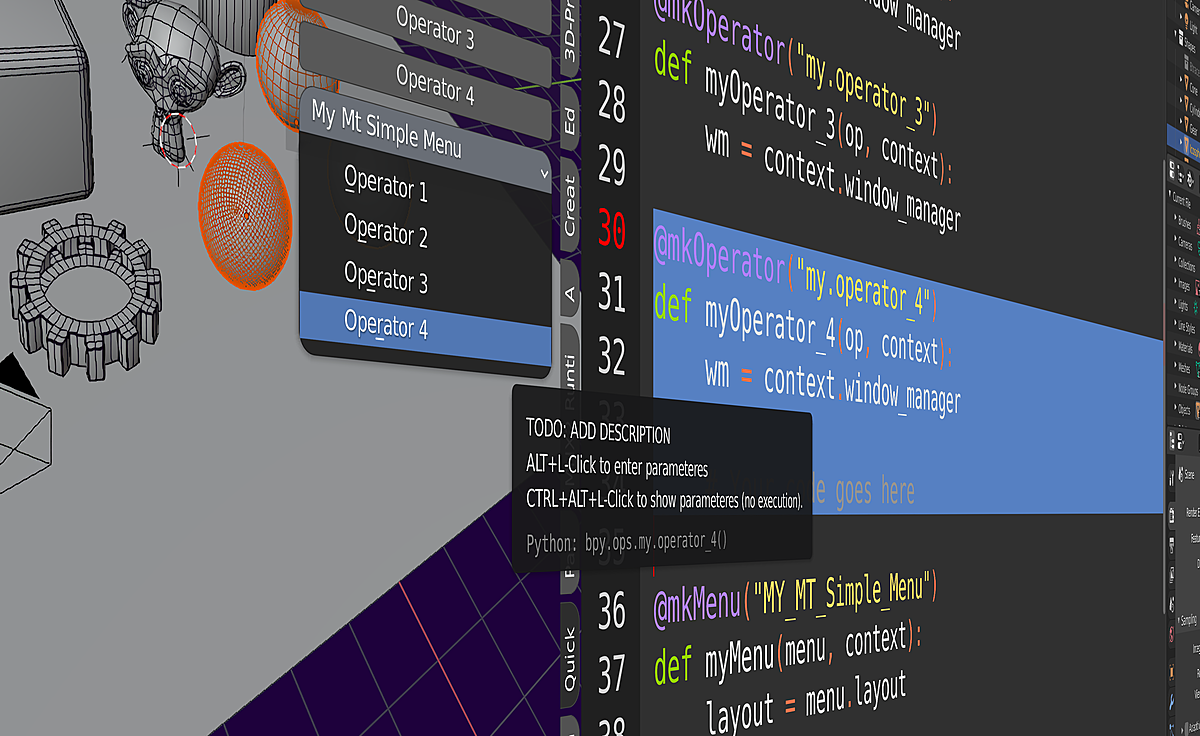
Color pickers cover individual elements, and icon colors can be customized for types such as Scene, Collection and Object.
Preview changes as you work
Themify applies changes immediately, so you can see colors and other properties in the interface while adjusting them.
Save or export a theme
Once the theme is set, you can save it as a Blender preset or export it to XML for sharing. See the save and export steps.