What Auto Dark Mode changes
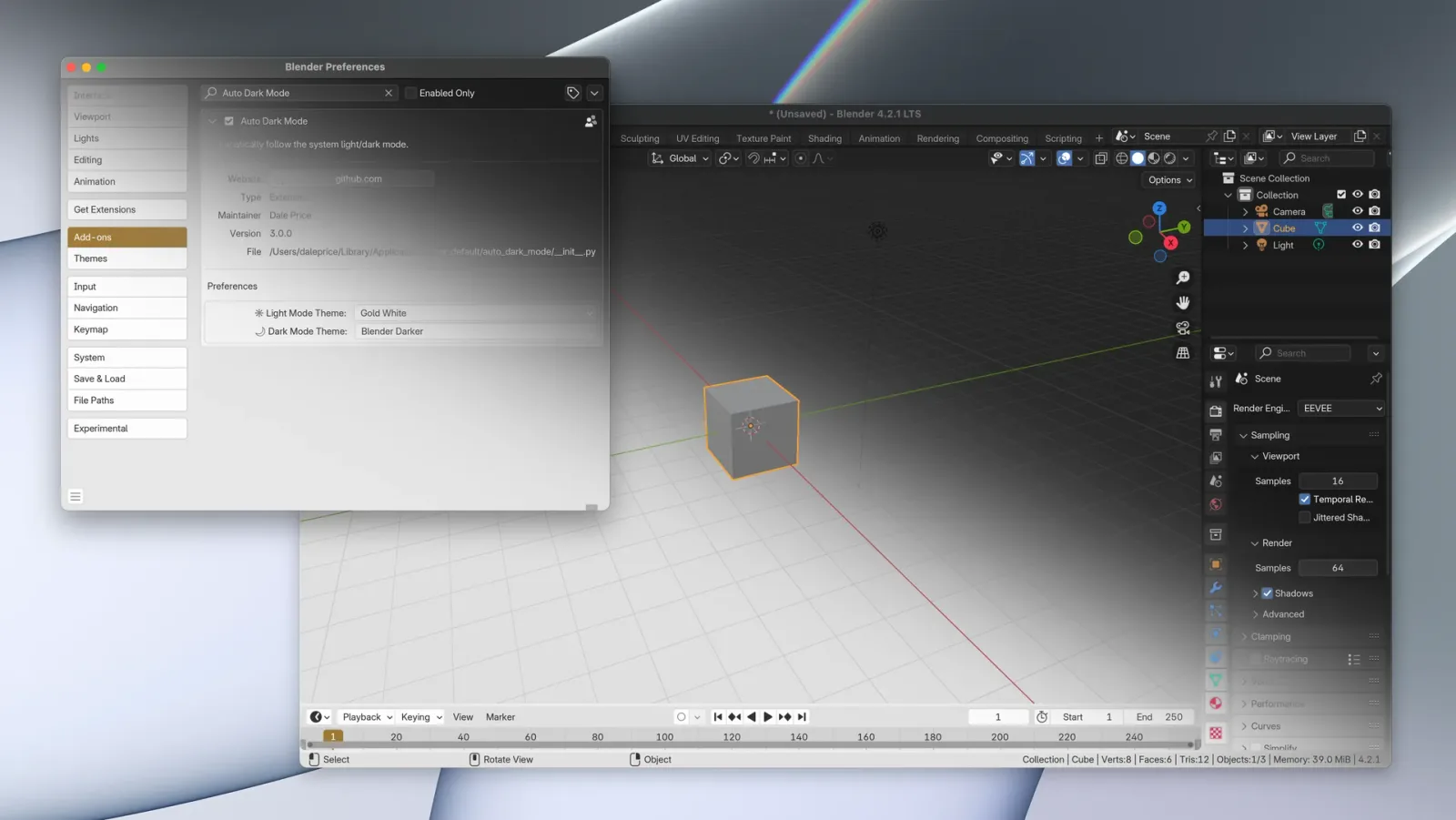
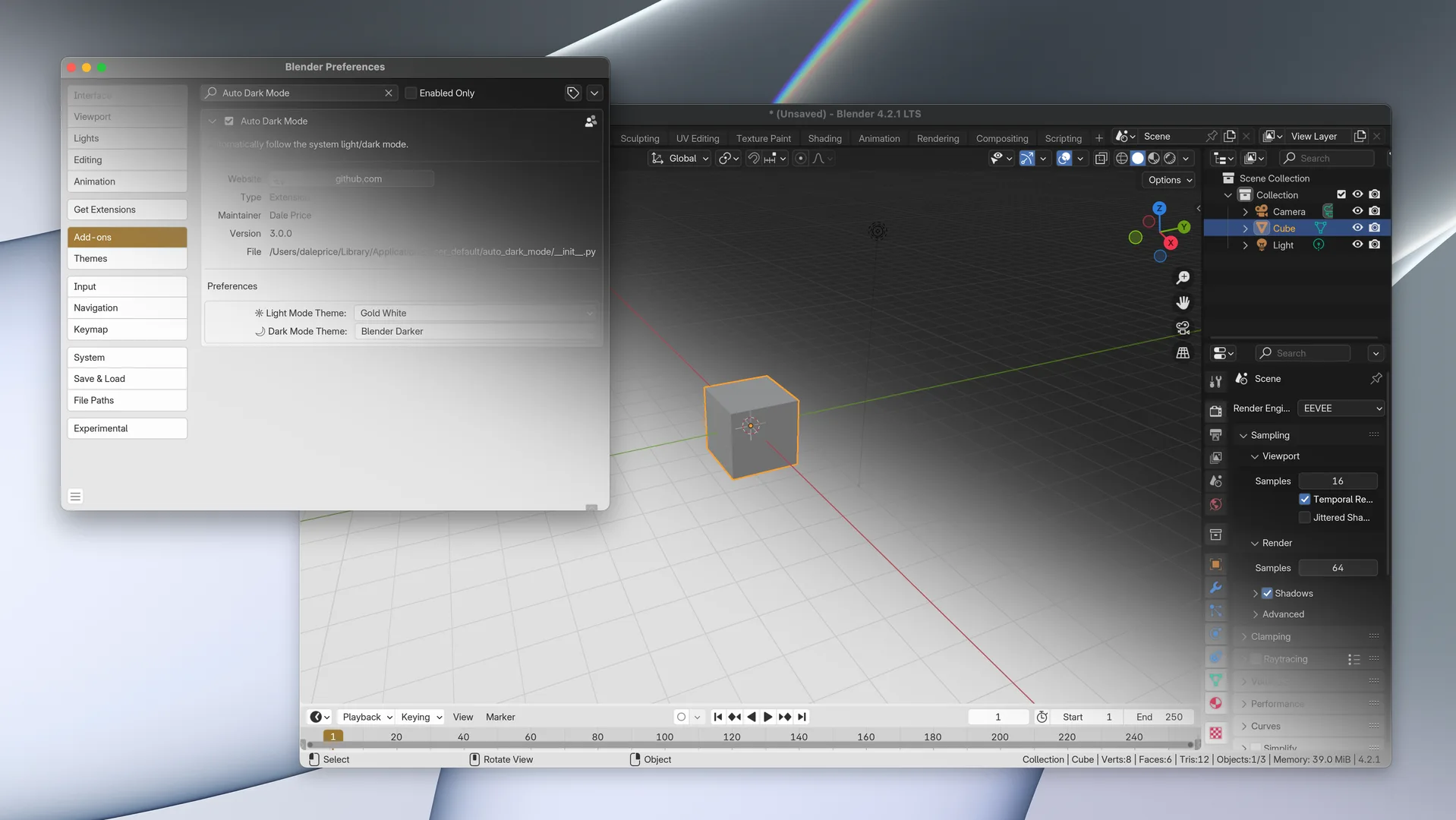
Auto Dark Mode is a Blender add-on by dprice that follows your operating system's light or dark mode. Choose a separate Blender UI theme preset for each state, and the add-on applies the matching preset when the system mode changes. The Blender Extensions listing describes a ten-second timer for checking the system theme.
Theme selection and permissions
The add-on can use themes installed through Blender Extensions. Its extension metadata requests Files permission to read installed themes. After installing, assign the theme preset you want Blender to use for light mode and the one for dark mode. The timer checks for system changes every ten seconds, so the switch follows a poll rather than happening at the exact instant the operating system changes modes.
Compatibility and installation
The listing shows version 3.0.0 and supports Blender 4.2 LTS and newer. The v3.0.0 release notes say Auto Dark Mode stores theme choices as version-specific file paths; after a Blender update, the light and dark choices reset to defaults and must be selected again. It is distributed under the GNU General Public License v3.0 or later. Install it through Blender Extensions, or download the archive and use Blender's Install from Disk instructions. Check the official listing for current release and compatibility details.
Who it suits
Auto Dark Mode suits Blender users whose operating system switches between light and dark mode and who want Blender's interface theme to follow that setting. If you prefer Blender to keep one theme regardless of your system mode, automatic switching may not fit your setup.