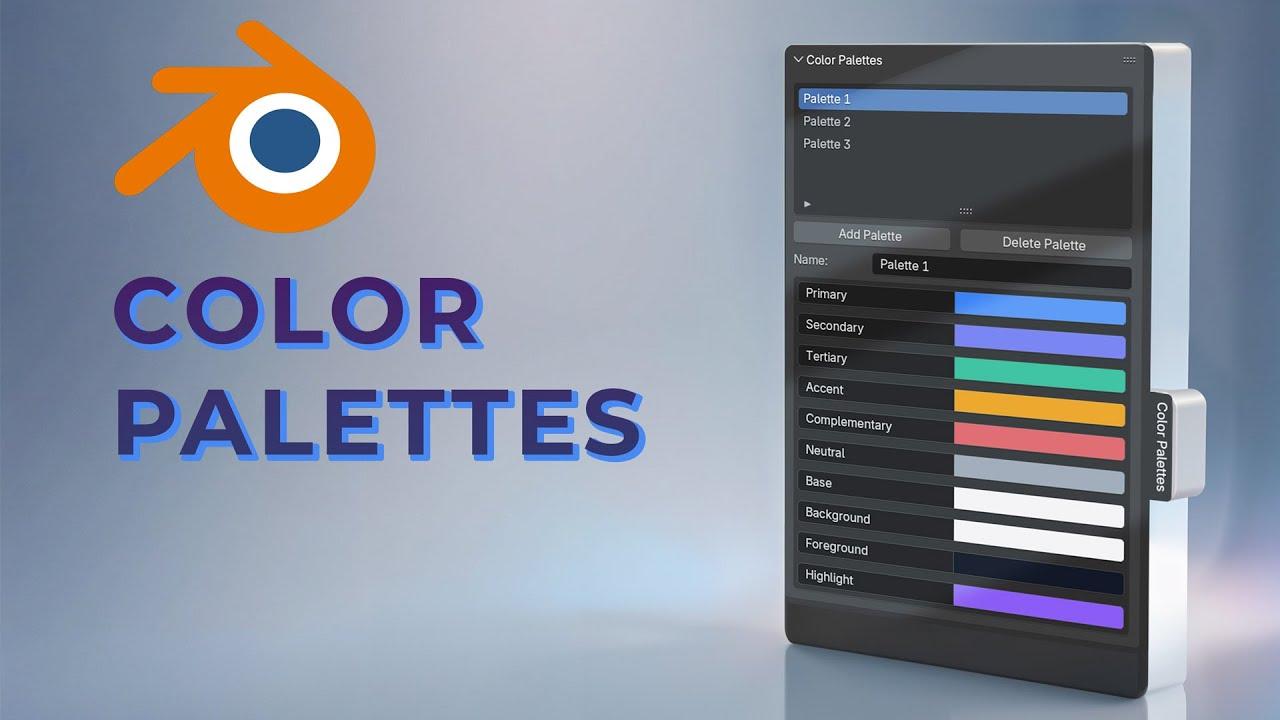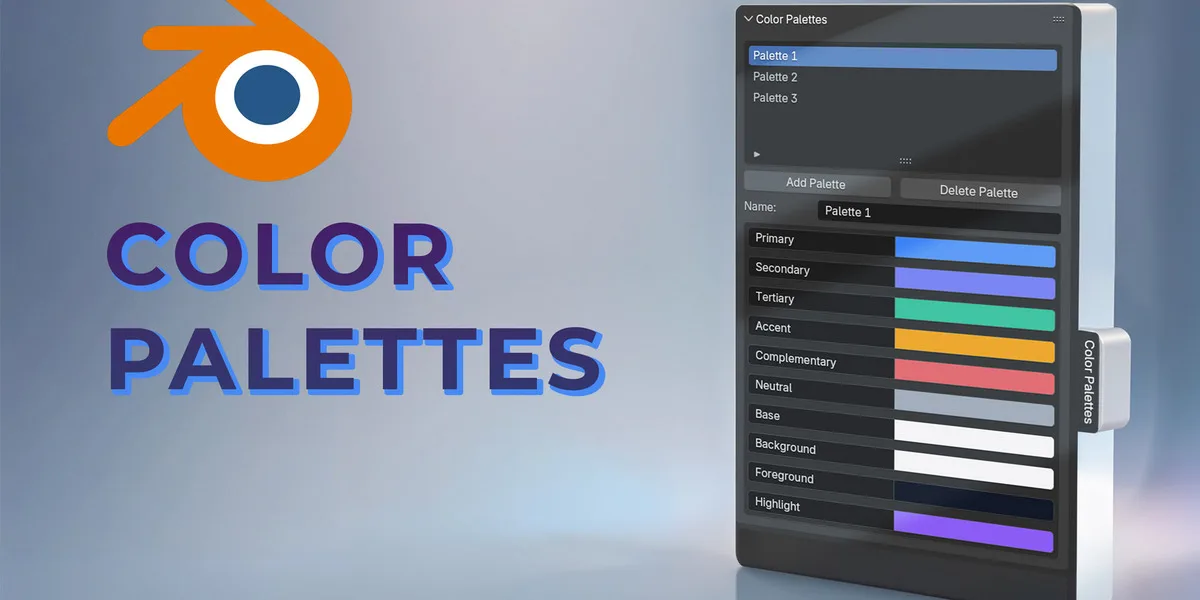
Color Palettes is a Blender add-on by Jean-Marie Rudent for building named, reusable color libraries. Its controls live in the N panel of the Shading Editor, next to Blender's material nodes. Create multiple palettes, choose colors with Blender's native color wheel, and give swatches names such as Sky Blue or Dark Wood. Labels make sets easier to recognize than a list of hex codes, especially when a palette contains colors for different parts of a scene.
Work in the Shading Editor
Blender's built-in palettes are available in Texture Paint and Grease Pencil. Color Palettes instead keeps named swatches beside shader materials. The Forest Scene palette uses Sky Blue, Dark Wood, Accent Orange, Moss, and Sand as swatch names.
Build palettes for projects or themes
Each palette can hold up to 10 colors. Keep separate sets for different projects, themes, or clients, then save them. Saved palettes are available in other Blender projects, including new scenes and older files. A save indicator shows when a palette needs saving.
Basic workflow
- Open the N panel in the Shading Editor.
- Create a palette, choose colors with Blender's color wheel, and give each swatch a name.
- Save the palette for access in other Blender projects.
The product listing names the MIT license. Check the seller's product page for current compatibility and license details before installing.