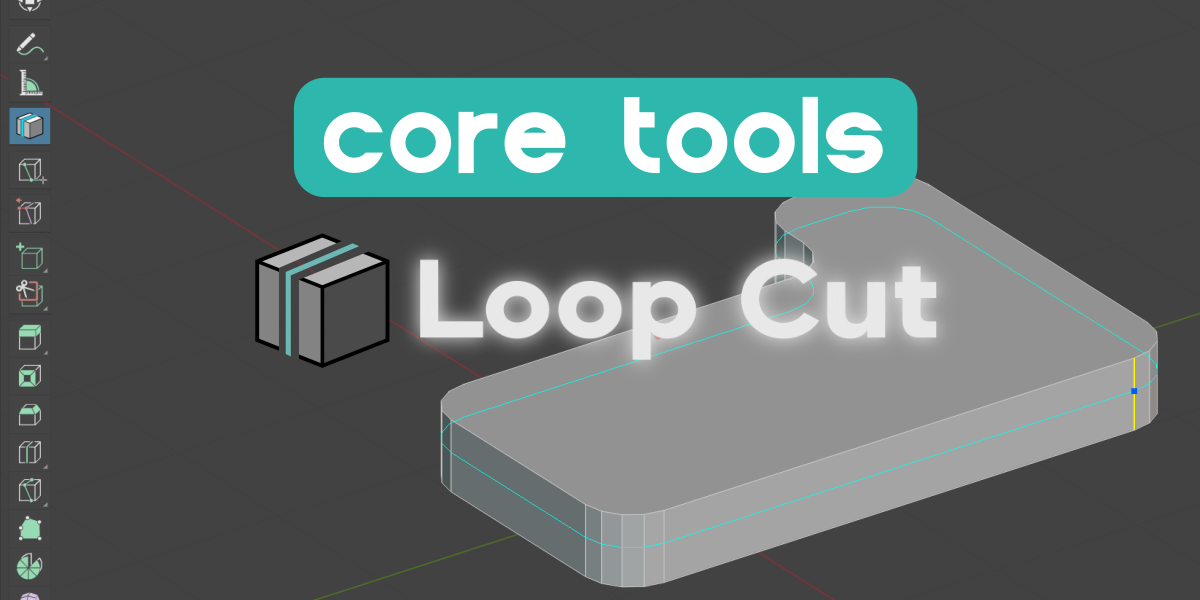
Coretools - Loop Cut is a Blender add-on for inserting edge loops with visual placement previews and snapping. It gives you several ways to position a cut, from even distribution to a typed offset. The Superhive product listing identifies WalkingAloneStudio as the creator.
Choose how to place a loop
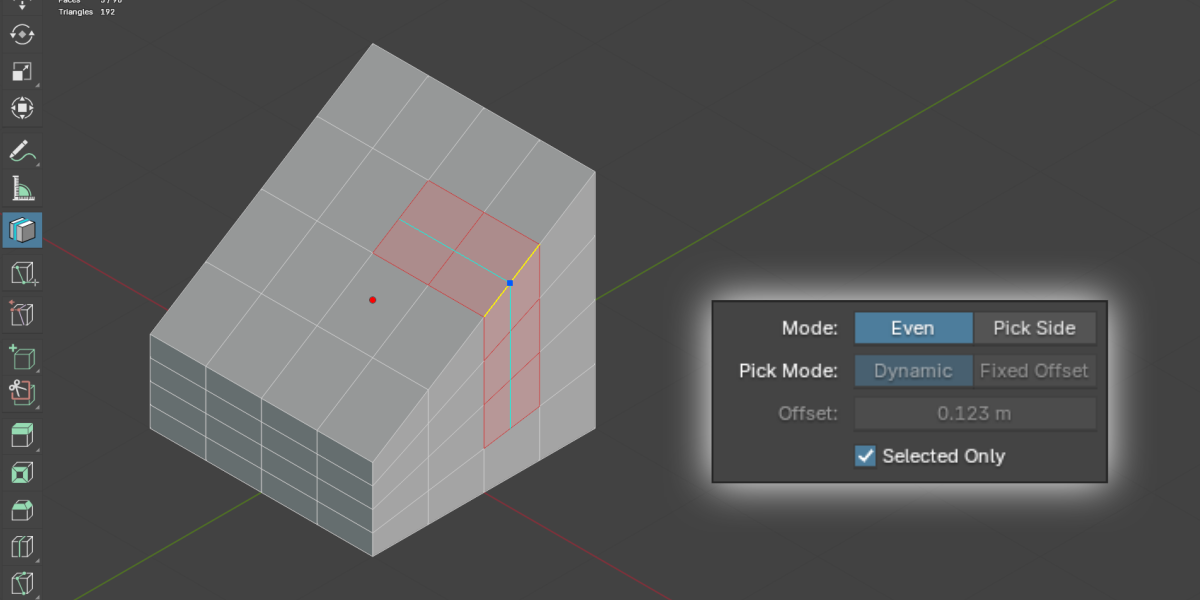
- Even mode uses classic even loop distribution.
- Pick Side dynamic mode places the loop at a uniform offset from the nearest edge loops, based on the highlighted side under the cursor. Press F during the cut to flip to the other side.
- Pick Side fixed offset mode accepts a real-world value in any units supported by Blender for an exact offset.
- Center mode places a loop at the edge's center, like Blender's default Loop Cut tool. Use Shift + Alt + Middle Mouse Button, or set a custom hotkey in the add-on preferences.
The Selected Only option prevents loops from propagating.
Blender compatibility and license
The Superhive listing gives Blender versions 3.6 through 5.2 and specifically notes support for both OpenGL and Vulkan modes in Blender 4.5. It says compatibility was tested only under Windows; Linux and OS X compatibility is unknown and not guaranteed. The add-on is marked Blender Extension compatible and distributed under the GPL license.
For current compatibility details, check the product listing before installing, especially if you use Linux or macOS.