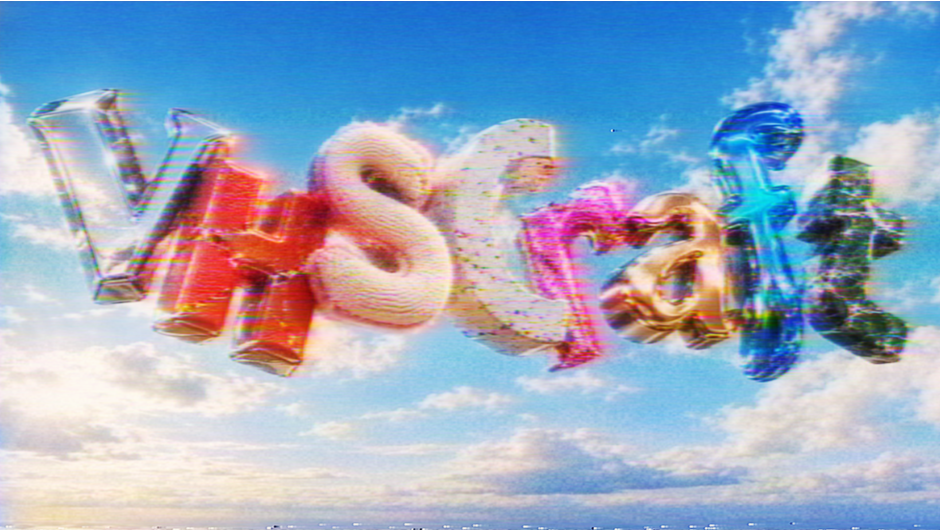
Creation VHS Effects is an Adobe After Effects project template for giving footage the look of VHS tape or an analog TV signal. Editors can start with finished looks or assemble a custom treatment using separate picture and sound effects.
Choose a preset or build a custom look
The template includes 11 finished VHS-look compositions, from subtle distortion to heavily damaged footage. Apply a preset to your footage, then adjust its effects individually or use the shared Intensity control to change the overall amount of damage.
For a custom look, copy and paste from 48 VHS effects and TV glitches, then adjust their controls. This lets you choose which distortions appear and how strongly they affect the shot.
Add static, transitions, and audio damage
The package includes 21 looping TV-static and VCR-tracking overlays for compositing over footage. Its 17 short glitch transitions add static, warping, or signal interference to cuts.
For sound, it includes 23 effects such as loopable VHS hum, static noise, and signal interference. Pitch modulation, volume modulation, and EQ effects can alter audio to match the damaged-tape look.
Compatibility and included files
This is an After Effects project file, not a plugin, so it does not need a separate plugin installation. It works on Windows and macOS and requires After Effects version 17 (2020) or later. The creator says an older template version is available on request for After Effects CS4 and later. The effects are for After Effects only.
The download includes HD and 4K versions. The music and footage placeholders shown in the demo are not included. Instructions are provided in the video tutorial and throughout the template, which is designed to work with After Effects in any language.
Commercial use and license
Exported animations can be used in commercial projects. Creation Effects retains copyright in the template and project files, which cannot be resold or posted online. Project files may be shared with a client, coworker, or other participant only when everyone is collaborating on the same single project. One purchase allows the same primary user to use the effects on up to three computers; each additional user needs a separate license. The effects cannot be marketed as the main focus of a service or used in a way that directly competes with Creation Effects.