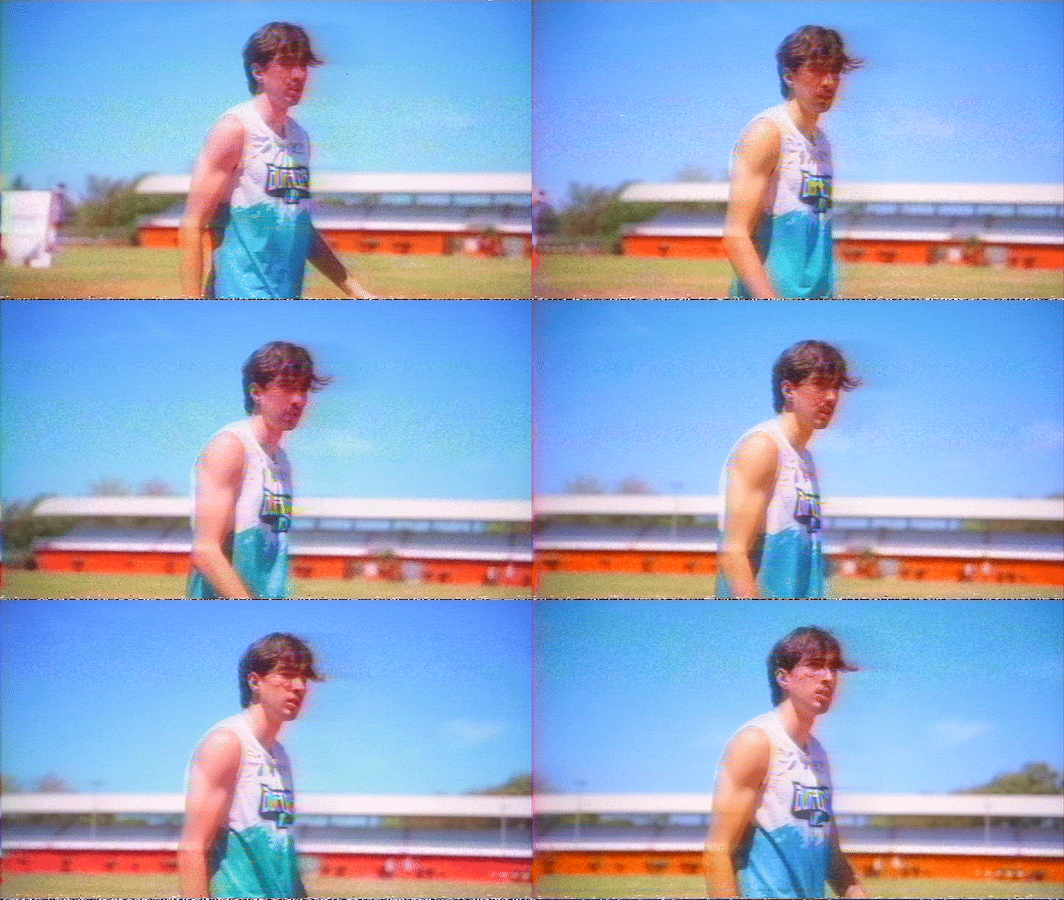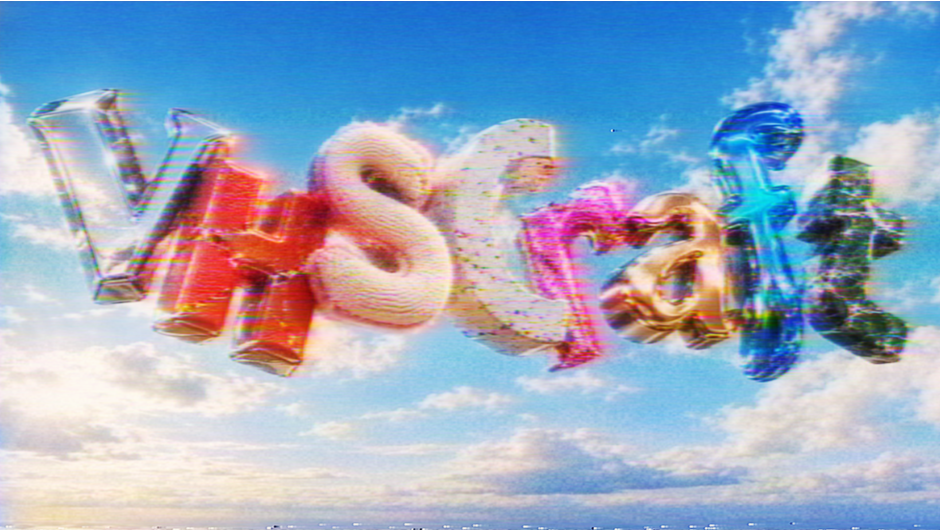
VHSCraft by 9ibr is an effect for After Effects and Premiere Pro that creates customizable VHS looks. Choose between a familiar home-video texture and a more cinematic tape style, then adjust the effect to fit the footage.
Choose a tape character
Classic VHS focuses on signal texture, color bleed, noise, and tape movement. Cinematic VHS has a film-forward look with a different color response and analog artifacts. Both styles are part of the same effect. Use Effect Amount to set the final blend.
Start with one of eight presets
VHSCraft includes these starting points:
- Standard
- Clean
- Sharp
- Purple Tint
- Green Tint
- Damaged Tape
- Camcorder
- Black & White
Presets leave the controls open for further adjustments. For example, Damaged Tape pushes glitches, noise, and wear; Green Tint adds a color cast; and Black & White removes color while keeping the tape character.
Adjust texture, color, and finish
After choosing a style and preset, refine the look with controls for tape noise, tracking bands, distortion, color bleed, glow, and final image adjustments. Vintage Tape and Soft Film provide additional color grading options. A practical starting order is to choose the style and preset, tune the texture and color controls, then adjust Effect Amount for the overall blend.
Use it in either supported host app
The product is listed for After Effects and Premiere Pro, with GPU-accelerated rendering on supported hardware. The listing names compatible application versions but does not specify which hardware supports GPU acceleration.