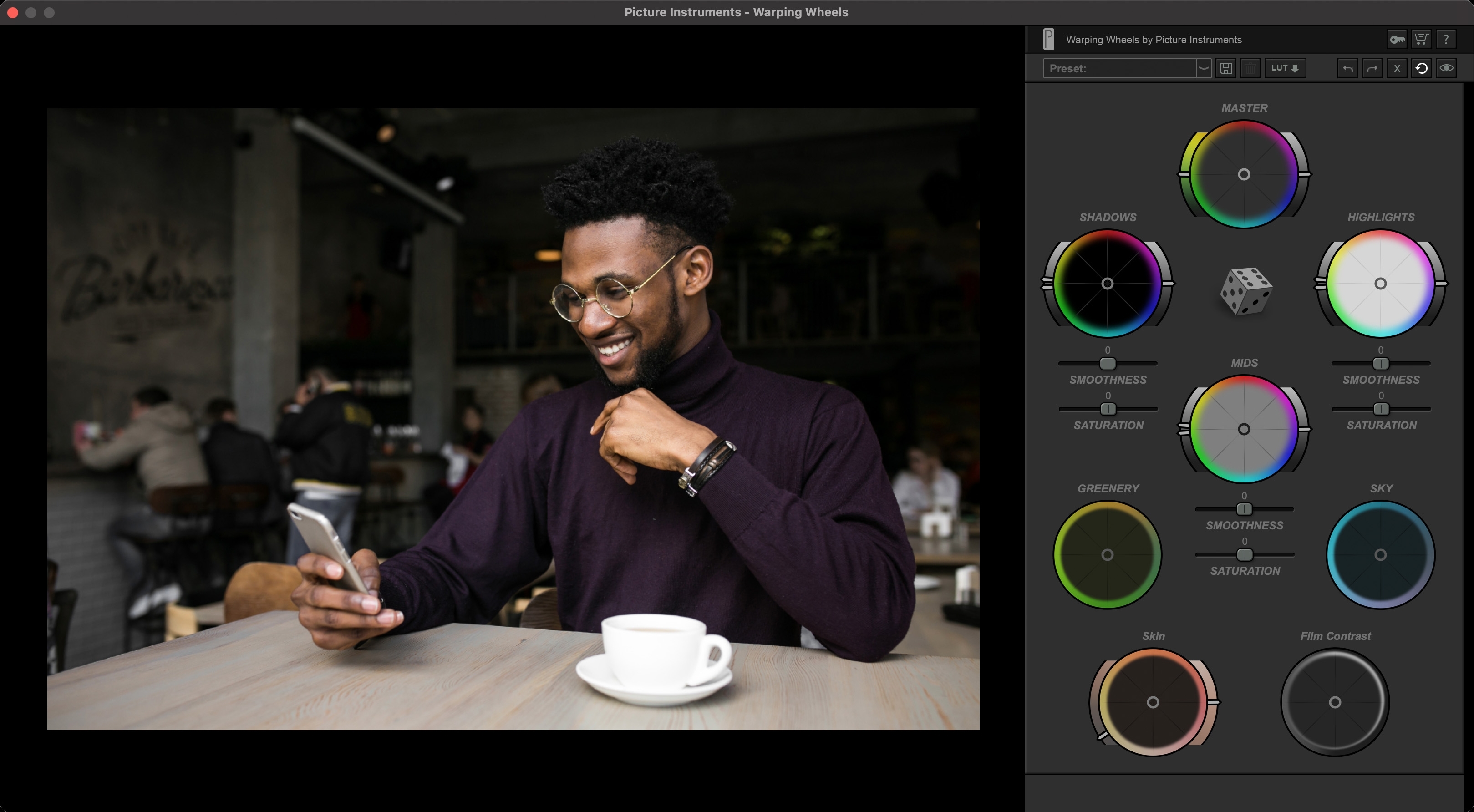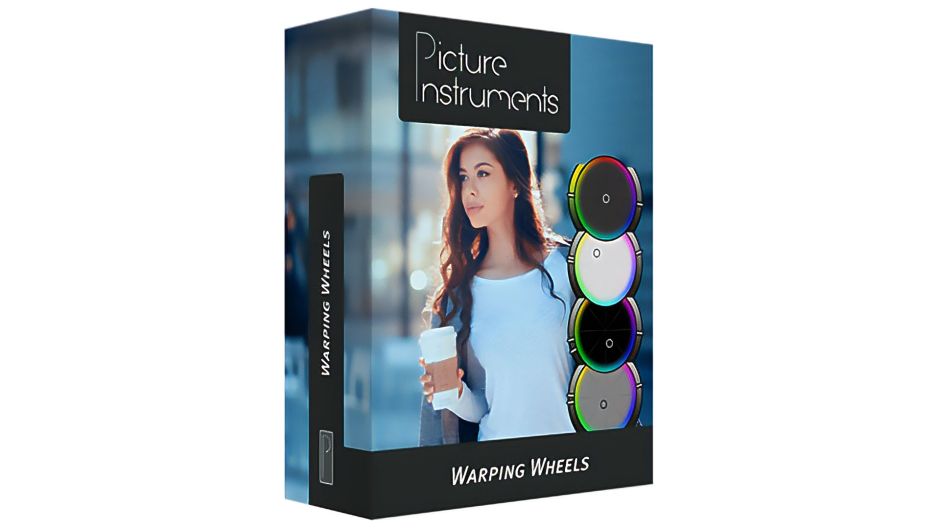
Warping Wheels 3 is a color-grading plug-in for After Effects, Premiere Pro, Final Cut Pro X, DaVinci Resolve and Photoshop. It combines a Look Generator with adjustable color wheels for skin tones, sky, greenery and film contrast. Editors can use a generated look as a starting point, then refine it inside their editing application. The product page describes the same color processing for photos and video.
Adjust color by tone and brightness
The wheels let you adjust their range of influence by tonal value and color spectrum. Saturation can also be controlled separately across different brightness ranges. A dedicated skin tone wheel provides a direct control for skin tones, while separate wheels target sky blue and plant green. The Film Contrast wheel adds another way to shape contrast, with controls described as covering looks from film-like to more contemporary styles.
Warping Wheels 3 uses Picture Instruments' Color Warp technology to bend colors in the color space. The product description says its algorithms are designed to limit the amplification of blocking and banding artifacts during post-processing of highly compressed material. This describes the design goal; it is not a guarantee that the plug-in removes existing artifacts.
Generate, refine and reuse looks
The Look Generator creates new looks at the touch of a button, giving you options to refine with the wheels. The toolbar saves cross-host presets for use in compatible applications and exports looks as LUTs. It also includes before-and-after comparison, undo and redo, a one-button reset, and an option to close without applying changes.
Grading happens inside the editing application, so the described workflow does not require sending the image or footage to another program for color work. The product listing says saved presets can move between compatible applications, while LUT export provides another way to carry a look into a supported workflow.
Version and compatibility
Picture Instruments' downloads page lists Warping Wheels 3.7.0 installers for Windows and Mac with compatibility labels for Adobe CC, FCPX, DaVinci, M1 and Intel. The aescripts listing's version history records Warping Wheels 3.1.0, dated August 5, 2023. The 3.1.0 notes list cross-host presets, LUT export, the controls described above and before-and-after comparison. Their Apple Silicon entries conflict: one lists support for After Effects and Final Cut Pro X, while another lists Premiere Pro and Photoshop and marks Final Cut Pro X as in progress. The aescripts listing's compatibility field names After Effects and Premiere Pro 2020, CC 2019, CC 2018, CC 2017, CC 2015.3, CC 2015, CC 2014, CC, and CS6. Check the aescripts product listing for its compatibility and licensing details before purchasing.