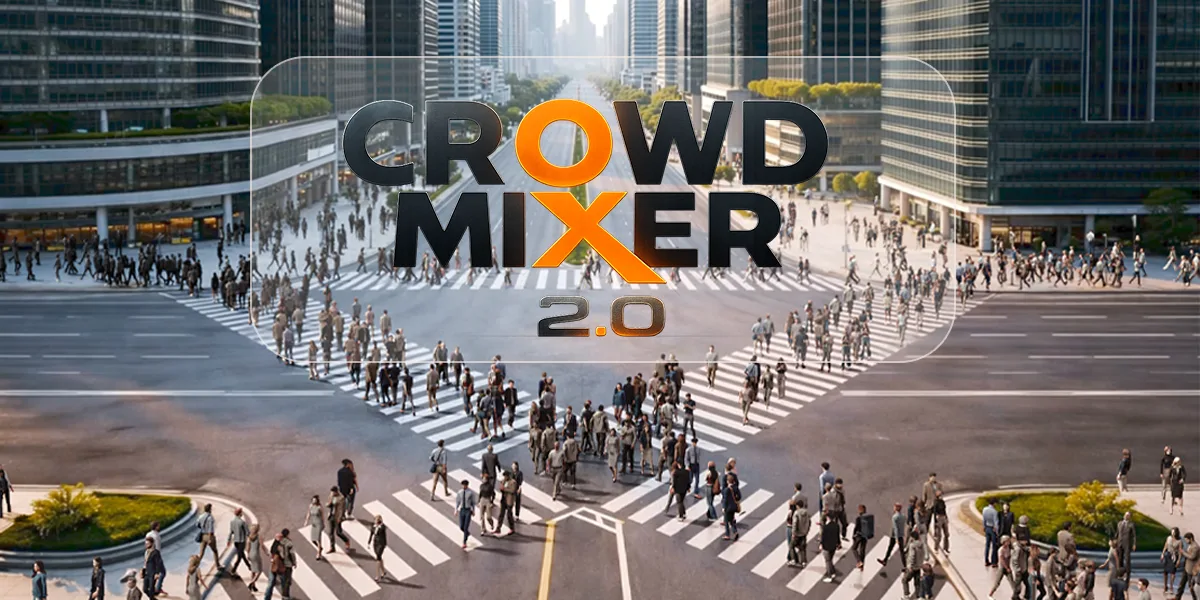
Crowd Mixer 2.0 is a crowd-building add-on for Blender. It starts with ready-made presets, so artists can choose an arrangement and begin building a scene without setting up the whole crowd system from scratch. Nava Lab's product listing describes use with Cycles and Eevee.
Choose a crowd type
The presets cover three common scene setups:
- Stadium Crowd arranges people for audience seating and large row-based layouts.
- Flow Crowd guides characters along paths to create directional movement.
- Standing Crowd places static groups in settings such as waiting areas and event spaces.
Each type gives you a starting arrangement to adjust for the shot.
Adjust character variety and placement
The character library, saved preset sets and outfit options help reduce the repeated look of a large group. Color Theme applies palette changes in both Lite and Standard. Random adds variation through the Modular Mesh workflow, which is available in Standard.
Instance Override lets you select an individual crowd point to swap its character, change position, rotation or scale, or hide it. For Flow Crowd, you can also override that point's speed. Snap to Scene provides another way to place specific people where the shot needs them.
Choose Lite or Standard
Both versions include the Single Mesh workflow, 91 single-mesh characters, seven themes or sets, crowd presets, Color Theme, Instance Override, Snap to Scene and preview controls. Lite suits a quicker setup with fewer character-building steps.
Standard includes everything in Lite plus the Modular Mesh workflow for deeper outfit editing. Its listed modular content includes two base characters and 196 parts or options. Choose it if you want to build or customize outfits before turning characters into crowd sources.
Preview larger scenes
Proxy Mode displays lightweight viewport characters while you work. Crowd Visibility Control separates crowds into node groups that you can toggle, letting you preview selected sets. These controls are for working in the viewport; the listing does not quantify their performance gains.
Compatibility and trial
The seller page’s Blender Version field lists Blender 4.1 to 5.2, while its FAQ describes the Crowd Mixer 2.0 workflow as Blender 4.1 or higher. The page lists Cycles and Eevee as render engines. It lists the license as GPL and links to a free Community Edition for testing. Crowd Mixer also comes in Lite and Standard versions, so check the current seller page for their availability and terms. If character assets are missing after installation, the product FAQ recommends checking the asset folder path in preferences first.