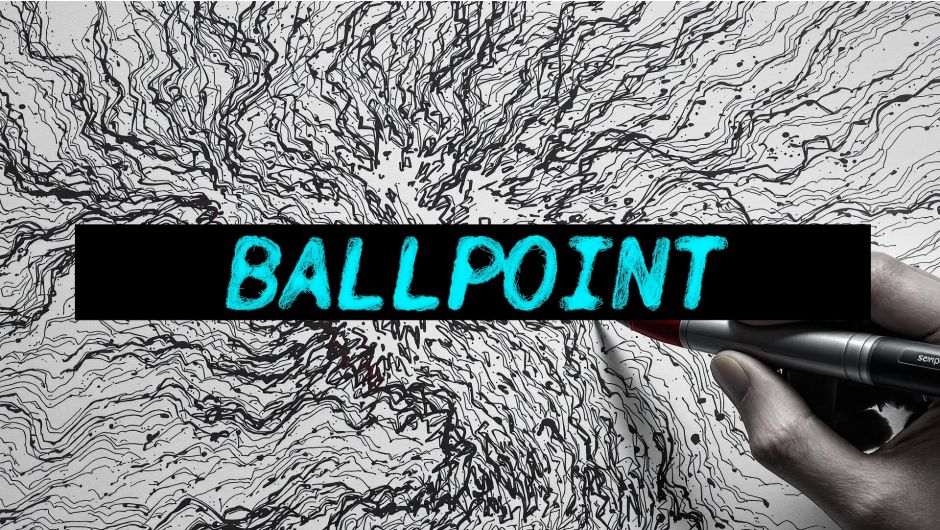
Curve Tracer converts an image or video frame into a pencil-style drawing made from continuous curves. It detects image contours, converts them into splines, smooths or simplifies those curves, then renders them as line segments. Twelve presets provide starting styles, with controls for shaping the result.
Shape the detected contours
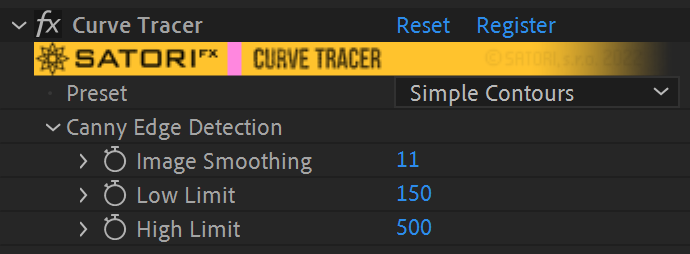
The effect uses Canny edge detection to select contours. Gaussian smoothing can reduce high-frequency noise before detection, while low and high limits control which edges are kept. The product documentation recommends exploring these limits by trial and error and gives a high-to-low ratio of 2:1 to 3:1 as a starting point.
After detection, adjust curve width, additional smoothing and detail. Curves can be solid or dashed, and their ends can taper into points. These controls help move from a clean outline to a looser, sketch-like treatment.
Layer line and lighting treatments
Main, lighting and sketch contours have separate controls. Main contours set the baseline color and opacity, with a separate control for mixing that color with colors derived by projecting over the source image. Lighting contours add lines based on a virtual light angle on the image plane; coverage, scale, color and opacity control their appearance. Sketch contours add overlapping passes with progressively different smoothing to suggest preliminary pencil marks.
Add movement and finishing effects
Ghosting overlays curves from earlier or later frames with fading opacity, creating a drawn trail around moving subjects. Set the frame step in seconds for timing that remains stable if the composition frame rate changes, or in frames for a step tied to that rate. At the layer boundaries, Repeat Last holds the first or last frame, Wrap repeats the footage for looped sequences, and Mirror extends it in reverse.
Skip Frame(s) lowers the footage frame rate used for filtering, which can reduce jitter and create a more cel-animation-like cadence. Rendering controls include a soft halo for main and highlight curves, compositing the original image over the result, and additive or normal blending.
Compatibility and license
The listing names Adobe After Effects and Premiere Pro from CS6 through 2025, on Windows and macOS with Intel or Apple Silicon. It also lists GPU use, Multi-Frame Rendering and no maximum rendering resolution. The product page provides a free trial.
The EULA grants a license for one copy on one computer at a time. Use by additional users or installation on additional computers requires an appropriate license for each copy and user.