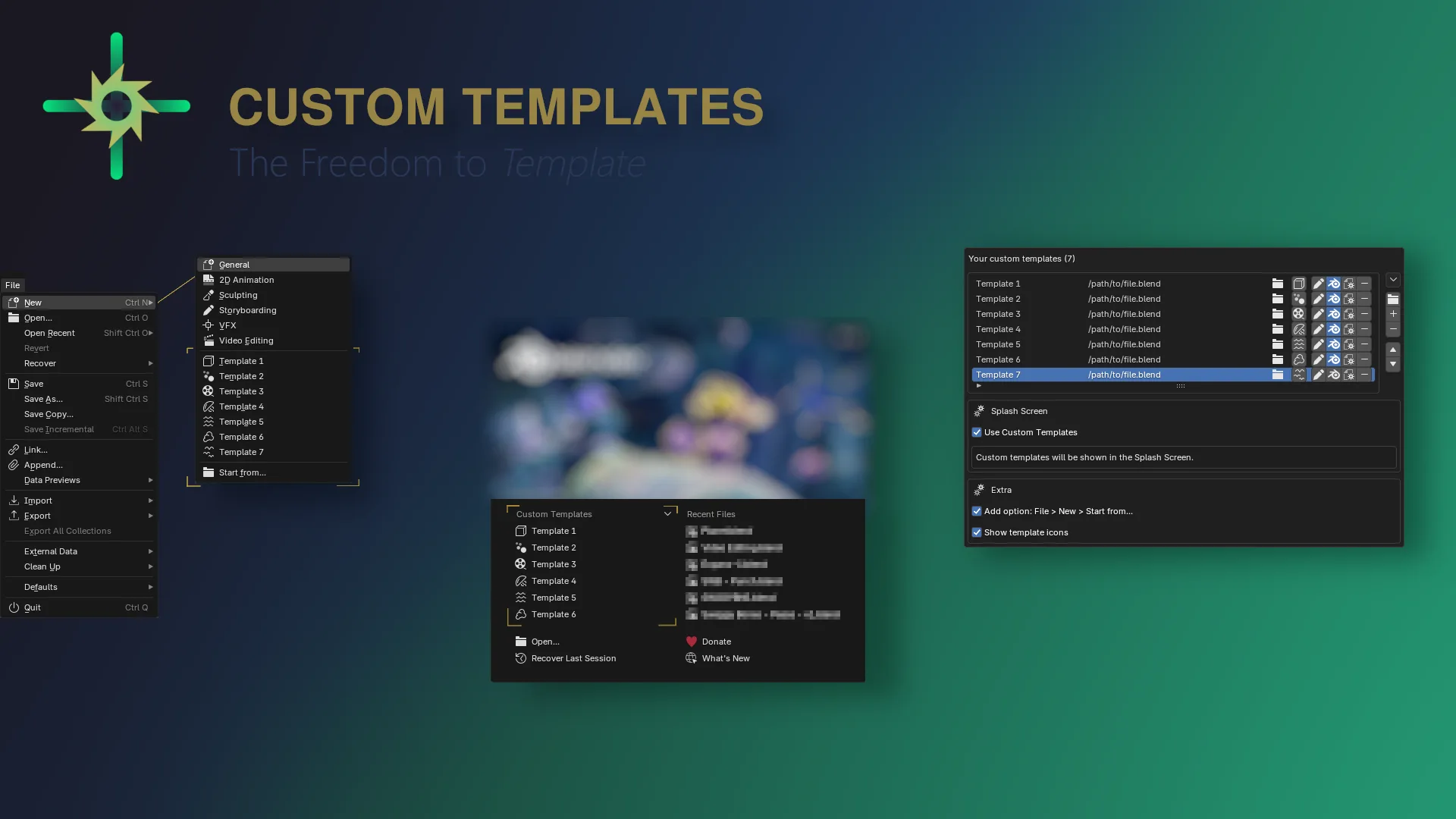
Custom Templates is a Blender add-on that lets you use your own .blend files as template options for new projects. It is intended for people who keep project starting points in Blender files and want those files available as templates. The Blender Extensions listing identifies version 1.7.0, maintainer Francesco-Bellini, and a GPL-3.0-or-later license.
Blender compatibility and file access
Version 1.7.0 lists Blender 4.2.0 as its minimum version. Its declared file permission covers import and export, access from a folder, and the note “Ensure absolute paths in resources.” The maintainer's Getting Started guide, edited 10 November 2024, says relative paths for external resources will not work when a template initially has no project path. It describes using the add-on to make those paths absolute.
Adding and starting from templates
The Getting Started guide describes adding a .blend file individually or scanning a folder from the add-on preferences. Folder scans include only the first level by default; the Depth setting controls how many nested folders are included. Once configured, templates appear in File > New and, depending on preferences, on the splash screen. The extension page links to the guide and Blender's Install from Disk instructions.