Cyclops 4 is an After Effects extension for rendering animation breakdowns with null layers, motion paths, and layer bounding boxes visible. It fits motion designers creating behind-the-scenes renders for social media or project case studies.
Choose the render you need
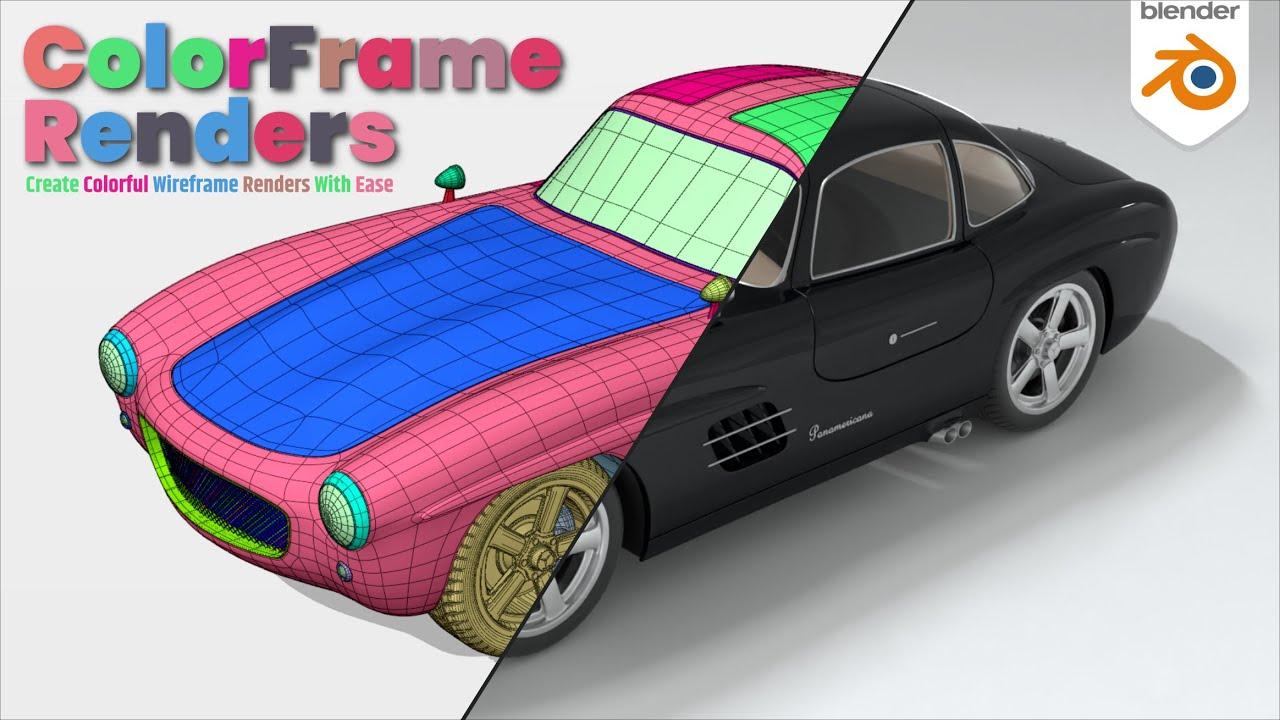
Standard mode renders the composition with overlays for selected layers. Wireframe mode shows wireframes with paths, bounding boxes, and nulls for selected layers. Cyclops does not render paths on shape layers, masks on solids, or Mocha roto shapes; other paths also do not render when multiple layers are selected. The developer attributes these limits to After Effects. Choose the Composition region for a render at the composition size with no extras, or the Application region to capture the After Effects interface, including layers that extend beyond the composition bounds. The FAQ gives a 50% zoom example of a 1920x1080 composition rendering at 960x540, but does not name the render region; Settings separately says Composition-region renders match the composition size, so the example does not establish whether zoom changes that region's output.
Cyclops can export MP4 or PNG sequences. In version 4, After Effects no longer needs to stay in the foreground while a render runs.
Render workflow
- Set the Work Area In and Out points.
- Select the layers whose motion paths, bounding boxes, and nulls should appear.
- Click Render, then choose a save location and file name.
The developer recommends previewing and caching the full work area before rendering.
Compatibility and licensing
Cyclops 4 is listed for After Effects CC 2019 through 2027 on macOS and Windows. The 4.0.1 release notes, dated November 9, 2026, list fixes for black Windows renders with GPU acceleration enabled, MP4 renders that did not complete on Windows, and composition-region alignment on Windows with display scaling above 100%. The trial is limited to one-second renders. A single-user license permits installation on up to two user accounts or computers, provided they are not used at the same time. A floating license can be installed on as many computers as needed on the same network, allows one user per license at a time, and requires the Floating License Server; remote use requires VPN access to that network.
Install through the aescripts + aeplugins Manager by signing in, selecting Cyclops, and choosing Install. Add a trial from the Manager's Account menu. After installation, open the panel in After Effects from Window > Extensions > Cyclops.