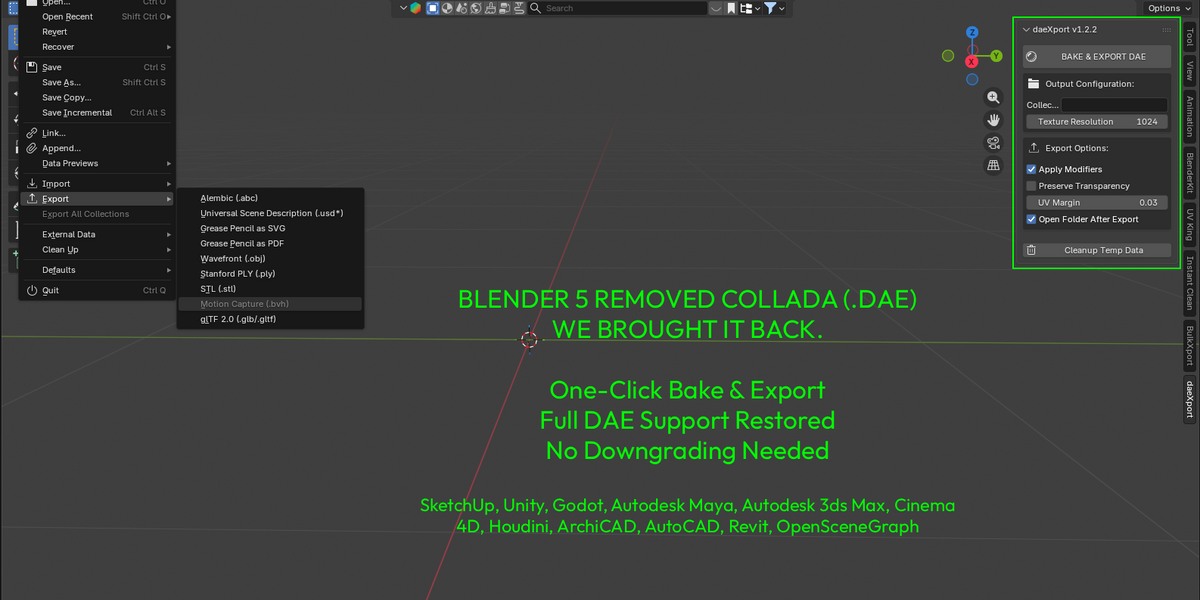
Daexport is a Blender add-on for exporting several objects together as one Collada (.dae) file. It is aimed at workflows that still require DAE, including legacy game pipelines, AR and VR, architectural visualization, cross-software exchange, and technical submissions. The product listing says it works with Blender 5+, whose built-in Collada exporter was removed.
What happens during export
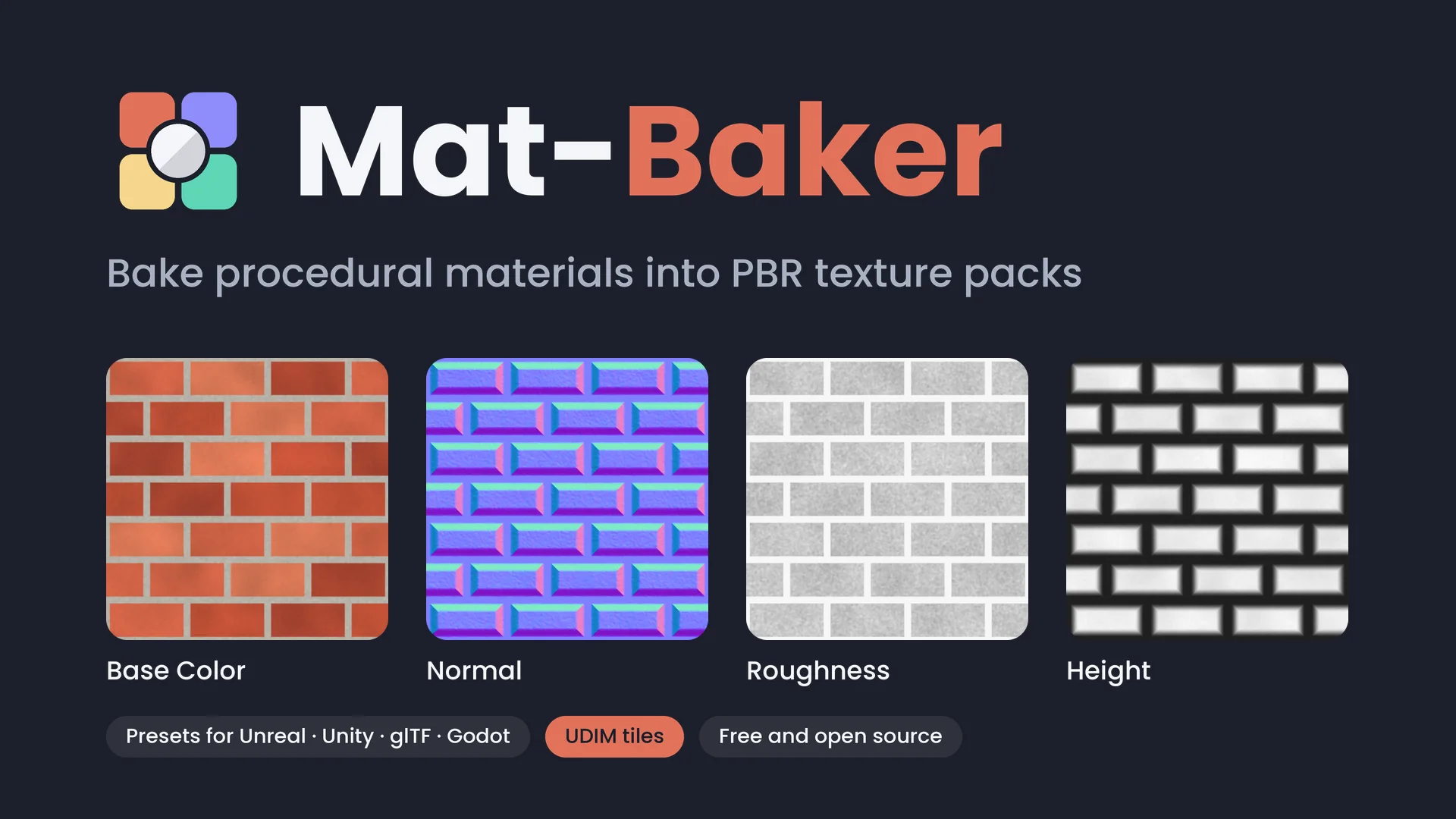
Daexport works on temporary copies of the scene. It can bake materials into textures with Cycles, generate and pack UVs, and apply optional geometry cleanup before writing the DAE file. The product documentation lists a baked texture image alongside the .dae output. Your original meshes, materials, and UVs remain untouched.
Texture resolution options run up to 8192. Higher resolutions can improve visual detail, but they also increase file size. The documentation recommends UV margin settings to help prevent texture bleeding at edges.
Install and export a scene
- For Blender versions below 4.5, check compatibility with the current listing or ask the developer before installing. Then download the add-on ZIP from its purchase location.
- In Blender, open
Edit > Preferences > Add-ons, chooseInstall..., select the ZIP, and enable the add-on. - Select the objects to export, then open the Daexport panel from the 3D View sidebar.
- Set the export name, texture resolution, and baking options, then choose
BAKE & EXPORT DAE.
The documentation says the exported files are saved in a folder based on the selected settings, and the output folder opens after export. For compatibility details, see the product listing ; its documentation covers installation and export setup.
Compatibility and requirements
A product review lists Windows, macOS, and Linux and describes Blender 5+ support. Minimum versions shown for earlier releases differ: the product overview says 3.0+, the documentation gives 4.0+, the listing's Blender Version field says 4.5 to 5.0, and the FAQ says 4.5+. Cycles is required for texture baking; the product FAQ says the export itself is independent of the render engine.
Who may find it useful
Daexport fits a project when its recipient or next tool requires Collada and you need to package multiple Blender objects into one DAE file. Its automated baking and UV preparation can reduce manual export steps. If your delivery format does not require DAE, this add-on's export features may not fit the project.