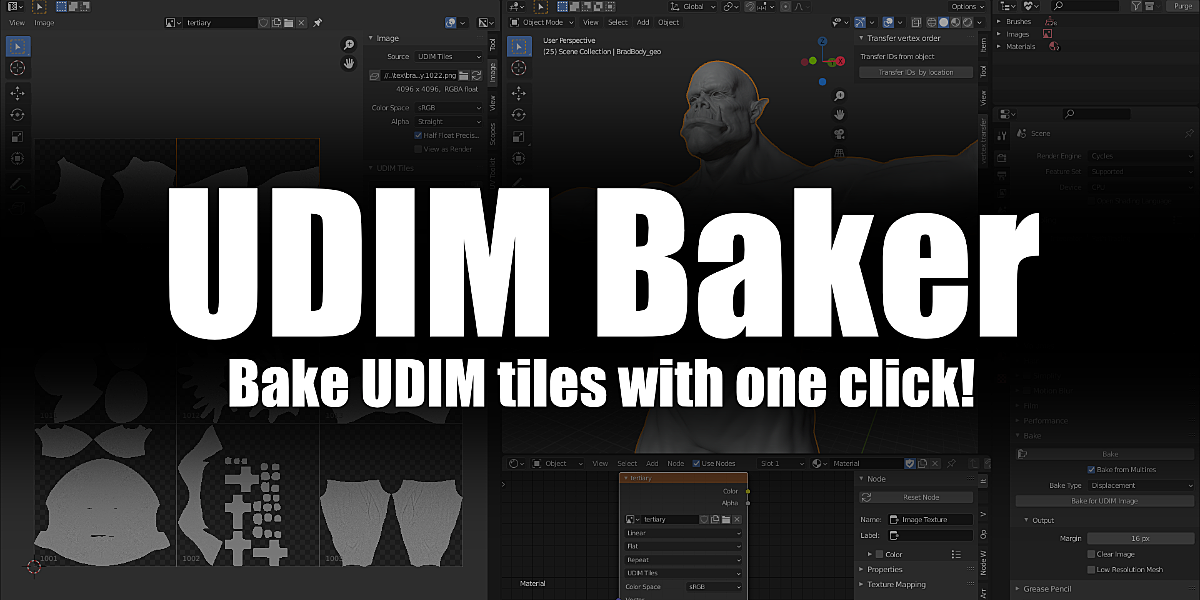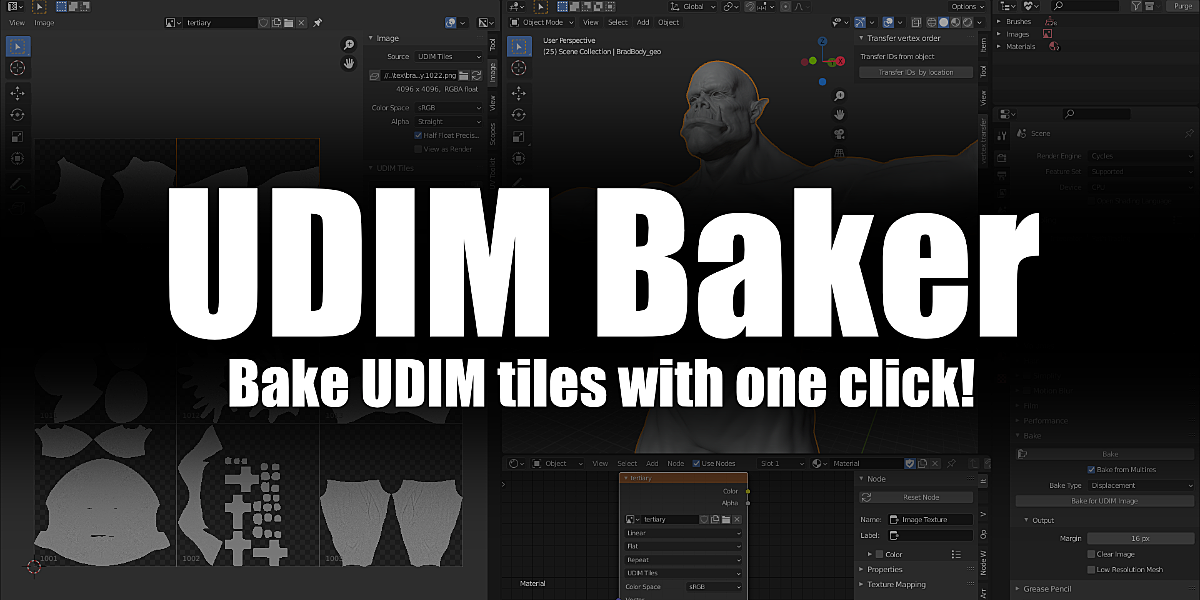
Udim Baker is a Blender script by Asger langhoff that starts a bake for every UDIM tile with UVs on the selected object. It is intended to reduce tile-by-tile baking, which can be tedious when you need to rebake after sculpting changes or save procedural textures across several tiles.
Blender version compatibility
The product listing names Blender 2.83, 2.9, and 2.91. It also says UDIM baking has been built into Blender since version 3.2, so the script is not needed for those newer versions. The listing does not confirm compatibility with other releases.
Set up a UDIM bake
- Select the object, enter Edit Mode, and create and fill the UDIM tiles you need.
- In the UV Editor, use Image > Save to save the image, then leave Edit Mode.
- In the Shader Editor, create an Image Texture node, select the UDIM data block, and keep the node selected.
- Set the bake parameters, then click "Bake to UDIM tiles."
The product documentation gives these setup steps and points to a demo video.
License and access
The Superhive listing identifies the license as GPL. Its description also points to a free option on the creator’s Gumroad page and offers the marketplace listing as a way to support the creator. Check those pages for current access and license details.