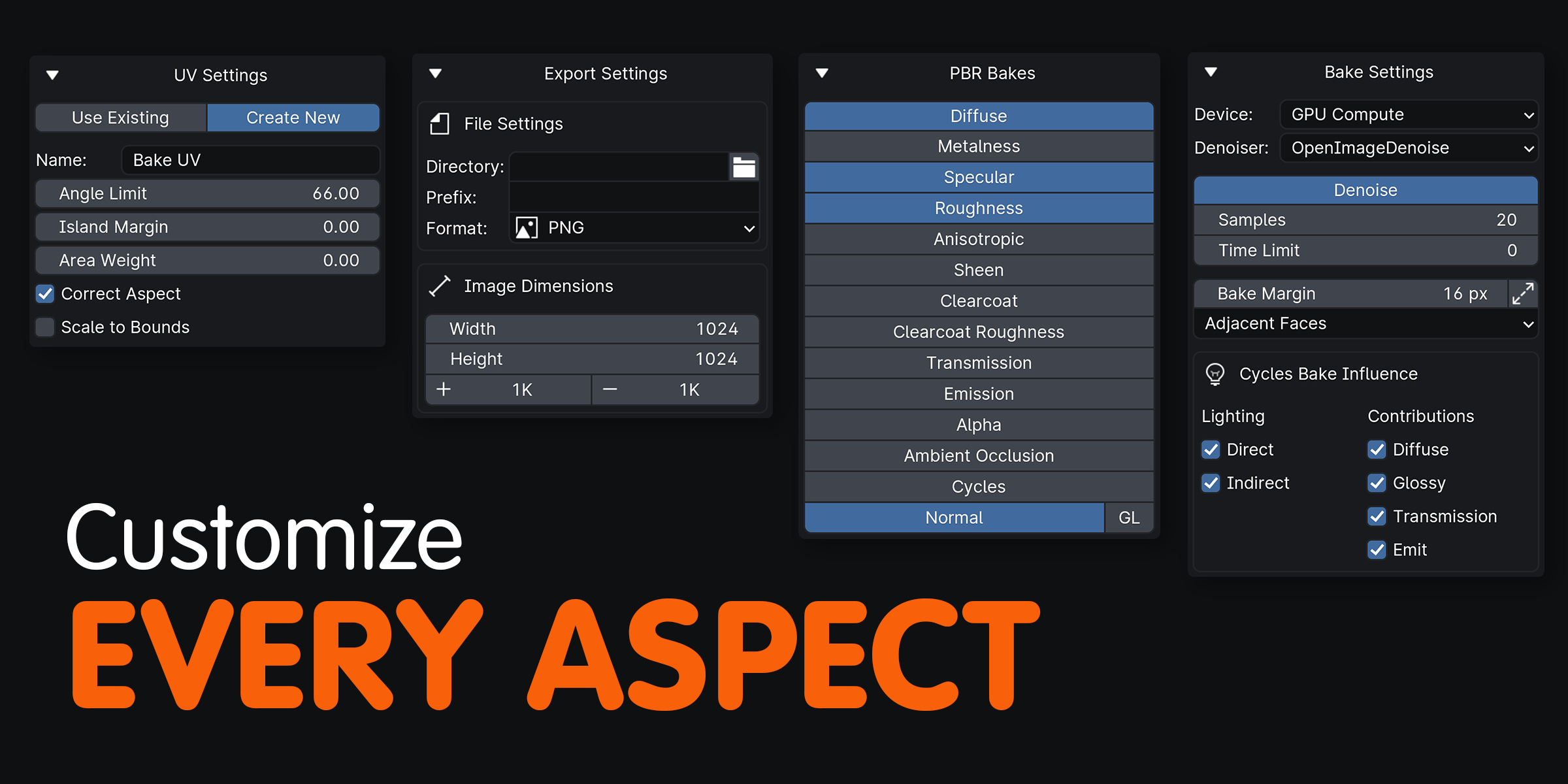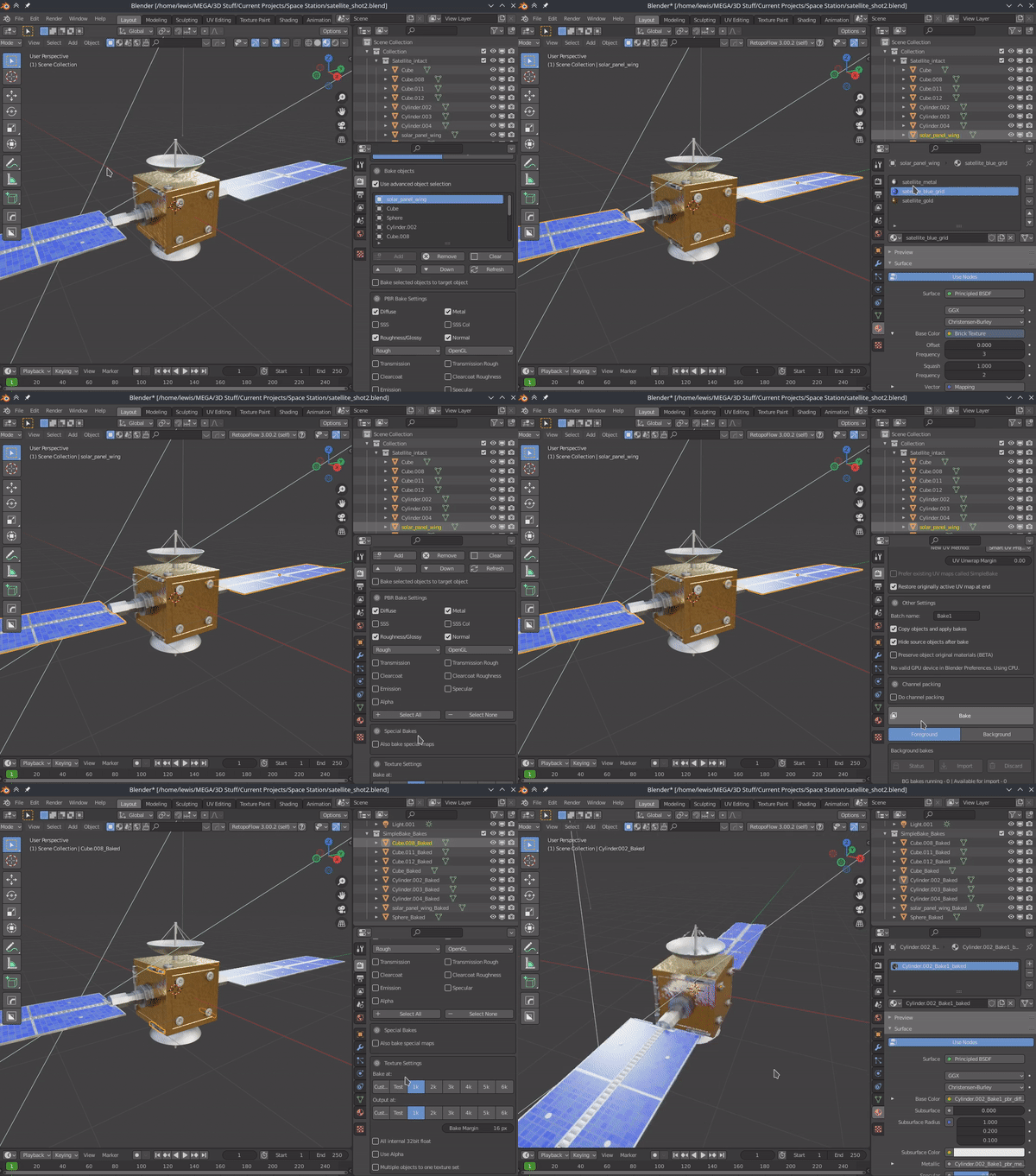
SimpleBake brings Blender’s PBR and texture baking controls into one panel. Select objects, choose the maps, and bake without adding special node groups to your existing materials. It handles multiple materials, Principled BSDF nodes and Mix Shaders, and can convert other shader types where possible.
For artists preparing texture maps, transferring detail from a high-poly mesh, or packing maps for another application, SimpleBake combines bake setup, UV handling and export options in one add-on. Its marketplace details list Blender 5.0–5.2; the compatibility note guarantees compatibility with Blender 5 and later official releases, while support is provided for the current stable release. Modified builds, Betas, Alphas and Release Candidates are not supported. Check the developer listing for the current compatibility details.
PBR maps and Cycles baking
PBR Map Bake creates separate material maps such as diffuse, metalness, roughness, normal, transmission, emission, alpha, bump, displacement and subsurface scattering. Normal maps can use OpenGL or DirectX format. SimpleBake can scan materials to select maps that are present, and its viewport preview lets you inspect a map before running the full bake. It also supports Ambient Occlusion, Curvature, Thickness, Colour ID, Vertex Colour and Lightmap bakes alongside PBR or Cycles maps. AOV outputs can be baked as separate maps and packed into channels. Node Bake sends a selected shader node’s output socket to an image texture; decal objects can also be projected onto a target mesh and baked automatically.
Cycles Bake uses Blender’s traditional bake modes and their settings. For example, a Combined bake can include lighting, shadows and reflections in one image. That output is different from the separate maps used in a PBR texture set. SimpleBake handles the node setup and image creation for these modes, including workflows with multiple materials.
High-to-low transfers, UVs and UDIMs
For a target bake, use one or more source objects and a separate target mesh, often a lower-poly version. The source and target need to share the same space. Set the ray distance and, when needed, a cage object; SimpleBake supports custom cages and automatic smooth or hard cages. High- and low-poly objects can be matched by the _high and _low name convention or by spatial proximity.
SimpleBake can generate UVs with Smart UV Project, create a shared atlas, or combine existing UVs into an atlas. It detects UDIM tiles and can bake objects with and without UDIMs in the same operation. For an atlas or merged texture set, multiple objects can bake to a shared output.
Pack and export baked textures
Channel packing places baked maps into the red, green, blue and alpha channels of one texture. You can define multiple packed textures, and AOV outputs can be packed too. Exported images can use PNG, JPEG, TIFF or OpenEXR, with 16-bit and 32-bit float output available. Normal maps export at 16-bit.
SimpleBake can also export a mesh with its baked textures pre-linked in FBX, OBJ, glTF or DAE format. Output names and folders can include details such as the object, bake type, resolution, batch and frame number. Externally saved textures remain linked in Blender when you reopen the project.
Background tasks and troubleshooting
Named background bake tasks let you continue working in Blender while they run. Image sequence baking repeats a bake across a frame range, and presets let you reuse configurations in other blend files. You can apply results to duplicate objects or to the originals.
If a result is black, the developer’s FAQ recommends checking for invalid PBR nodes, a ray distance that is too low for a target bake, or missing or blocked lighting in Cycles mode. Cycles Bake time depends on the render sample count; reducing it can speed up a Cycles bake, while that setting does not affect PBR Bake. Texture resolution affects both. The official FAQ covers more troubleshooting, and the documentation describes the panel’s tooltips and setting-specific Monkey Tips.