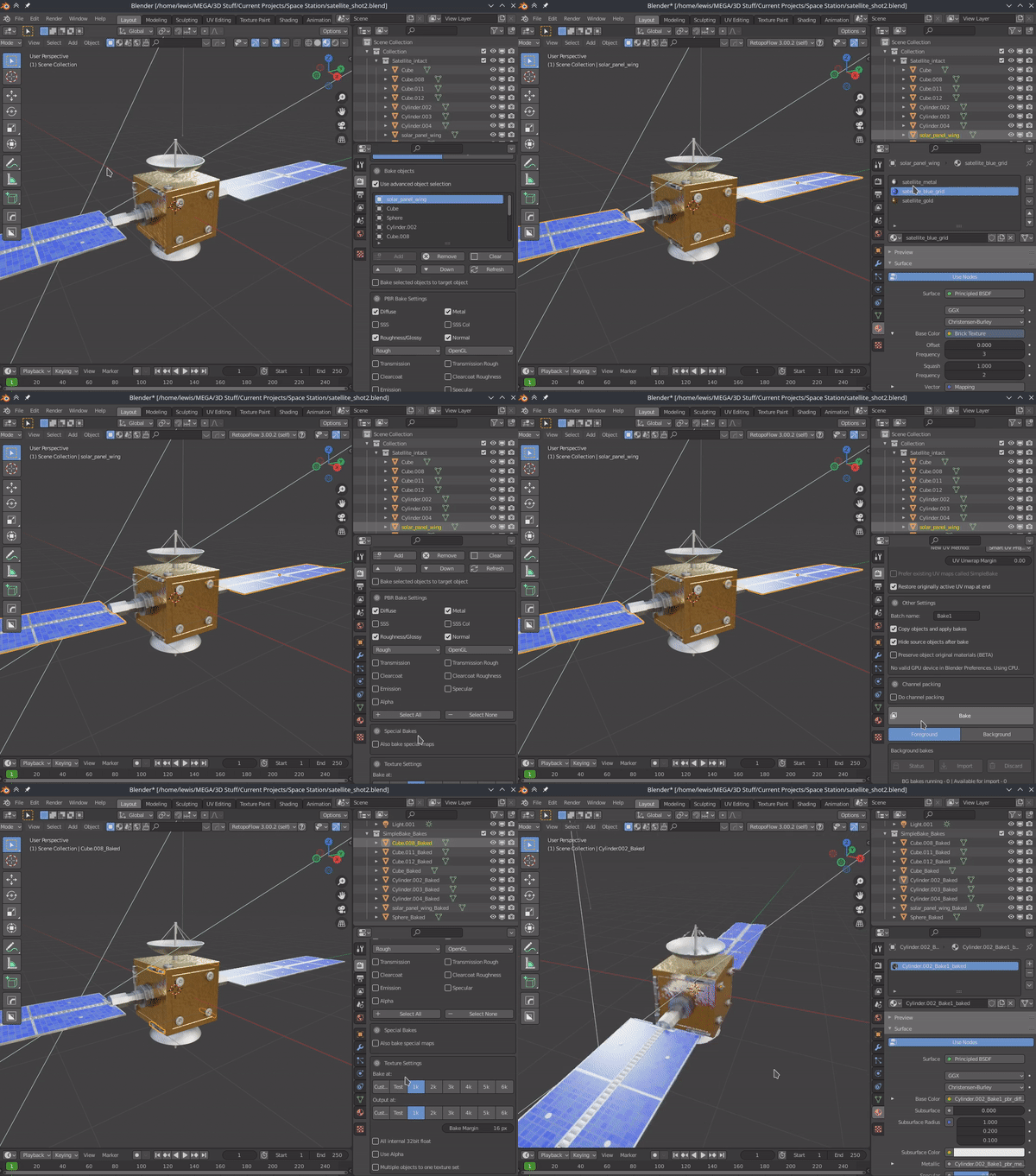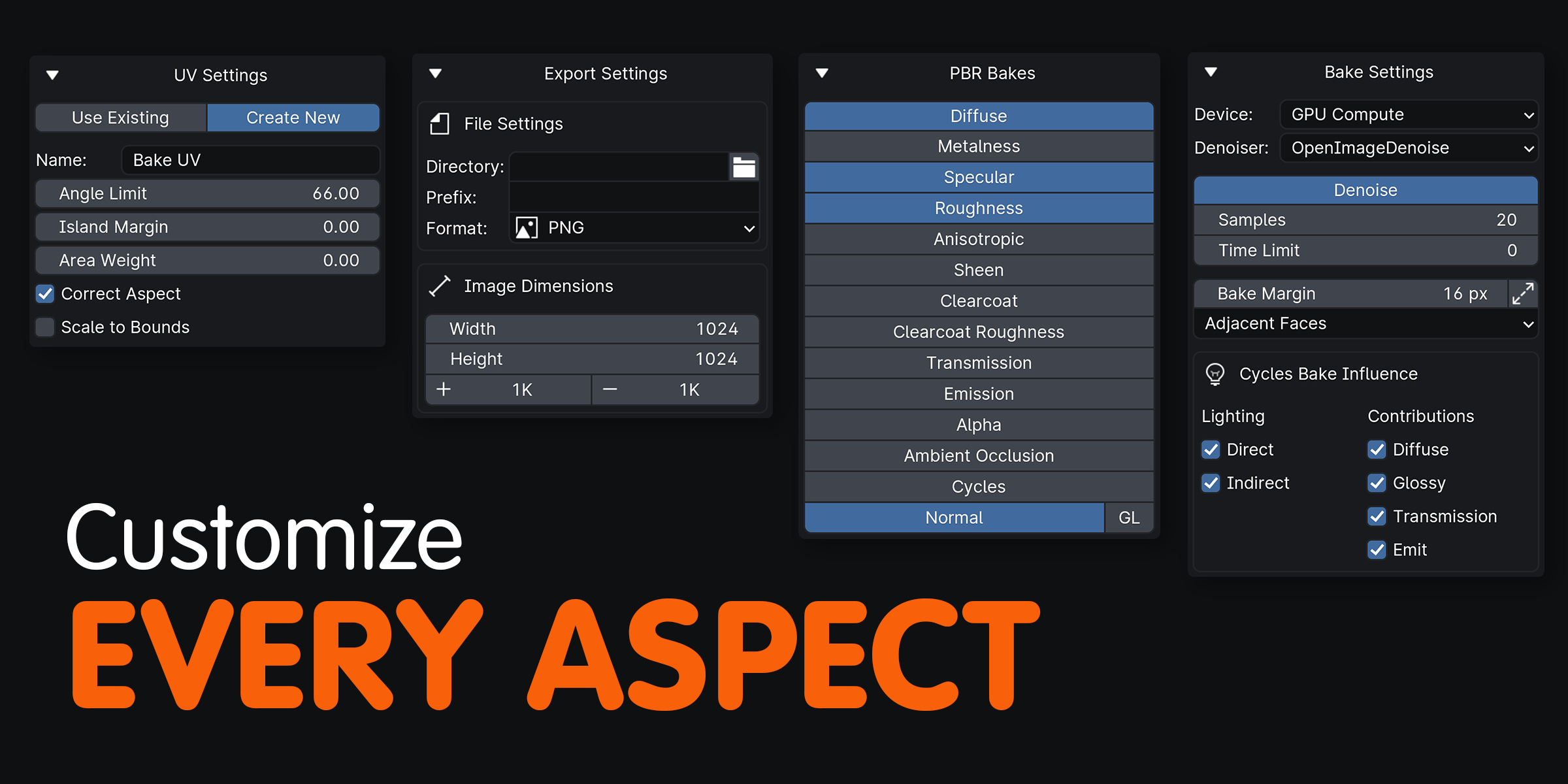
Oven Bake is a Blender add-on by Baraa Khaled for baking materials into image textures. This helps when exporting Blender creations to software such as Unity, Unreal Engine or Godot, where Blender’s procedural shader nodes may not carry over. Choose the texture maps, set the output resolution and other options, then run the bake.
Transfer detail to a lower-resolution model
Source-to-target baking transfers information such as textures, normal maps and ambient occlusion from a high-resolution model to a lower-resolution target. This lets artists reduce polygon count while keeping visual detail for assets used in game engines or large scenes.
Bake shader nodes, including node groups
Oven Bake can bake the output of any shader node to an image texture, including nodes inside node groups. Its material baking also supports shader nodes beyond Principled BSDF. An optional socket-replacement setting reconnects the new image texture where the selected socket was linked. The product description calls node baking useful for complex setups that become performance-intensive or contain nodes that do not work in Eevee.
Choose the output and bake settings
- UVs: Choose how Oven Bake selects an object’s UV map, or create one with Smart UV Project.
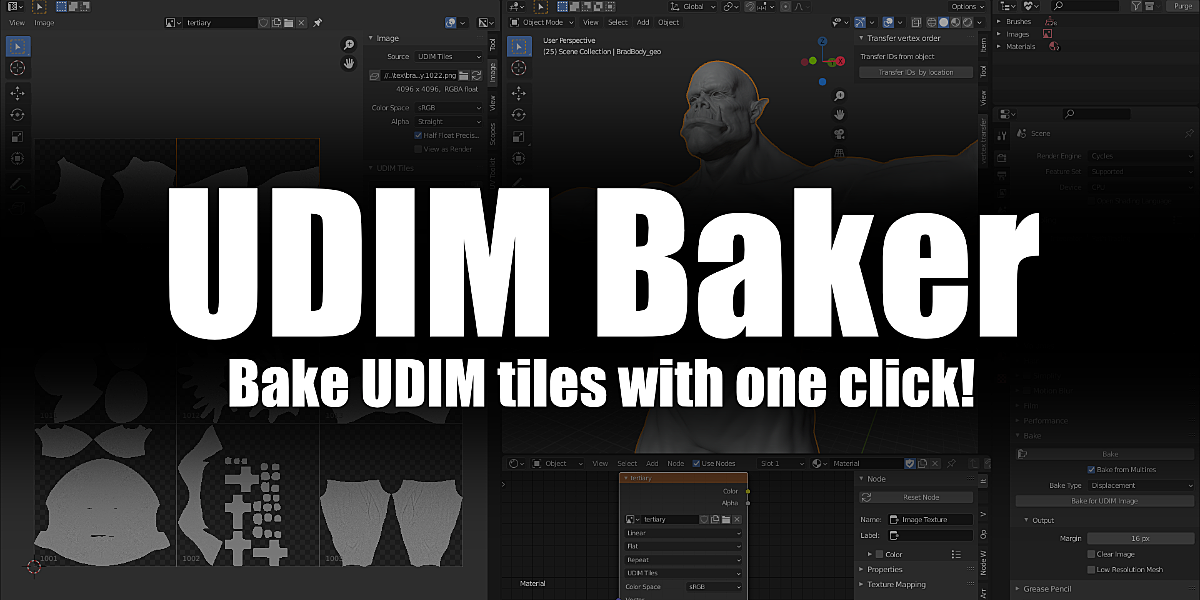
- Texture layout: Bake to UDIM tiles or pack maps such as roughness, metallic and ambient occlusion into separate channels of one image.
- Output type: Save bakes as image textures or vertex colors, also called color attributes. Node baking can convert a node to a color attribute.
- Bake controls: Set selected objects, image prefix, resolution, file extension, sample count, margin, Cycles bake-light influence and normal-map type (DirectX or OpenGL).
Blender compatibility
The Superhive product listing identifies Blender versions 4.0 through 5.2 and lists Cycles and Eevee as render engines used. Check the listing for current compatibility details. The product FAQ covers operating systems and bake-progress display.