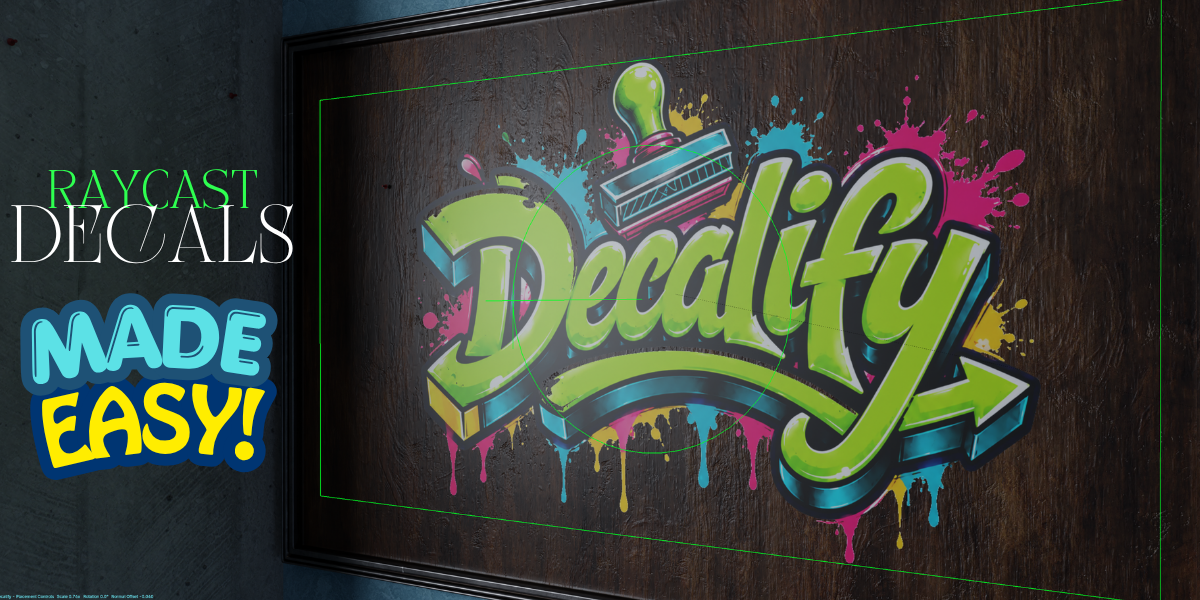
Decalify is a Blender add-on by Mr3D for projecting decals onto surfaces. It uses Blender 5.1's RayCast Node, and its product description says projected decals follow the target surface, including when that surface is displaced. That makes it relevant for Blender scenes where decals need to conform to the model rather than sit flat. See the Decalify product listing for the product details.
Projection and workflow
The product listing includes a demo video and documentation, which can help you review the projection behavior and setup before adding the tool to a project. The product details do not specify the controls or scene requirements, and the documentation page gives only the ZIP installation instruction.
Blender compatibility and render engine
The Superhive listing marks Decalify as Blender Extension-compatible, lists Blender 5.1 to 5.3, and names Cycles as the render engine. It also lists the add-on under the GPL license. If you use another Blender version or render engine, confirm support with the developer before relying on it.
Installation
The installation documentation says to drag and drop the ZIP file into Blender, then click Install Add-on. Check the product page for the latest instructions and compatibility details before installing.