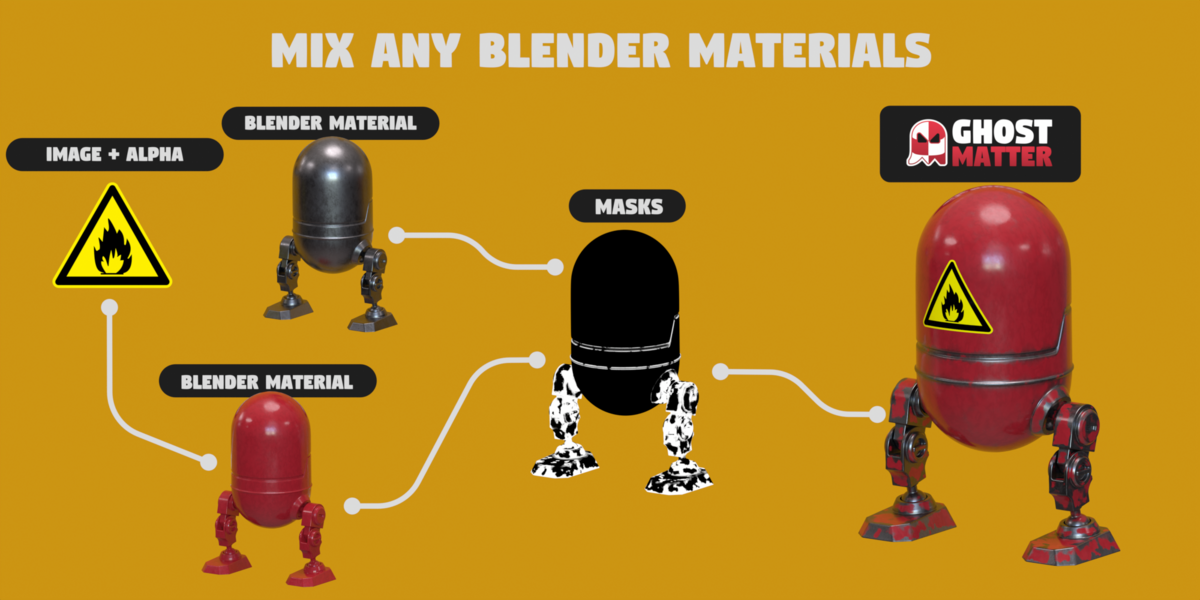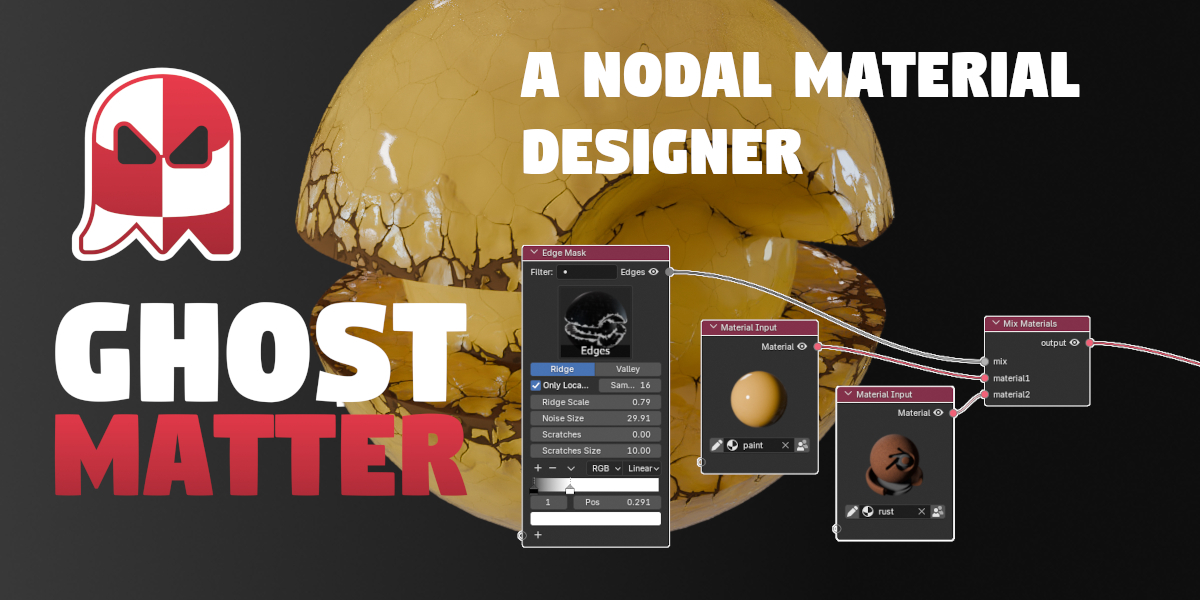
Ghost Matter is a Blender add-on by Picto Filmo for mixing materials in a dedicated node editor. Build a material setup from existing materials, masks, textures, and procedural nodes, then bake the result to textures or vertex colors.
How the node editor works
Ghost Matter uses its own editor, separate from Blender's Shader Editor. Its material inputs do not require special configuration, and the product listing says it accepts different kinds of materials. The editor includes Blender's standard material nodes except shader nodes, along with Ghost Matter mix and tool nodes.
The documentation describes a direct workflow: choose the Ghost Matter layout from the splash screen, a new file, or the viewport; select a mesh; then click Start to create a default tree. You can import a material from Blender's Asset Browser into the scene and use it as an input. Node previews and masks help inspect and combine parts of the setup.
Mixing, masks, and motion tools
The add-on includes procedural materials such as wood, leather, fabric, rust, concrete, and skin, plus a growing library of smart masks. Mask and texture nodes can be chained through their own inputs and mix modes, or combined with math nodes.
For motion design, Superhive describes a Text node, procedural shapes, a Random Timer, Mograph masks, and GhostMat controllers as tools for animating and driving materials. The developer overview says Ghost Matter materials are not animatable except through the Time Interpolation and Geonode Controlers nodes; the documentation does not identify which of those listed tools use the named exceptions. Palette tools can import palettes, distribute colors across ramps, and use object indices to drive color.
Baking and export
Ghost Matter includes a universal baker with To Joined Mesh and To Low Mesh modes. It can export PBR texture sets, bake to images or vertex colors, project decals, and batch a list of setups. These tools suit workflows that need to move a procedural material setup into texture-based assets.
The product listing names Cycles and Eevee as supported render engines and identifies the license as GPL. Blender version ranges differ across listings: the Superhive product listing says Blender 5.0+ in its feature copy but lists 4.2–5.2 in the details; AnyPlugins records 4.2–5.1. The supplied sources do not establish a single current Blender range, so confirm compatibility for your release before installing.