Deform Pro is a Blender add-on for mesh deformation, originally developed for Blender 2.9. Previously named Shapeshift PRO, it combines an Object-mode Dynamic Lattice with a Surface Constraint generator. The product listing describes both tools and lists the license as GPL.
Deform meshes with a Dynamic Lattice
The Dynamic Lattice works in Object mode. Its lattice points let you manipulate a target point, with controls intended to reduce repeated setup when the u, v, and w grid values change. The add-on includes uvwMode for setting one value across those grid parameters, DeformMode for selecting lattice points, and options for point display type and size. You can add a Dynamic Lattice after applying, or apply the deformation as a Shape Key after naming it.
Use click-and-drag Surface Constraints
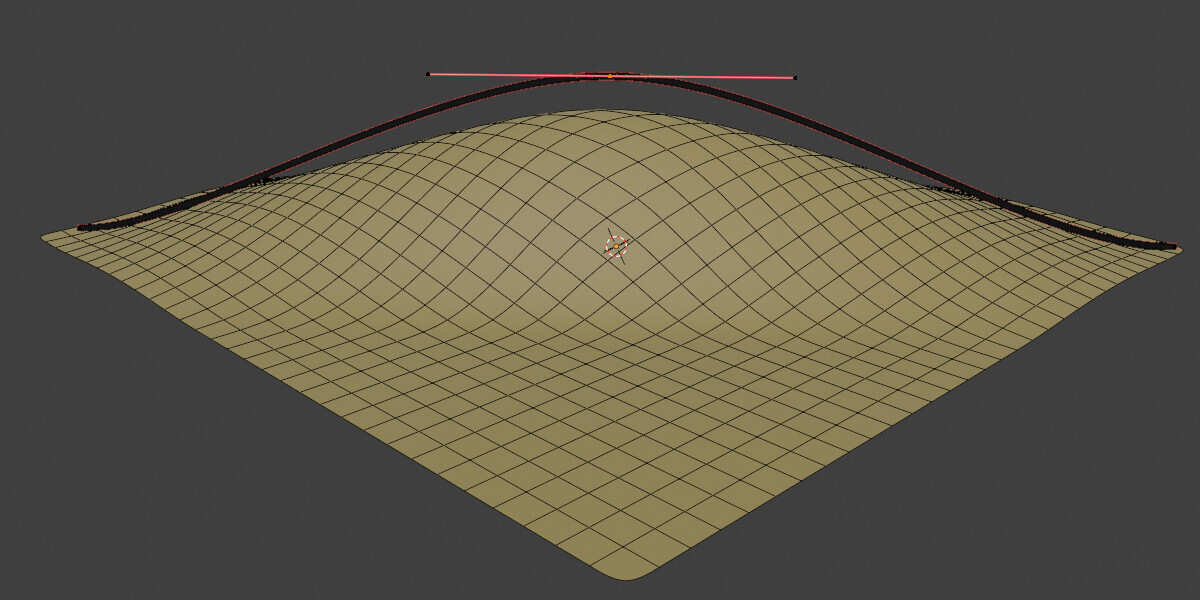
Enable the Surface Constraint modal, follow the controls in Blender's bottom header, then click and drag on the mesh to set deformation proximity. You can adjust constraint size and enable Adaptive Deformation for the Laplacian-based method. With that option off, deformation uses target proximity.
Check Blender version support before installing
The product listing names Blender 2.8, 2.81, 2.82, 2.83, 2.9, and 2.91. Although the product name includes “2.9+,” the listing does not document compatibility with releases newer than 2.91, so confirm support with the developer before using it in a later Blender version. The documentation page says to install from a ZIP file through Blender Preferences and points to a demo video for a tutorial.