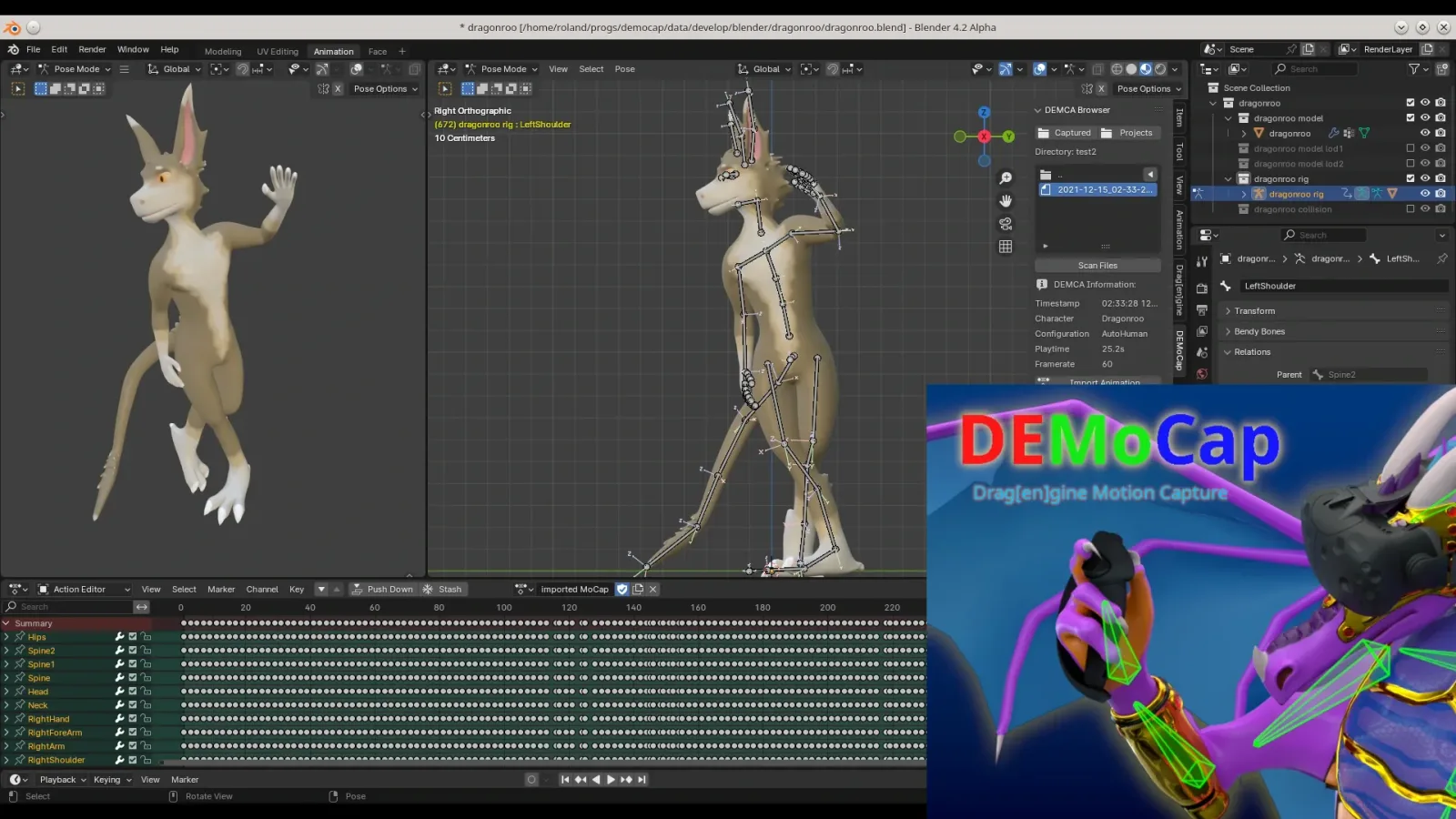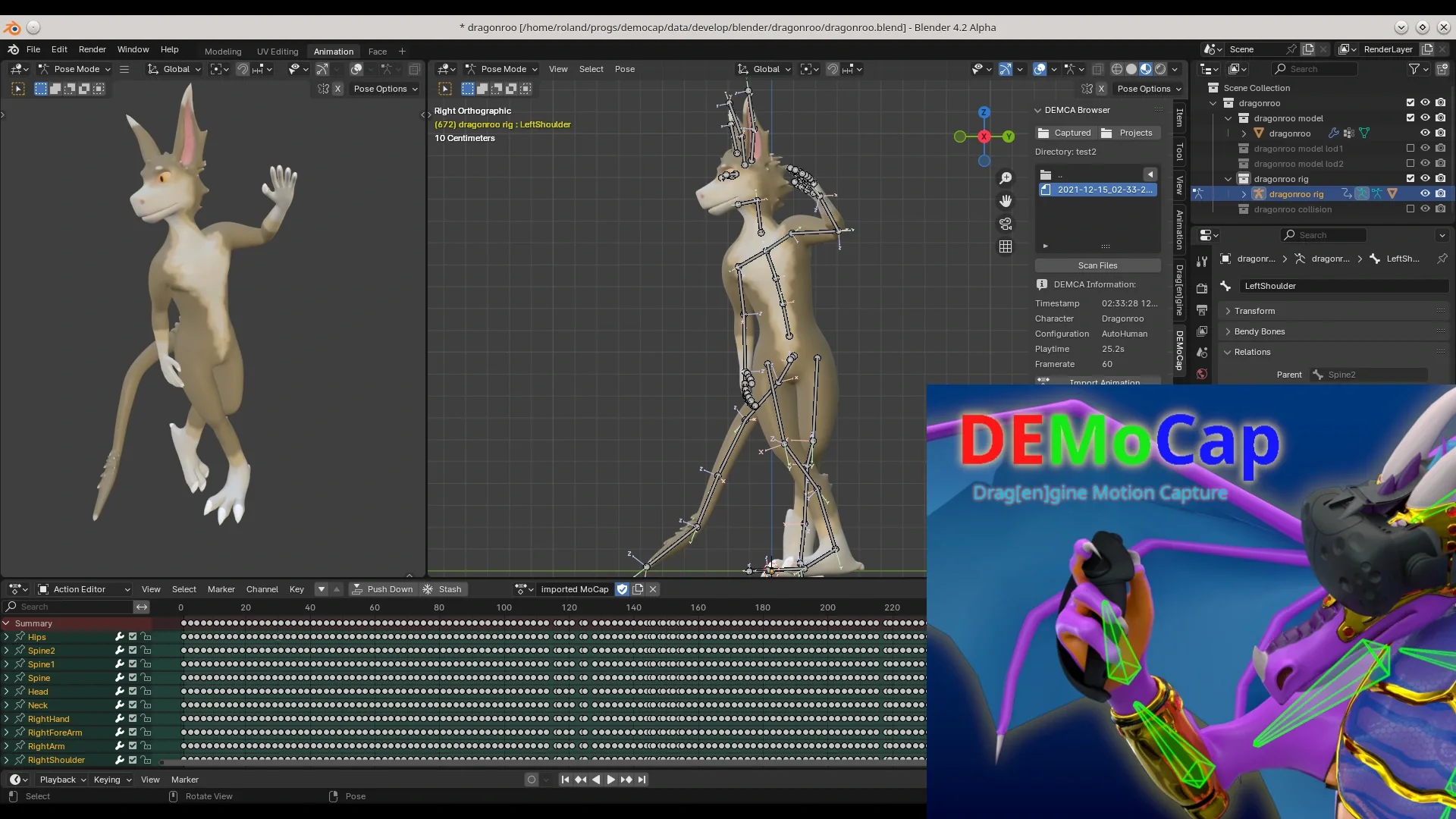
DEMoCap Tools brings DEMoCap motion capture into Blender through file import or a live connection. It supports free captures and exported captures. The right setup depends on whether you are loading a saved capture or streaming motion directly from DEMoCap.
Choose file import or live capture
Importing saved captures
Use the import workflow to load a motion capture animation created with DEMoCap. The Blender Extensions listing says both free captures and exported captures are supported. Importing requires the separate Drag[en]gine Import/Export extension. The developer's add-on guide covers importing DEMoCap captures and using tools such as correction bones.
Streaming a live capture
The live connection streams motion capture from DEMoCap directly into Blender, without importing a saved file. This mode does not require the Drag[en]gine Import/Export extension. Blender Extensions lists network access for connecting to DEMoCap as a requested permission. See the developer's live-connection guide for setup details.
Blender compatibility and version 1.9.1
The Blender Extensions listing sets Blender 4.2.0 as the minimum version. It identifies version 1.9.1, released August 5, 2026, and notes a fix for an asynchronous I/O problem with Blender 4.5. Check the official DEMoCap Tools listing for the release information and compatibility details before installing.
Permissions and license
The extension requests file access to load motion capture files and network access to connect to DEMoCap for live capture. These permissions correspond to its two workflows. The listing identifies the license as GNU General Public License version 3.0 or later.