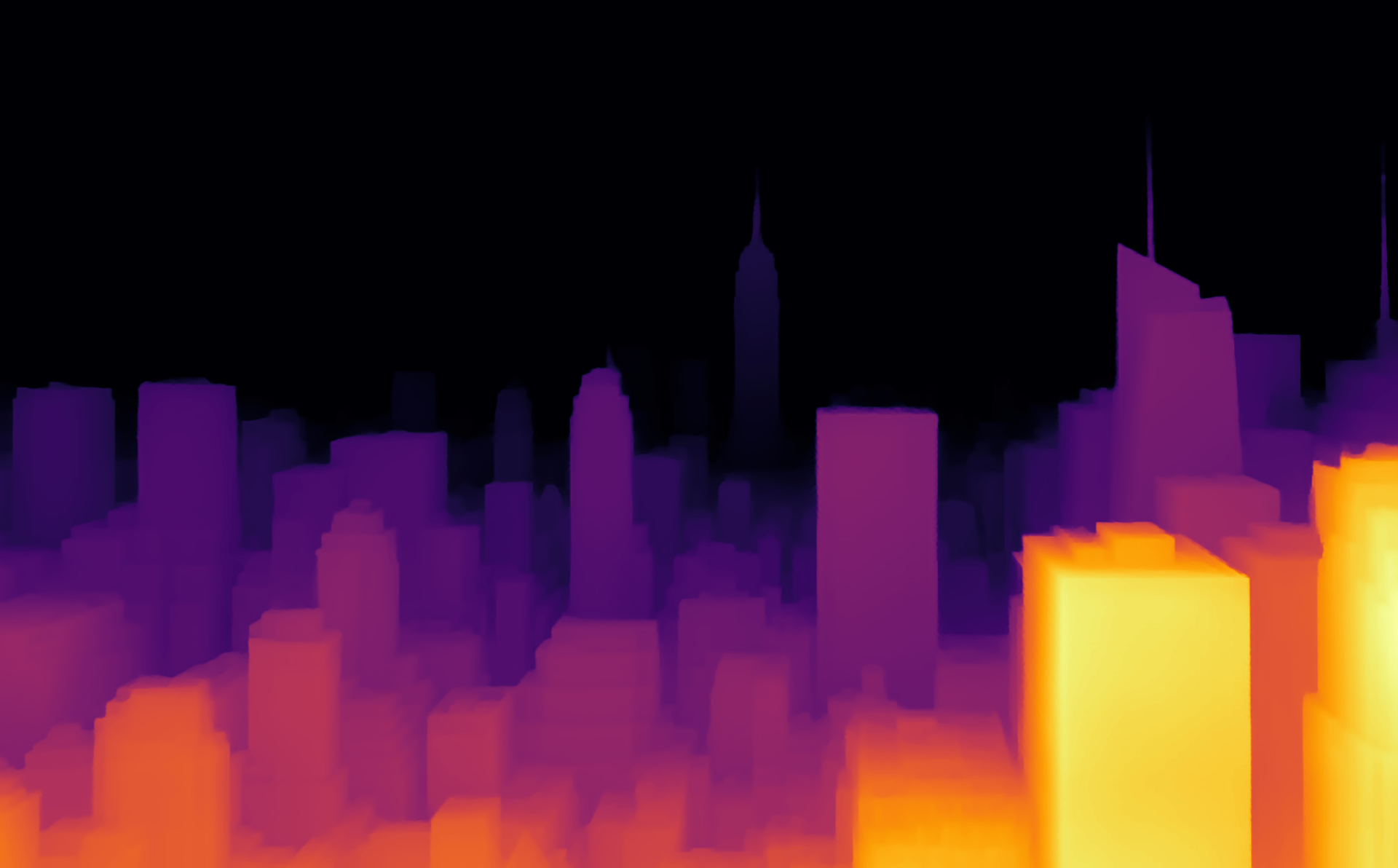
Depth estimation for images and video
Depth Scanner 2 estimates depth from still images and video in After Effects and Premiere Pro. Its depth maps can drive post-processing effects, including fog, depth-based grading, transitions and stereo 3D conversion. The plugin includes eight AI models, so you can compare which one suits your footage.
Depth map and slicing workflows
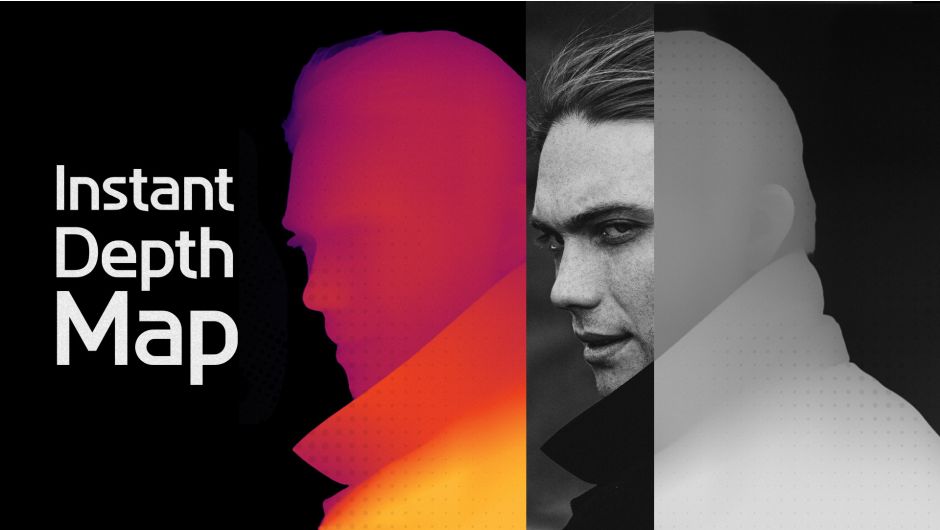
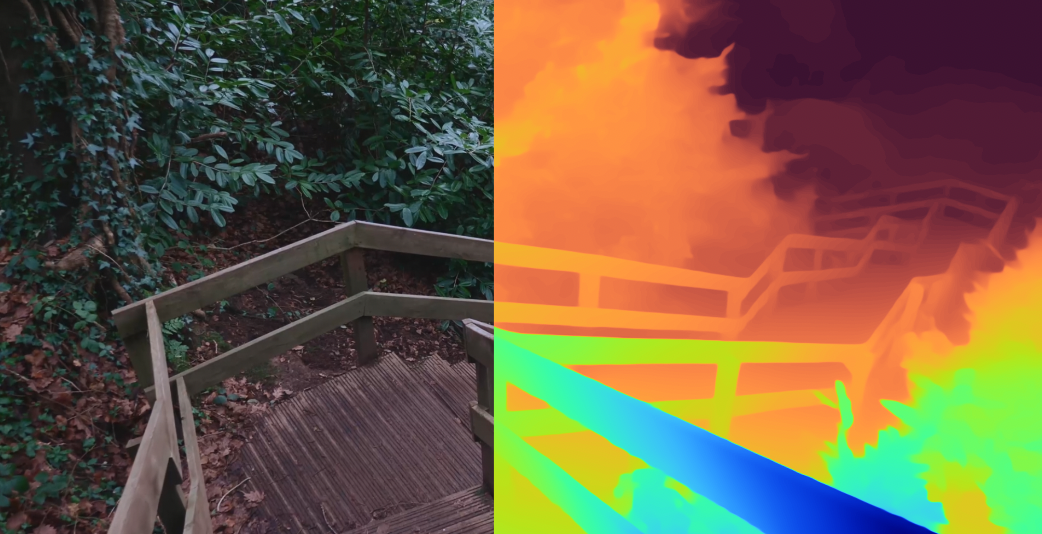
In Depth Map mode, the effect outputs depth values. More than 20 color maps can help you inspect the result or create a colored effect. In Slicing mode, set near and far depth planes to cut out parts of the image by their estimated depth.
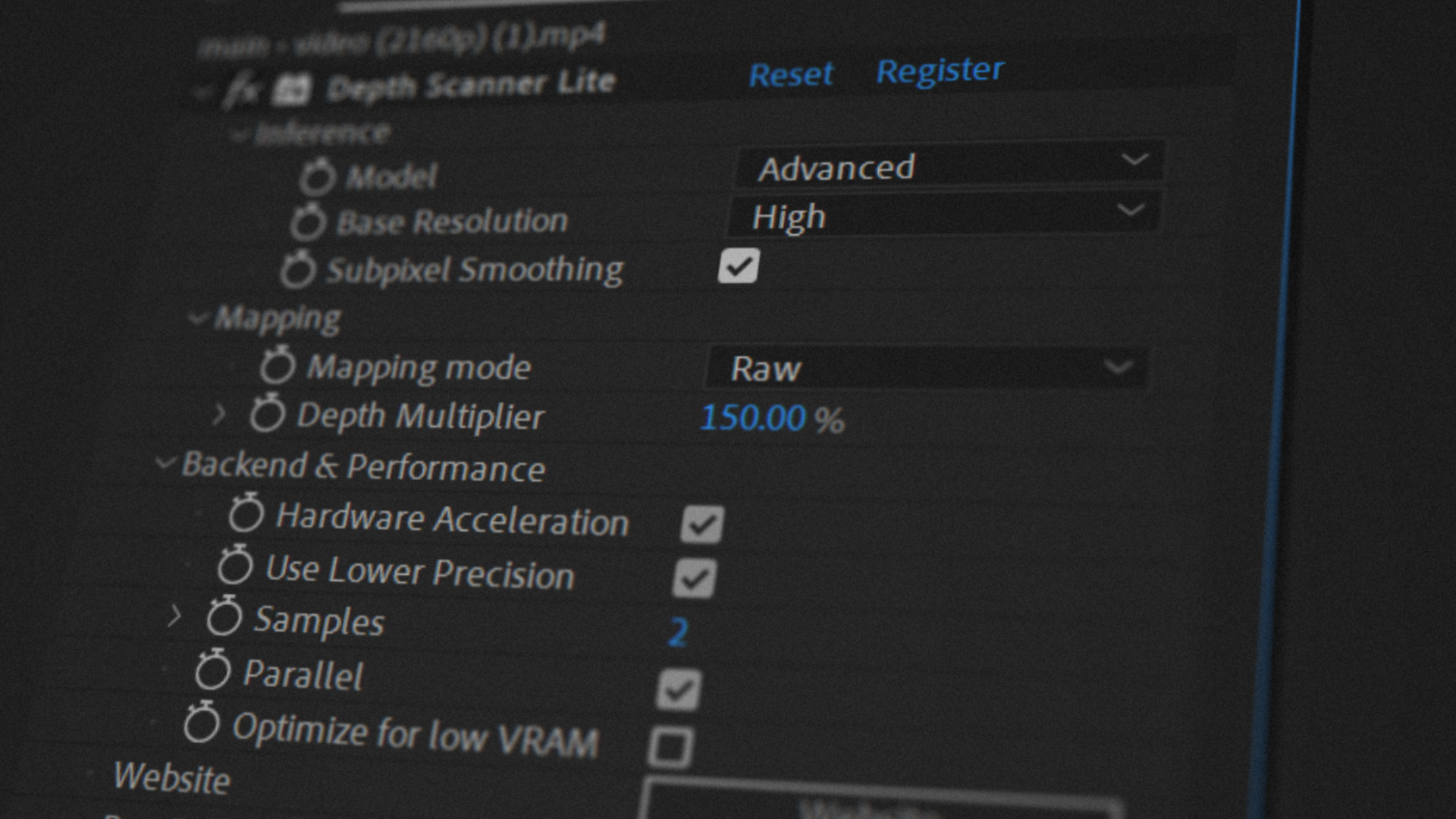
For shot sequences, the native video model processes multiple frames together and is designed to produce more stable results over time. Mapping settings give you additional control: Raw mode is intended for consistent depth between frames; Normalize scales depth to the 0-1 range but can introduce flicker. Guided mode lets you set and keyframe near and far guide points and their depth values, anchoring those values to objects and interpolating between them.
Subpixel smoothing can reduce flicker at the cost of edge sharpness. Edges Enhancement strengthens edge detail, though high settings can make the result inaccurate.
Relighting and depth of field
Pair Depth Scanner 2 with Blace's Normal Scanner to build interactive relighting setups. The depth and normal passes can also be imported into a 3D tool for geometry-aware relighting. For a shallow depth-of-field effect, combine the depth map with After Effects' built-in blurring tools.
Processing controls
Base Resolution sets the resolution used to compute the depth map. GPU acceleration is available; Lower Precision can save up to half the memory, with a possible small reduction in quality. Computation Tiles can help when a calculation runs out of memory. CPU fallback is available for a model that cannot run on the GPU.
Blace says its C++ engine processes footage locally and keeps it on your machine.
Compatibility and licensing
The product listing covers After Effects 2023-2026 and Premiere Pro 2025-2026. On Windows, it requires a GPU with at least 8 GB of memory. NVIDIA and non-NVIDIA GPUs are listed as supported, but non-NVIDIA systems can use only the Depth Anything v3 model. For Apple Silicon, the listing specifies macOS Sequoia or newer and at least 16 GB of RAM; other macOS configurations are marked unsupported.
The published EULA permits one copy for one user on one computer at a time. Additional users or computers require appropriately licensed copies.