What it does
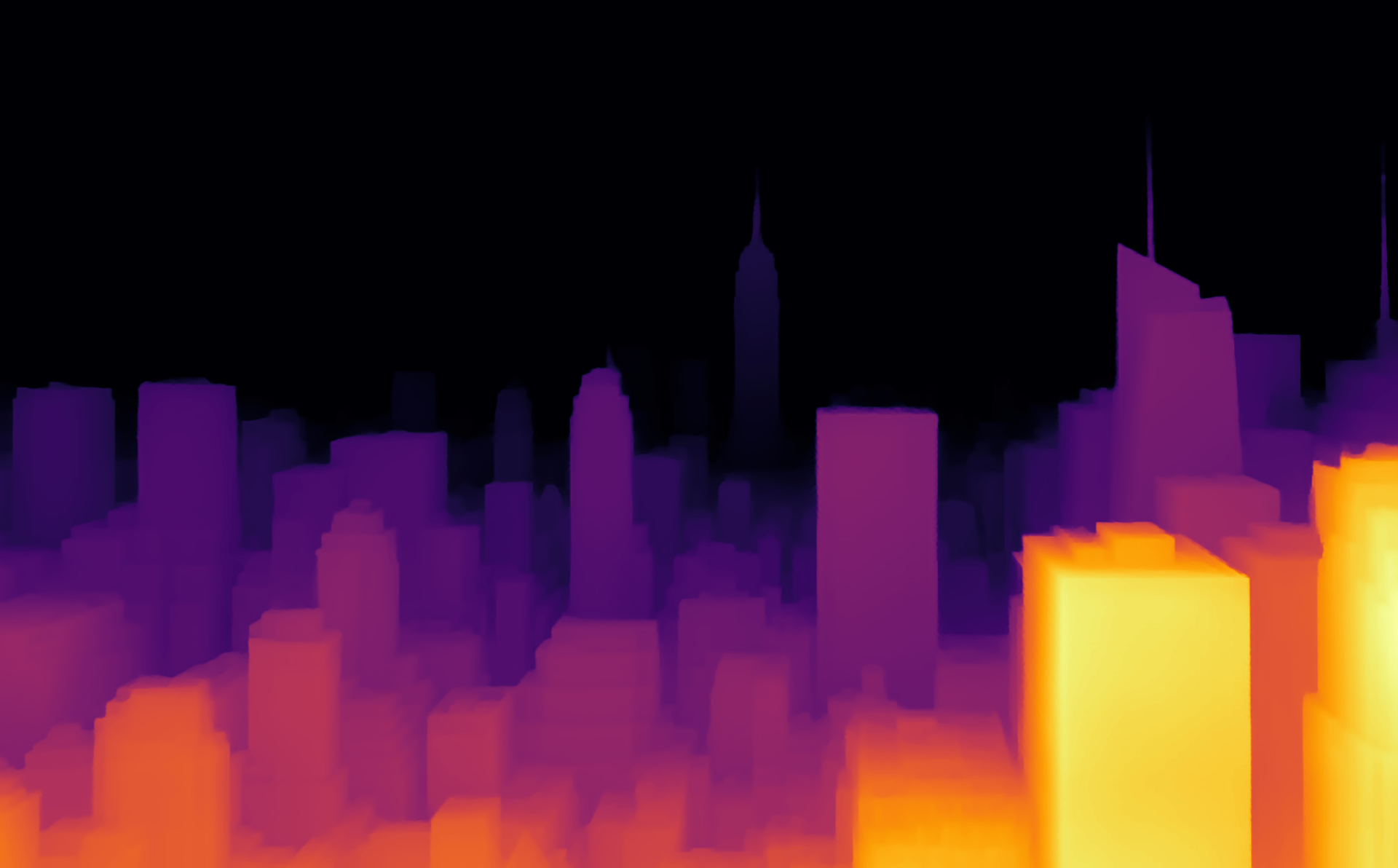
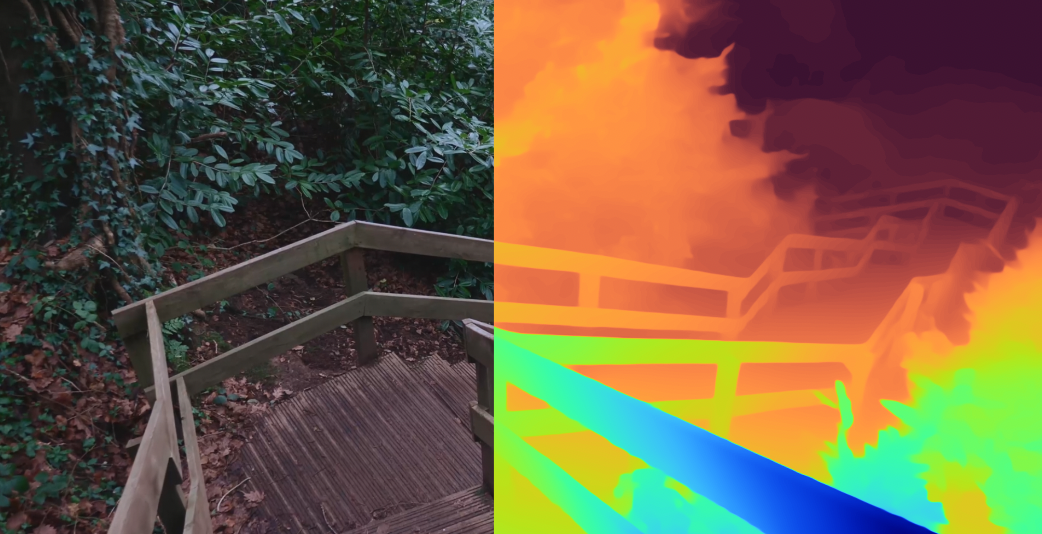
AI Depth Of Field estimates the depth of each frame, then applies bokeh blur according to how far pixels sit from the chosen focus plane. It can soften the background, foreground, or both, which suits footage shot with most of the scene in focus. The effect preserves the clip's alpha channel.
Choose and move the focus
Auto Focus on Subject is enabled by default. It focuses on the most prominent object in each frame, but it does not specifically detect faces or eyes. For a manual focus pull, turn off Auto Focus on Subject, enable Focus By Point, choose a point in the frame, and animate that point between subjects. You can instead turn off both automatic and point focus and set Focus Distance from 0, the nearest depth, to 100, the farthest. Focus Region Size controls how much depth stays sharp around that plane.
Shape the blur
With Different Radius Near/Far off, Radius controls blur on both sides of the focus plane. When enabled, Radius controls blur in front of the focus plane and Radius Far controls blur behind it. Aspect Ratio changes the bokeh from round to a vertical or horizontal stretch, while Highlight Glow makes bright spots bloom. Show Focus Mask previews the blur area: white remains sharp and black receives the most blur. Enable Focus Clarity to blend the original pixels back near the focus plane and retain subject detail.
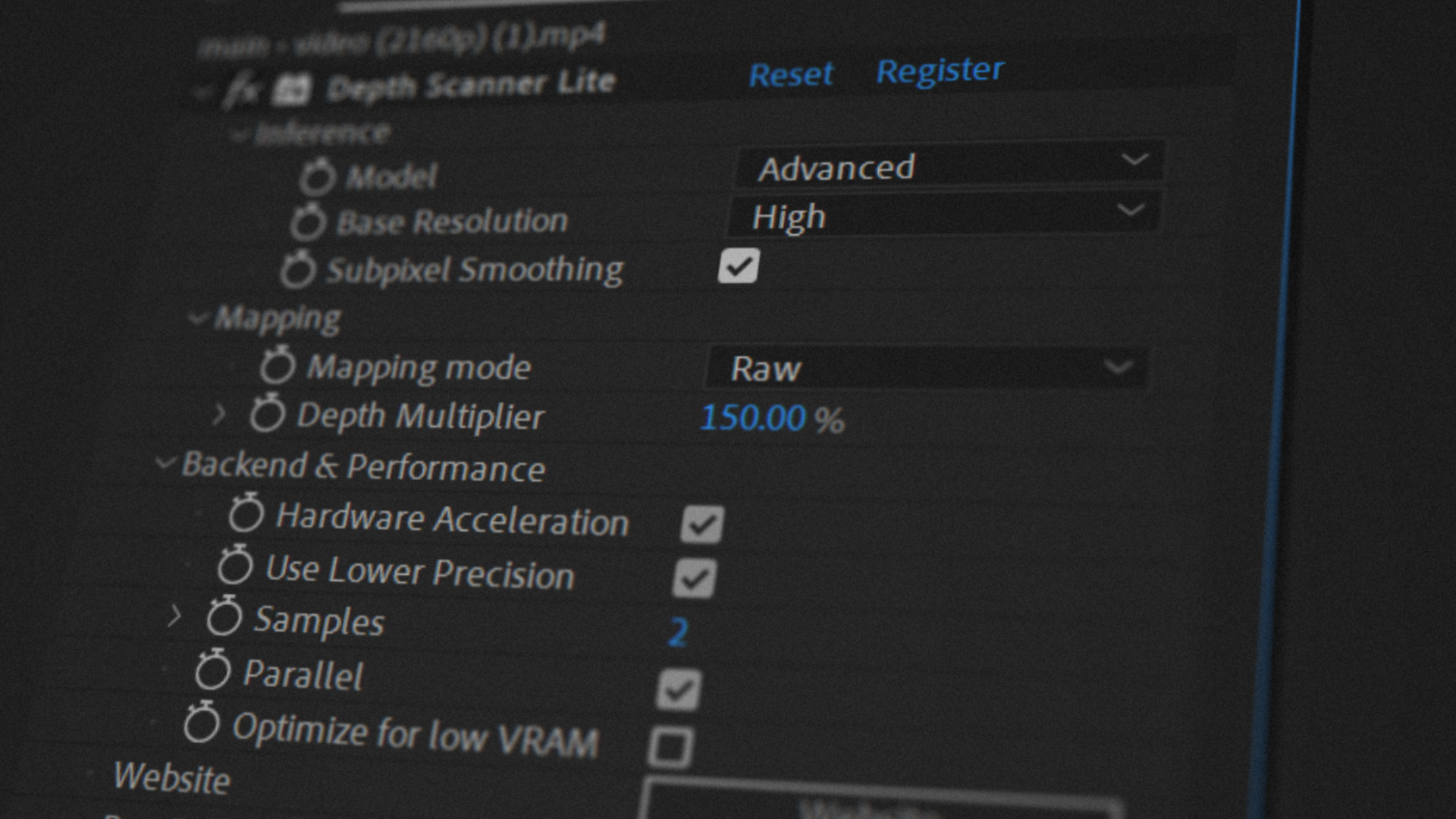
Two quality controls affect render tradeoffs. Lowering Quality uses fewer blur samples, renders faster, and can look grainier. Depth Quality levels run from 1 to 5 and set the analysis size from 256 to 1280 pixels on the frame's short side; higher levels can produce cleaner depth edges but take longer.
Compatibility and setup
Supported hosts include After Effects, Premiere Pro, OFX hosts such as DaVinci Resolve and Nuke, and Final Cut Pro on Mac. The current product and installation pages do not specify host application version numbers.
On Mac, the plugin requires Apple silicon M1 or later; Intel Macs are unsupported. On Windows, it requires 64-bit Windows 10 or 11 and uses an NVIDIA GPU with CUDA when available, otherwise the CPU. Install through Baskl's installer, which downloads about 160 MB of AI models and installs the AI Machine render engine if needed. The Windows installer requires administrator approval. The first render after opening the host takes longer while the models load.
Trial and license
Baskl lists the product at $79.00 and offers a trial. The trial includes the full feature set, but renders have a watermark until you activate a license. Activation requires an internet connection, and each license key is limited to a number of computers shown in the Baskl account.