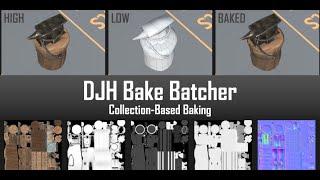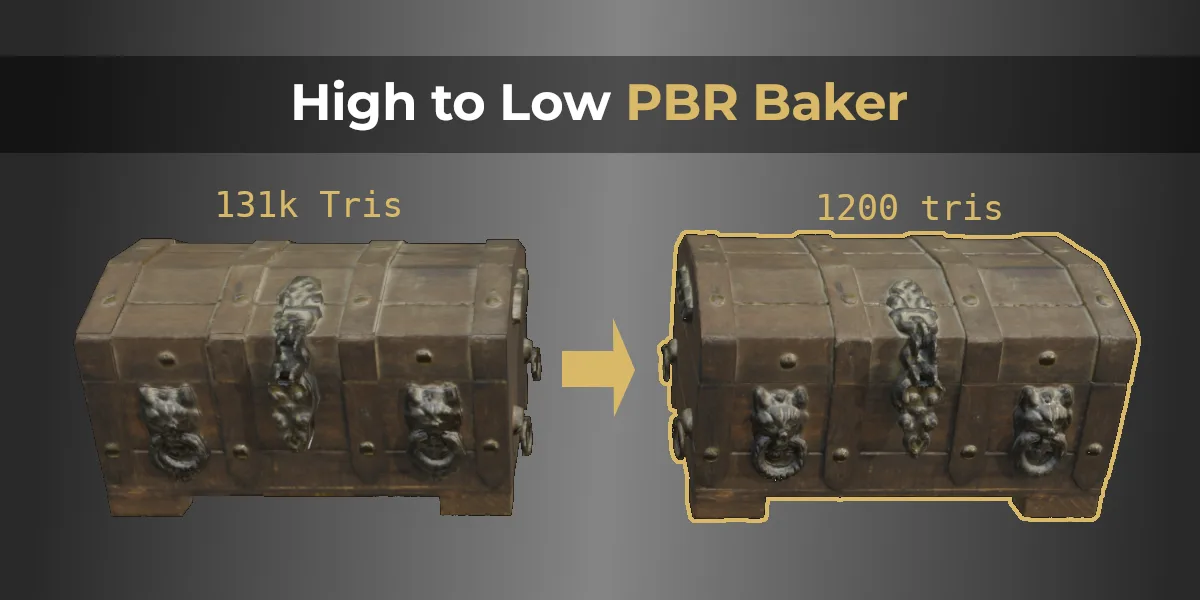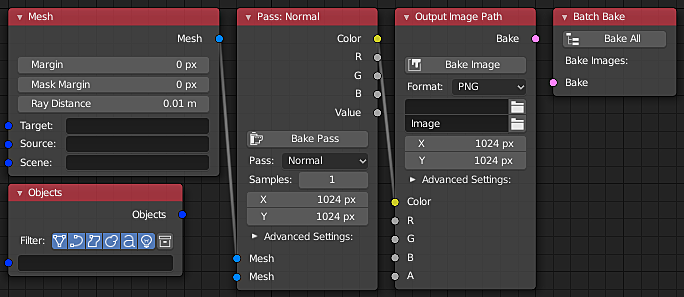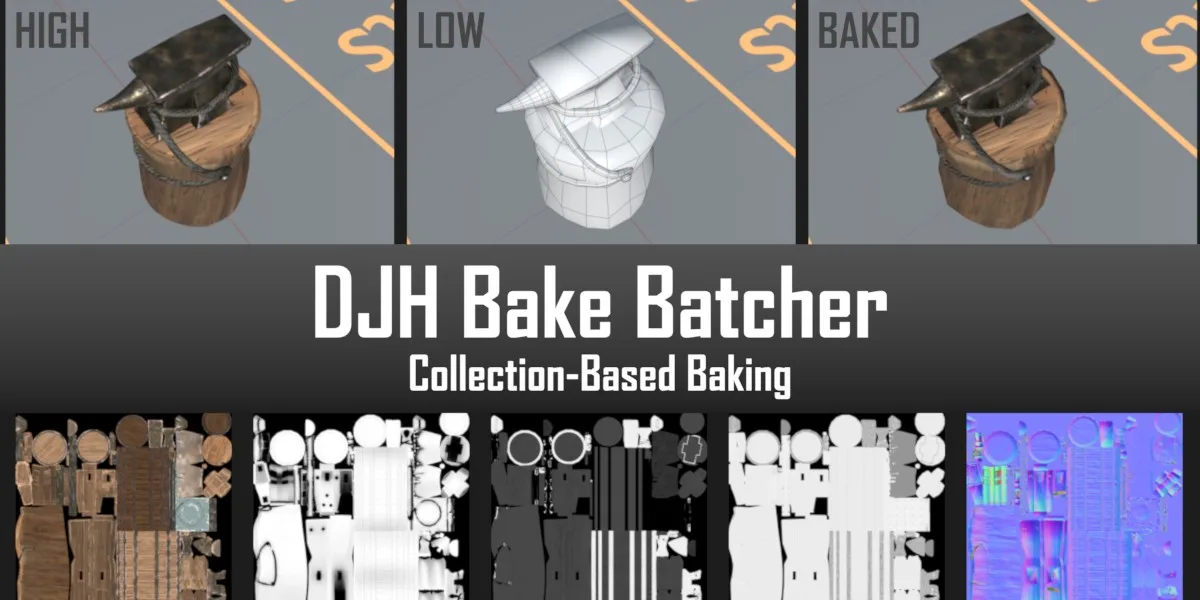
Djh Bake Batcher is a Blender add-on by Daniel Hickox for automating texture baking. It batches standard PBR maps from high-poly collections to low-poly collections, then names and saves the images to an output folder. The workflow favors speed over detailed control, so it may not fully automate complex setups.
How collection baking works
The add-on aligns high-poly and low-poly collections using matching origin empties. Objects do not need to be stacked before baking, and you do not need to make a precise selection for each bake. It can merge collections into single objects and pack UVs before baking, which lets similar assets share a texture set while keeping scene objects separate for editing.
The one-click batch creates five standard PBR maps: baseColor, roughness, metallic, ambient occlusion, and normal. For a different map or more control over an individual bake, use the single-map option. The product listing describes collection baking as high-poly to low-poly, while single-map baking supports both high-to-low-poly and single-object workflows.
Texture output and preview
Djh Bake Batcher names and saves baked images to a folder you choose. It manages a dedicated image tagged “bake,” avoiding reliance on whichever image node happens to be selected in a material. After baking, it creates a material from the maps and assigns it to a copy of the low-poly collection. You can also preview and switch between shader inputs in the viewport.
Blender uses Cycles for texture baking. The add-on switches to Cycles for the bake and restores the render engine you were using afterward. The product listing specifies PNG, TGA, TIF, and JPG output formats, with one add-on preference for choosing the image format.
Fit, compatibility, and setup
This add-on suits Blender artists who repeat standard PBR or high-to-low-poly bakes and want to reduce manual setup and saving. It may be a poor fit when a project depends on fine control over many bake settings or a complex setup that cannot be automated by its workflow.
The Superhive listing names Blender 3.6, 4.0, and 4.1. Check the developer documentation for current compatibility before installing. Its installation instructions use a downloaded ZIP file and Blender’s Preferences > Add-ons install flow. The Superhive product listing identifies the add-on’s license as GPL.