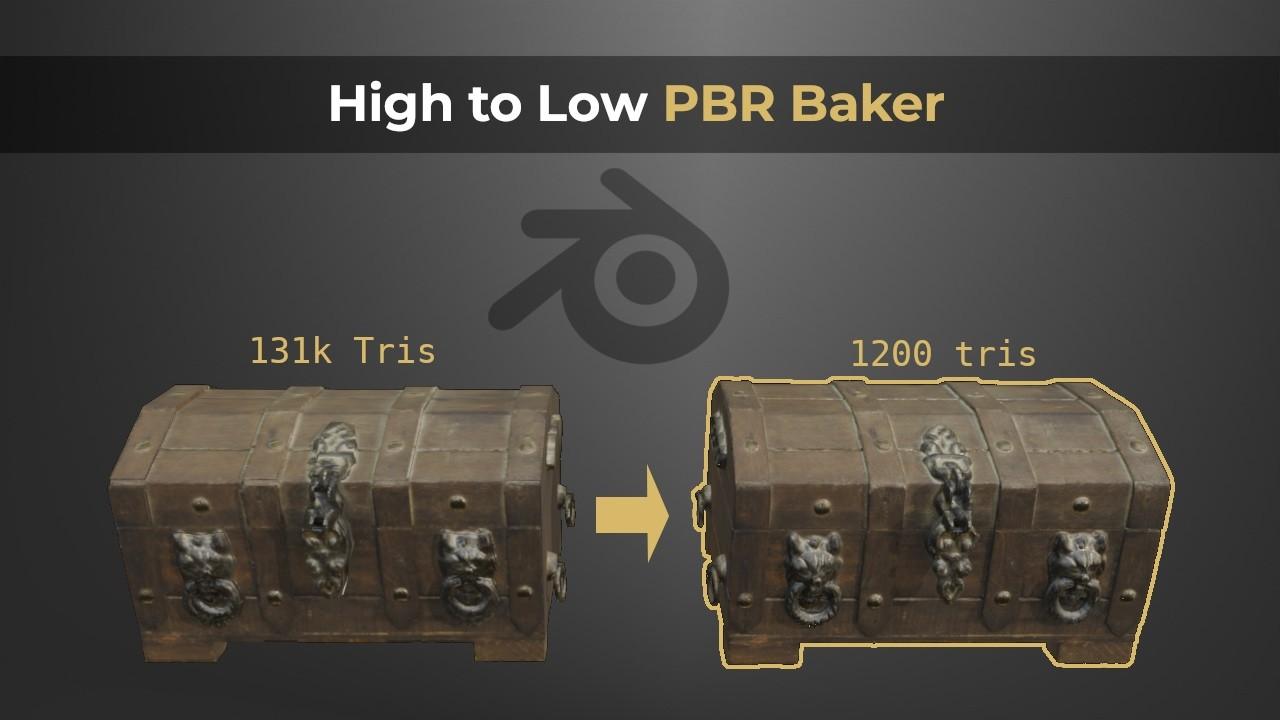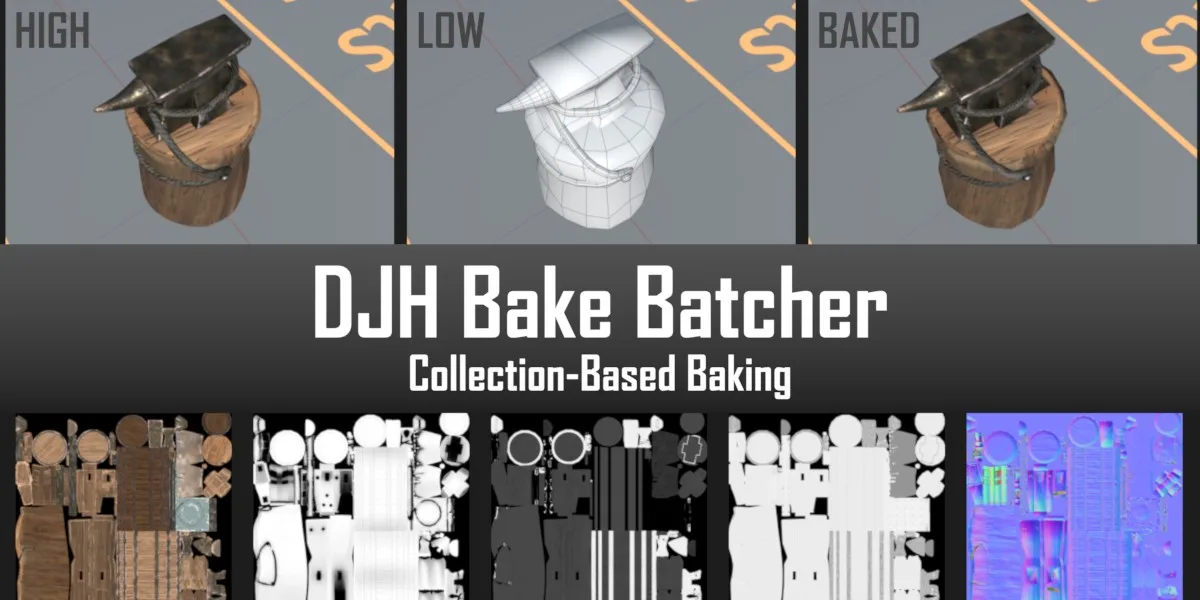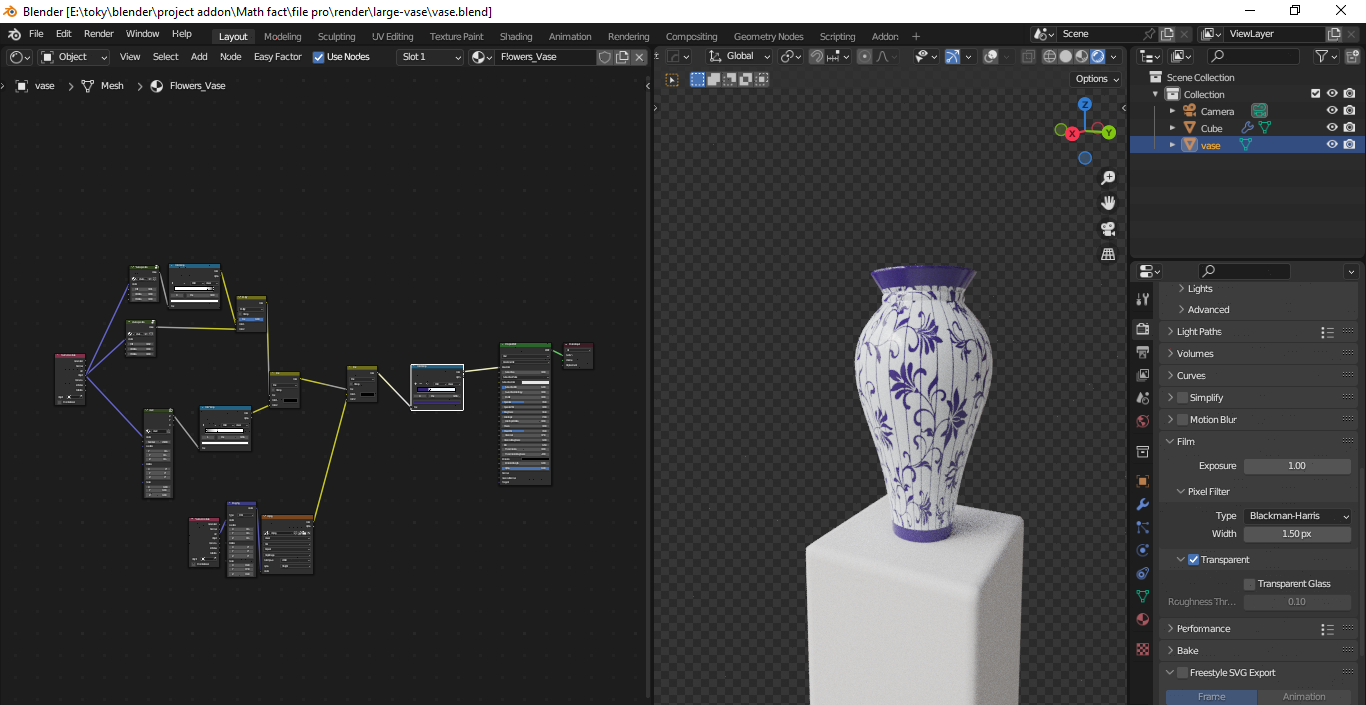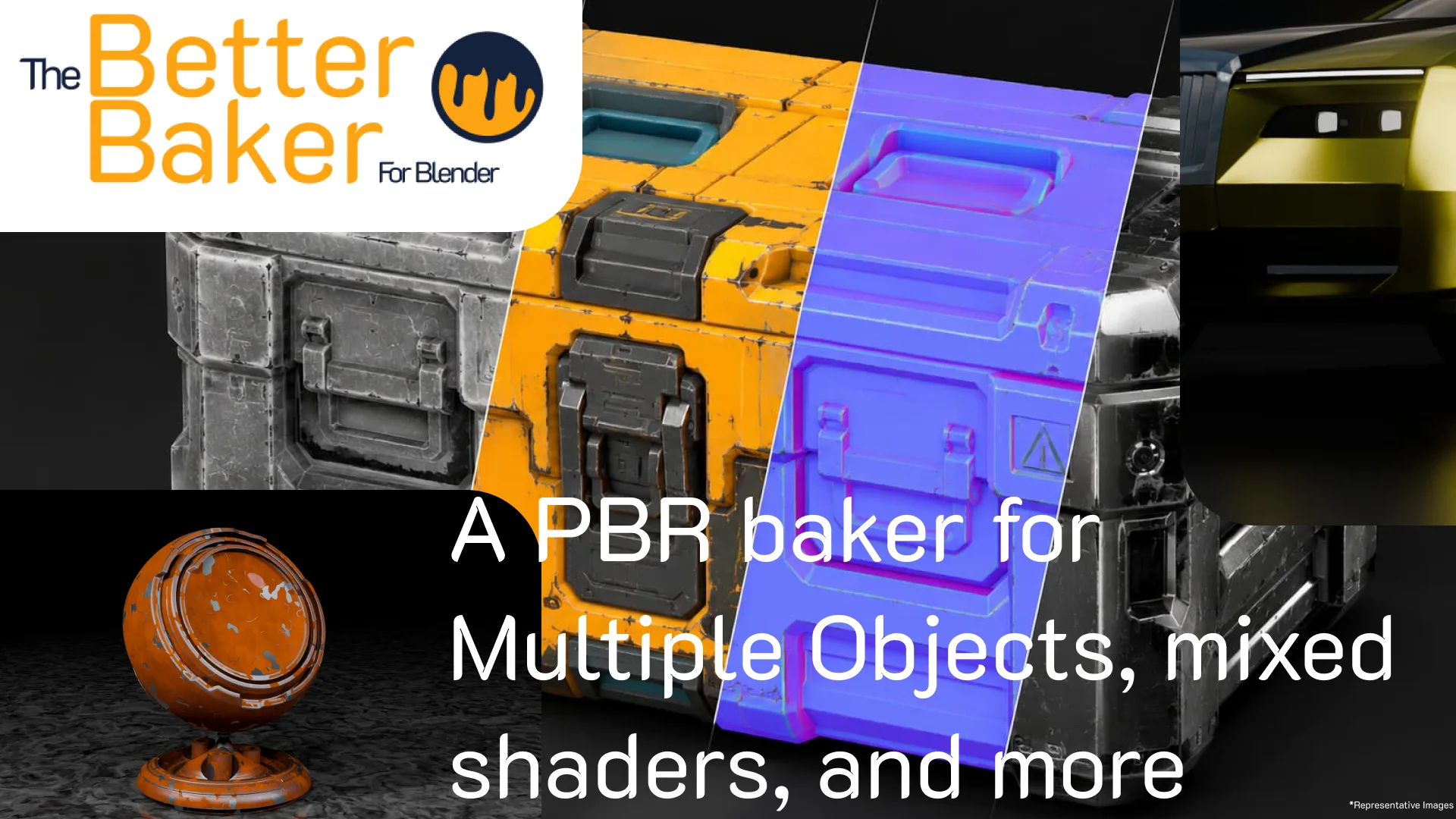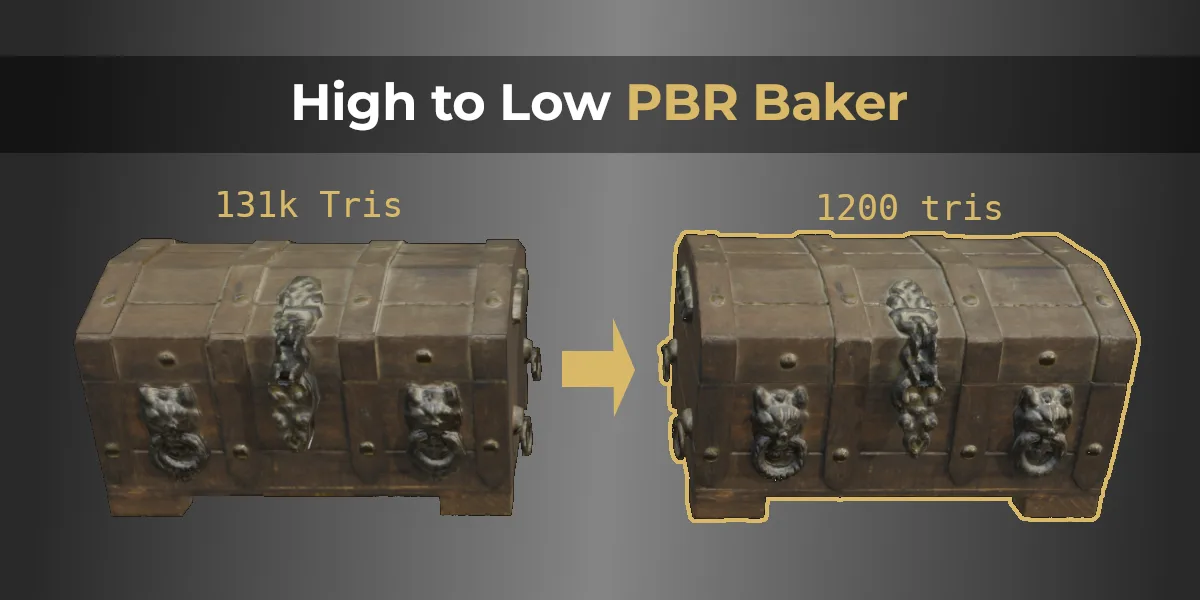
High To Low Poly Pbr Baker is a Blender add-on for baking PBR material maps from a high-poly model onto a low-poly model. Its N-panel workflow turns Blender's Selected to Active process into a Bake ALL Maps action, reducing repeated image setup and shader-node rewiring.
Run a high-to-low bake
Install the add-on as you would a regular Blender add-on, then open its controls in the N-panel. Set a Base Name if you want one and choose a resolution. The documentation says the default Margin and Extrusion values are suitable for getting started, and warns that resolutions of 2k or higher will be slow.
In the Scene Tree, hold Control and select the High Poly object first, followed by the Low Poly object. Then click Bake ALL Maps. The product FAQ says a selection error can occur when only one of the objects is selected, so check that both are selected in the documented order.
How the map passes work
The product workflow covers Diffuse, Metallic, Normal, and Roughness maps. For a Diffuse bake, the instructions say to enable only the Color pass, turn off Direct and Indirect, and set the metallic value to zero because it affects the diffuse pass. Blender has no native channel for baking Metallic, so the metallic texture is routed to Emission for that pass. Normal and Roughness use the standard bake process.
For a high-poly to low-poly transfer, the instructions call for an extrusion value slightly greater than zero. The add-on groups the map work behind its bake button; these pass details help explain the setup when you need to check a result. See the product documentation for the listed steps.
Compatibility, license, and sample files
The product listing specifies Blender 4.0 through 5.2 and the Cycles render engine. AnyPlugins lists the add-on as free, while the Superhive listing identifies its license as MIT. Check the product page for current download and compatibility details.
Two sample files are included: one with a completed chest bake and another for trying the workflow yourself. The test file lets you follow the selection and bake steps on the example before using the add-on with your own models.