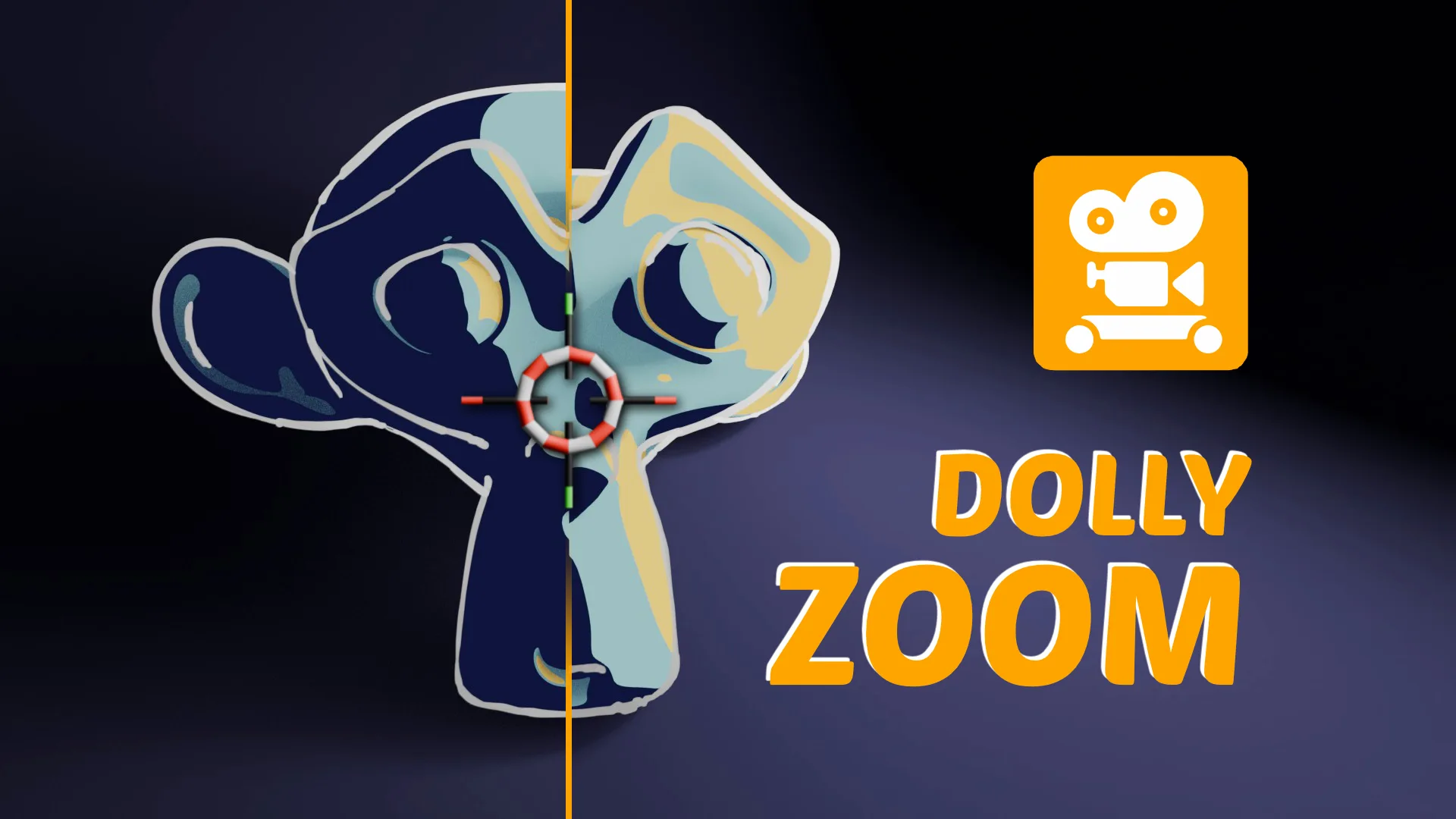
Dollyoom [Dolly Zoom] is a Blender add-on for adjusting the scene camera's perspective with a mouse gesture. It changes focal length while keeping the subject at a constant size, which helps when experimenting with camera angles.
Use the dolly zoom gesture
Start the tool with Alt + M or find it under 3D View > View > Navigation. Move the mouse left or right to adjust the scene camera's perspective. Hold Shift for fine adjustments. While the gesture is running, use the number keys to set the focal length numerically.
Choose what stays in focus
The active object is the default focus target. While the gesture is running, press C to switch between the active object and the 3D cursor. Choose the target that marks the subject you want to keep at a constant size as you adjust the camera perspective.
Camera adjustment, not animation
Dollyoom adjusts camera movement as you explore angles. It does not support keyframes for animation
Version and documentation
The Superhive listing identifies Blender 4.5 and the GPL license. Bookyakuno's Dollyoom documentation describes the gesture controls and focus options. See the Superhive product listing for the published product details.