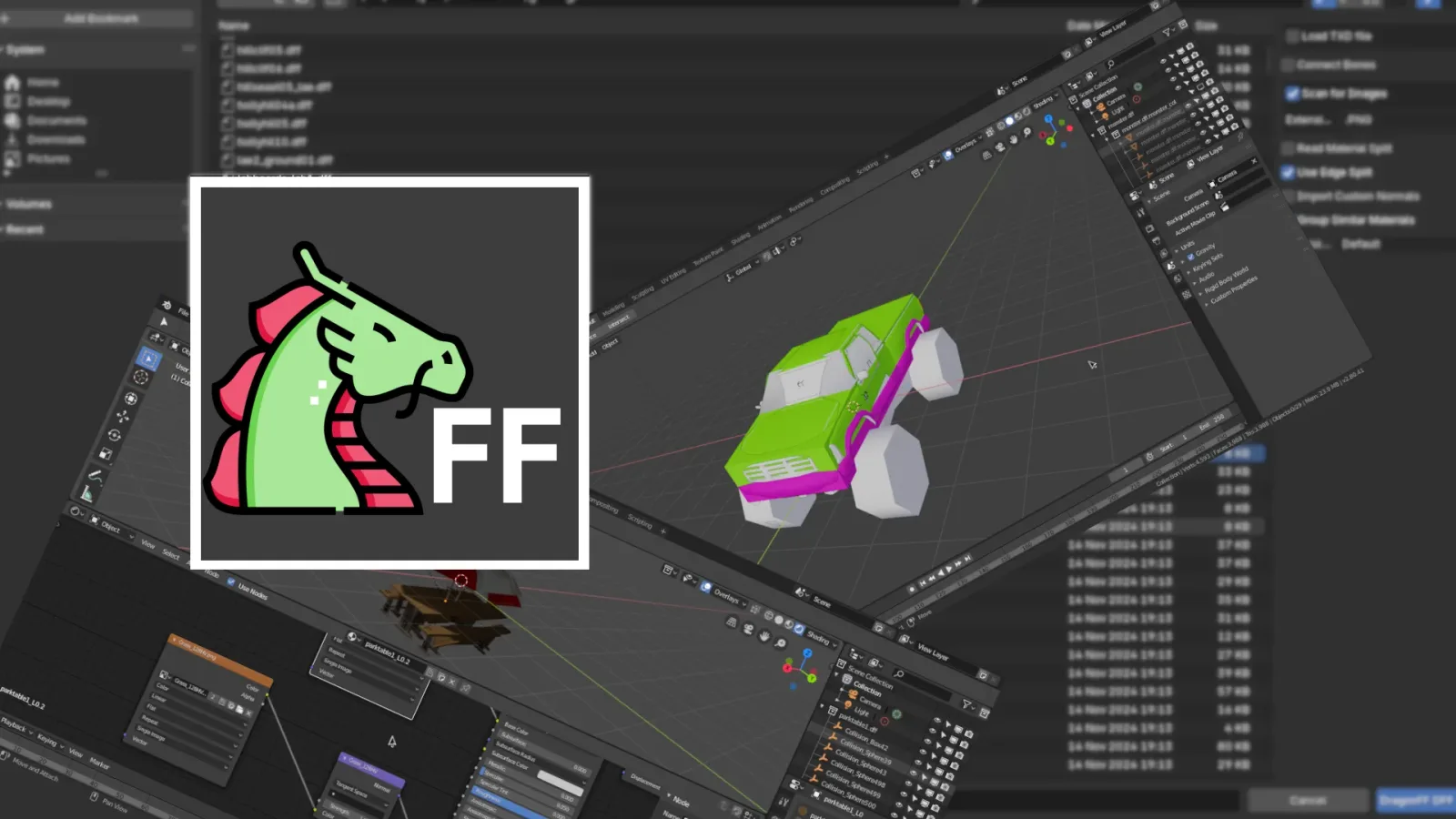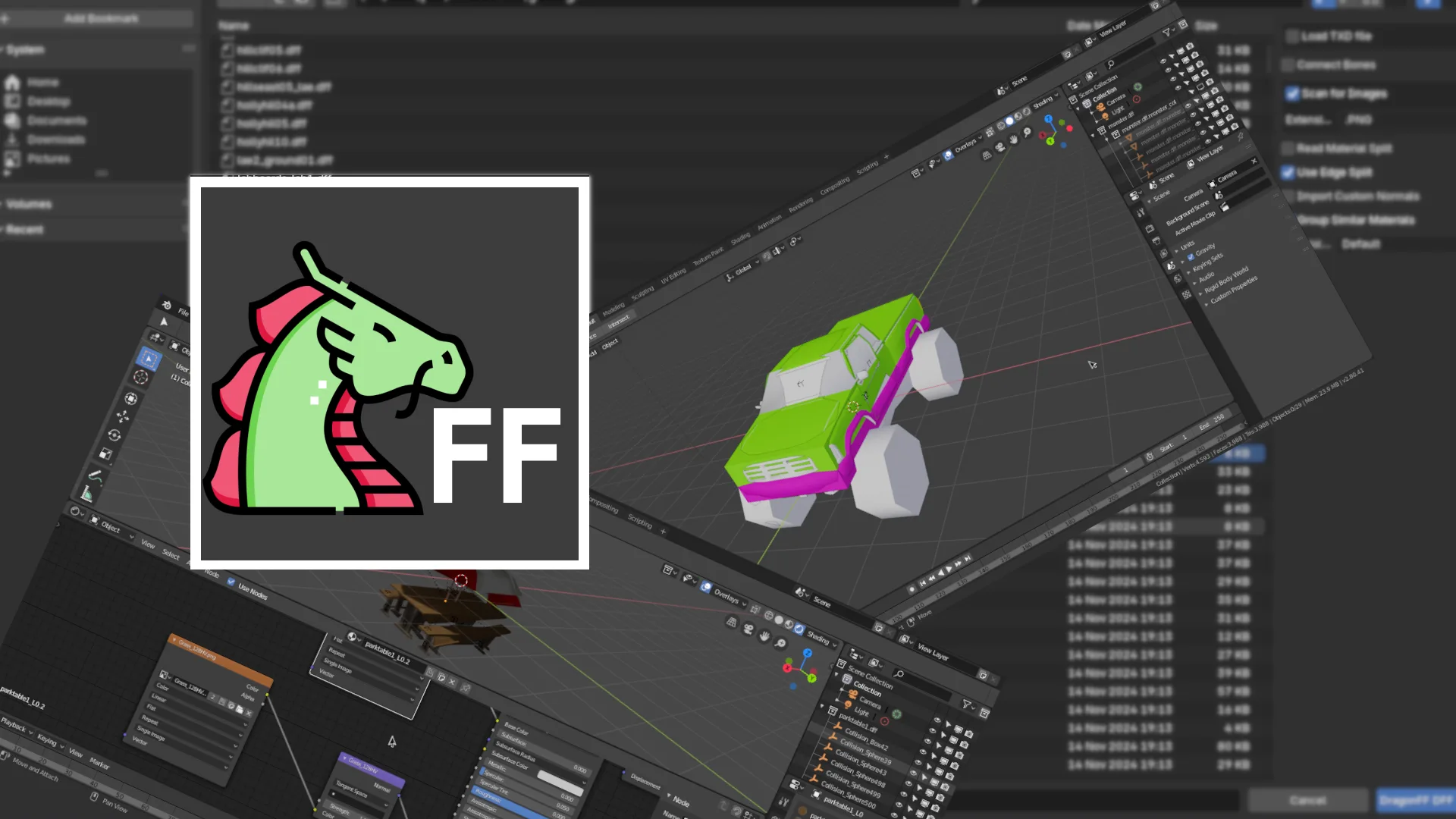
DragonFF is a Blender add-on for working with Grand Theft Auto (GTA) assets in RenderWare formats. It supports model files such as .dff, texture files (.txd), collision files (.col) and map data (.ide and .ipl). TXD export and IDE/IPL map import are listed as partial and experimental. That makes DragonFF useful to GTA modders working with these RenderWare assets in a Blender scene.
File formats and support
DragonFF supports import and export across several RenderWare formats, though the available operations differ by format.
.dffmodels can be imported and exported. Model features include skinned meshes, multiple UV maps and mass export..txdtextures can be imported. Texture export is listed as partial and experimental..colcollision files can be imported and exported, including collision data packed inside a.dfffile..ideand.iplmap data can be exported; map import is listed as partial and experimental.
Material support includes environment mapping, bump mapping, dual-texture mapping and UV animation. Rockstar extensions include specular and reflection materials, Breakable, Pipeline Set, night vertex color and 2D effects. Check the current project notes before relying on a particular operation, especially one marked experimental.
Blender compatibility and installation
The Blender Extensions catalog lists DragonFF version 1.1.0, maintained by Parik, with Blender 4.2.0 as the minimum version. In Blender 4.2 or later, find DragonFF in Preferences under Get Extensions and install it there. For a ZIP installation, use Blender's Install from Disk option as described in the Blender manual.
Developer and license
The catalog lists DragonFF under the GNU General Public License v3.0 or later. Check the Blender Extensions listing for the published package and compatibility details, and the DragonFF project on GitHub for its source and current development notes.