Import AutoCAD DXF Format (.dxf) is a community-maintained Blender add-on for importing DXF files. The extension project's README says no support is expected. The Blender Extensions listing describes the add-on as offered as-is with limited support. It lists version 0.9.10, a minimum Blender version of 4.2.0, and a GPL-2.0-or-later license.
Import a DXF file
After installing and enabling the add-on, choose File > Import > AutoCAD DXF in Blender and select a .dxf file. The add-on requests access to the directory containing your DXF files so it can read them.
Check compatibility and file details
The Blender Extensions listing confirms DXF import but does not enumerate supported DXF entities or import settings. The Blender 4.1 Manual documents those details for the bundled add-on. If a particular entity or setting matters to your drawing, test a copy with the separately listed extension before relying on the result. For installation from a downloaded archive, see Blender’s Install from Disk instructions.
Common questions
Which Blender version does the DXF importer require?
The Blender Extensions listing sets Blender 4.2.0 as the minimum version for Import AutoCAD DXF Format (.dxf).
Where is the DXF importer in Blender?
Once the add-on is installed and enabled, open File > Import > AutoCAD DXF and select your .dxf file.
What file access does the add-on need?
It requests access to the directory containing your .dxf files so it can read them.
Which DXF entities and import settings does it support?
The Blender 4.1 Manual describes the bundled add-on’s mappings: LINE entities map to POLYLINE curves, with an option to merge connecting lines. (LW)POLYLINE and (LW)POLYGON become POLYLINE curves without bulges and BEZIER curves when bulges are present; ARC, CIRCLE and ELLIPSE map to BEZIER curves. MESH becomes a mesh with a Subdivision Surface modifier; POLYFACE and POLYMESH become meshes; 3DFACE, SOLID and POINT are combined into one mesh object per layer. The manual lists HATCH and LEADER as missing. Other documented options include block handling, object merging, line thickness and width, and optional TEXT and LIGHT imports. For georeferencing, Pyproj enables coordinate-system selection; without it, the manual documents its built-in latitude/longitude-to-X/Y conversion. The Blender 4.1 Manual documents these mappings and options; the version 0.9.10 listing gives Blender 4.2.0 as the minimum but does not specify whether each behavior is retained. Test a copy with that extension before relying on a specific DXF file.
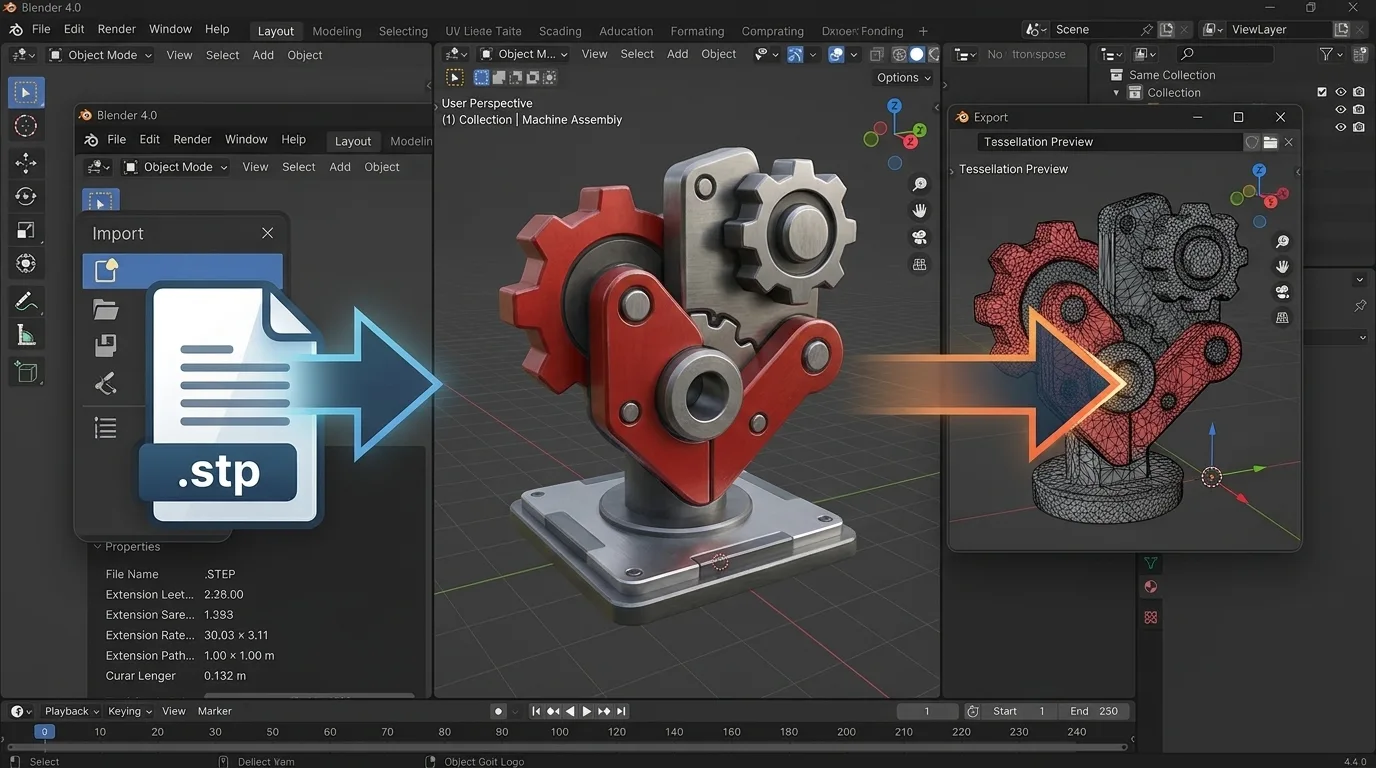
Check StepForge's Blender 4.2+ compatibility, STEP/STP import, organized objects and two export modes, including experimental curved export, before installing.
Move DXF geometry between Blender and CAD with Super3D. Review its cloud conversion, layer handling, DXF limits, and current purchase status before installing.
Rhino Blender Exchange moves meshes between Rhino 8 and Blender, supports selective updates and simple textures. Check versions and limits before installing.