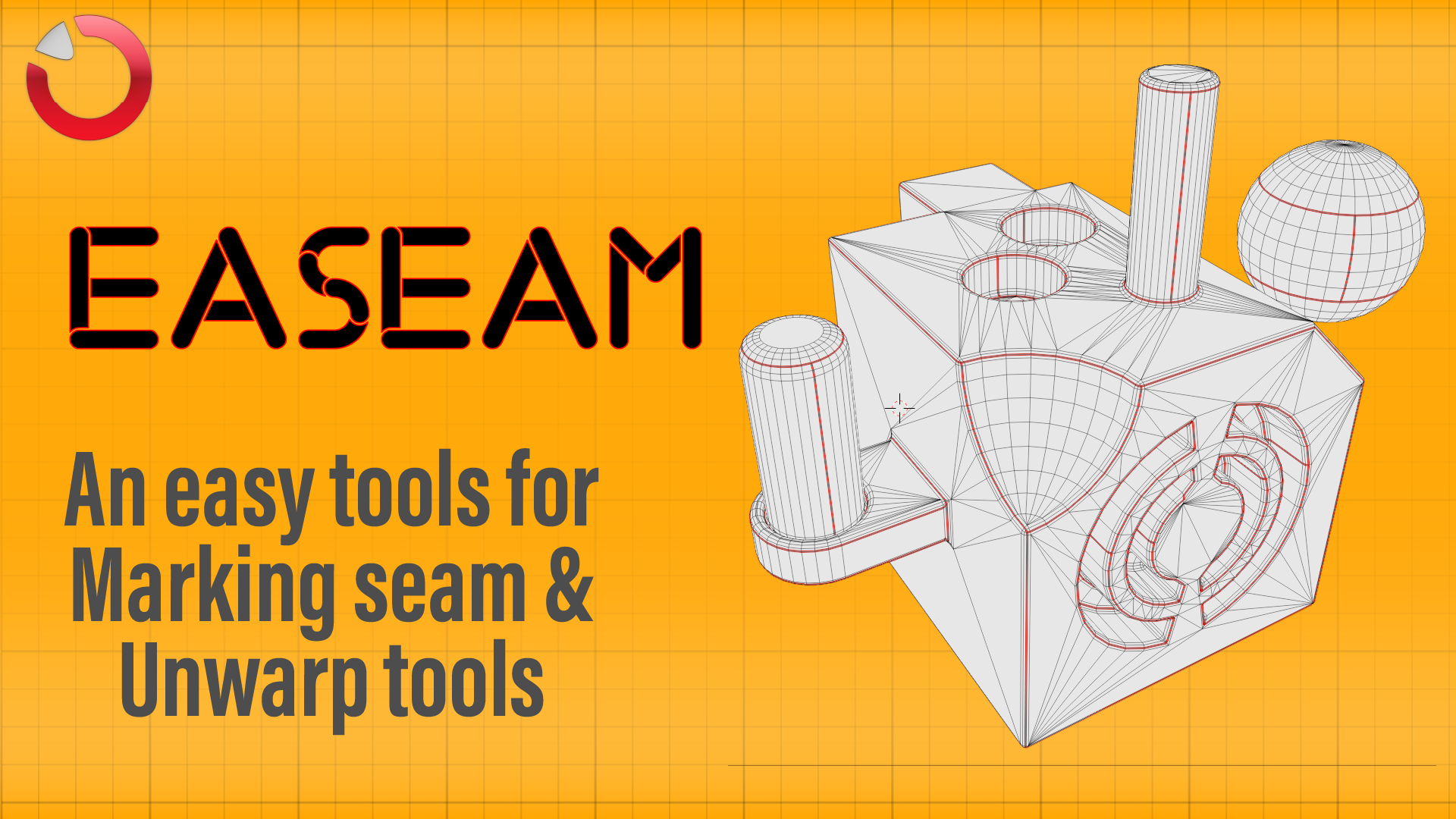
Easeam is Orcavia’s Blender add-on for marking UV seams and unwrapping meshes. Its operators handle linked flat surfaces, edge loops, cylinder geometry and marked sharp edges, alongside tools for Smart UV Project and whole-mesh re-unwrapping. This release is marked deprecated and lists support for Blender 3.0 through 5.0.
Seam tools for different mesh shapes
Easeam groups several seam-marking operations around the geometry or selection you are working with:
- Mark Around Flat marks seams around linked flat surfaces. You can set an angle, grow the selection, or set both values to zero to mark around the selected faces.
- Seam Edge Loop marks a selected edge loop and can unwrap between marked seams without Live Unwrap. It does not cross edges that already have seams.
- Tube Seam adds a seam to cylinder geometry. The documentation specifies clean, quad-based geometry for this operator.
- Seam by Sharp Edge marks seams using marked sharp edges, an angle, or both.
- Auto Seam by Y Verts targets similar geometry with Y-shaped edges, which the listing says are often produced by bevels with even segments.
Toggle Mode lets you mark or clear seams in one action. These options give Blender artists different starting points for seam placement; the result still depends on the mesh and the choices made for each operator.
Unwrapping and UV maps
Auto Unwrap & Seam uses Blender’s built-in Smart UV Project operator to unwrap and mark seams. It replaces existing edge seams on the target. Re-Unwrap processes the whole mesh, including hidden geometry, while keeping the current selection. Its optional auto-pack setting may slow down work on a high-resolution mesh. Easeam also includes a UV Map Manager.
Panel, tooltips and shortcuts
The add-on’s UI controls have tooltips. You can assign an operator shortcut by right-clicking its button. If you prefer to keep the N panel hidden, Easeam’s preferences let you hide it and access operators through assigned shortcuts or a pie menu.
Compatibility and installation
Orcavia’s Easeam documentation describes drag-and-drop installation for Blender 4.2 or later and a route through Edit > Preferences > Add-ons to install the ZIP from a file. The product listing marks this release deprecated and lists Blender 3.0 through 5.0. It identifies Easeam 2 as the successor. Check the listing for current availability and terms before downloading.