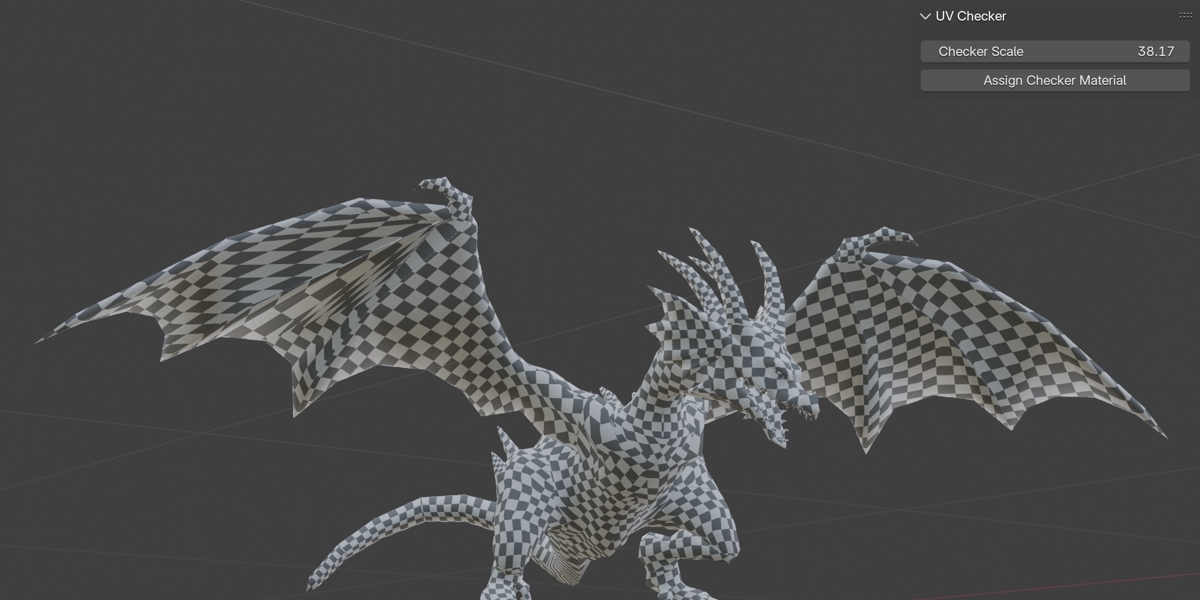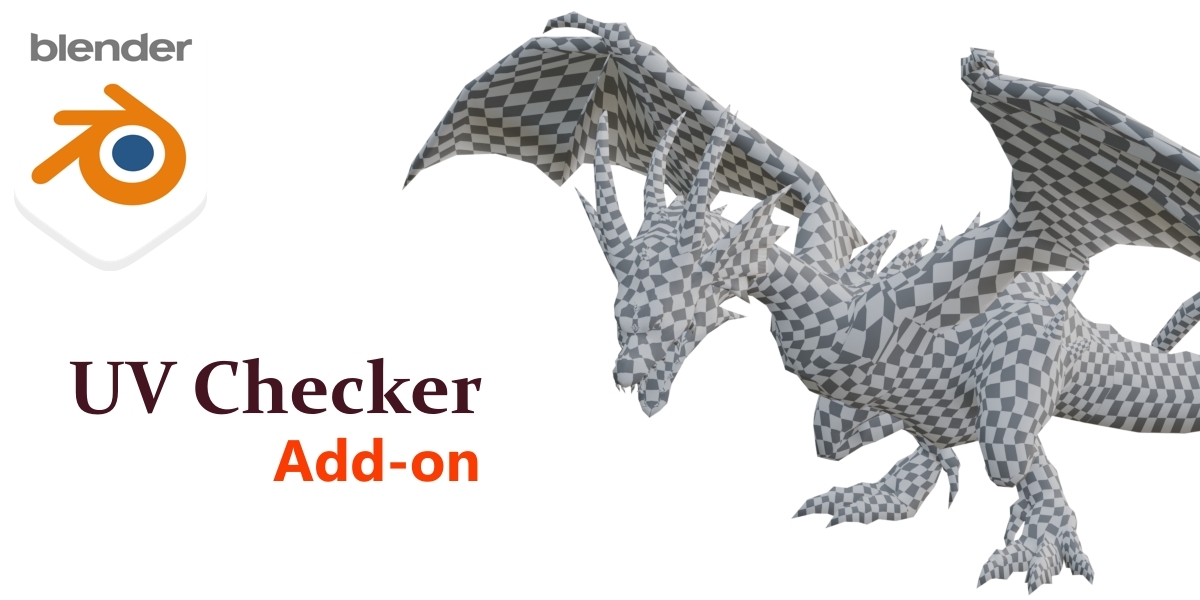
Uv Checker is a Blender add-on by Azerilo for checking UV layouts while modeling, unwrapping, or preparing assets for texturing. It applies a high-contrast checker pattern to a selected object so you can look for stretching, distortion, and tiling issues in the viewport.
Inspect UVs without replacing your materials
The checker material is non-destructive: the product listing says your original materials remain untouched and you can toggle back to them. The add-on is described as lightweight, with no extra nodes, and its resolution-independent pattern has an adjustable scale for changing checker density.
Uv Checker works with Eevee and Cycles, and the listing also describes use in solid view with material preview.
Install and apply the checker
The product documentation gives these steps:
- Download the add-on ZIP file.
- In Blender, open Edit > Preferences > Add-ons, choose Install, select the ZIP file, and activate the add-on.
- In the 3D Viewport, press N to open the sidebar and select the UV Checker tab.
- Select a mesh, click Assign Checker Material, and switch to Material Preview to see the pattern. Adjust Checker Scale to change its density.
Compatibility and licensing
The Superhive listing gives Blender compatibility as versions 3.6 through 5.0 and lists the license as GPL. It also says Uv Checker is included with seven other add-ons in Azerilo Smart Tools. Check the listing for current availability and offer details.