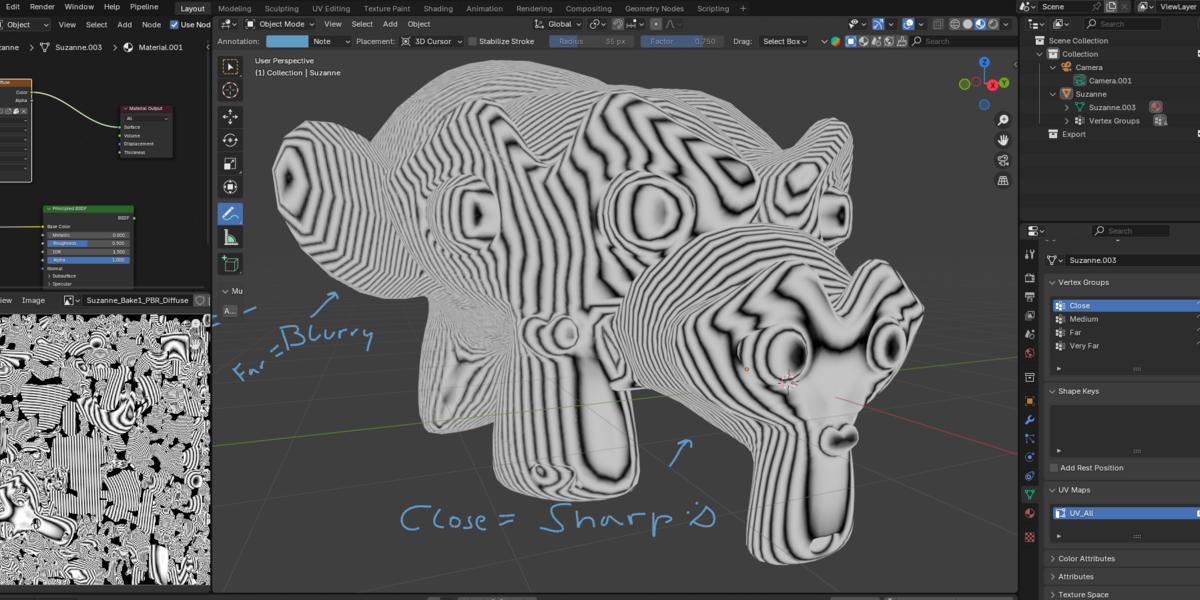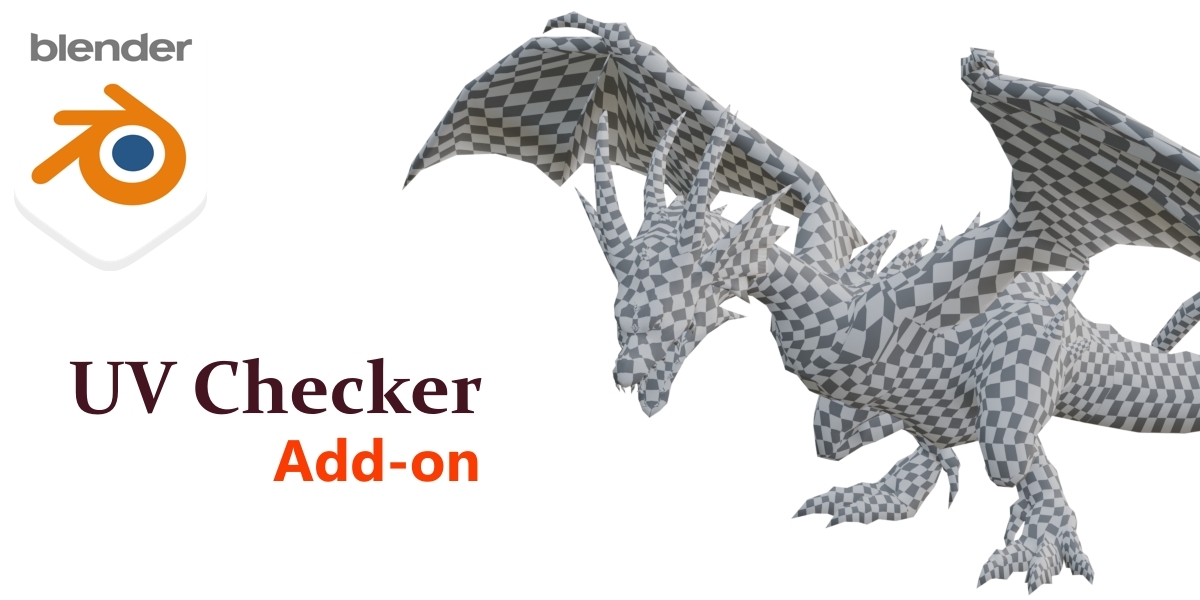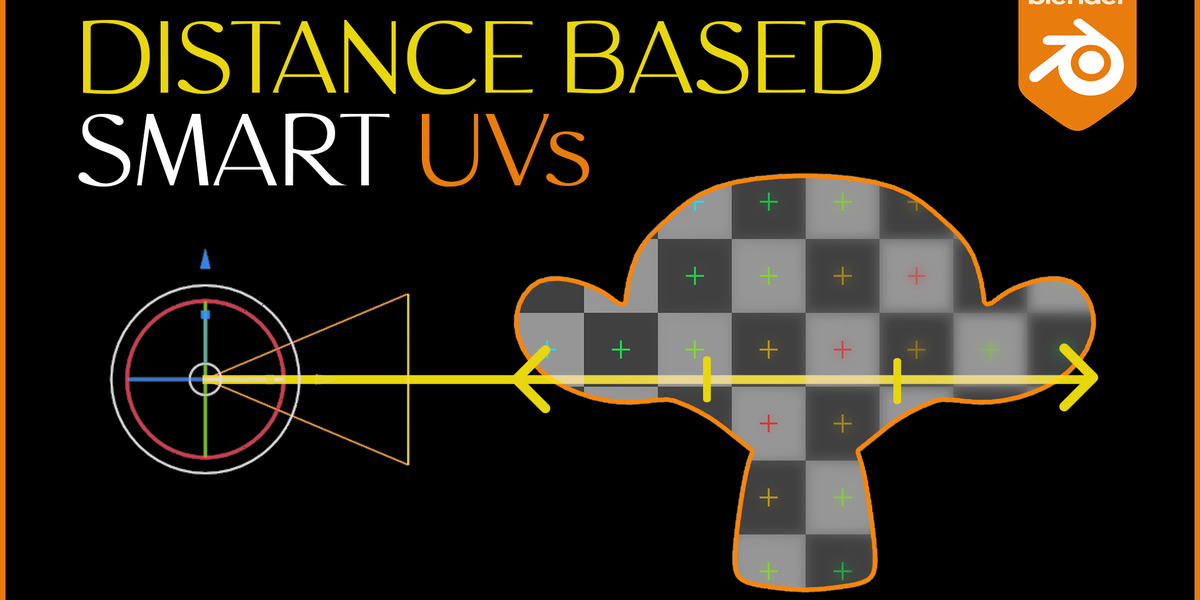
Distance-Based Smart-Uvs Addon is a Blender add-on that combines Smart UV Project with camera-distance-based UV island scaling. It requires an active scene camera to calculate each face's distance, assign the selected object's faces to distance groups, scale their UV islands, and pack them into the 0 to 1 UV space.
How camera-distance scaling works
The add-on uses close, medium, far, and very far distance groups. Its default scale factors are 2.0x for close faces, 1.5x for medium faces, and 1.25x for far faces. Faces beyond the far threshold keep their original scale. You can change the distance thresholds and scale factors to suit the camera view and the model.
You can also set the UV map name and the margin between packed islands. The add-on creates the named UV map if it does not exist, or uses it when it already exists. The operation changes the UV layout; it does not increase the resolution of a texture image.
Install and run it
- Download
distance_based_smart_uvs.py. In Blender, open Edit > Preferences, choose Add-ons, select Install, choose the downloaded file, click Install Add-on, and enable Distance-Based Smart-UVs. - Make sure the scene has an active camera, then select the object to unwrap. The add-on processes one object at a time.
- In the 3D Viewport, press N to open the sidebar and choose the UV tab. Set the distance thresholds, scale factors, UV map name, and island margin, then run the operation from its panel.
- Review the packed UV layout. Blender's undo system can revert the operation with Ctrl+Z.
The add-on has no default hotkey; its controls are in the 3D Viewport sidebar.
Fit and compatibility
This workflow is suited to a mesh where the camera view should influence how UV space is distributed. Dense, high-polygon meshes may take longer to process. In Edit Mode, the add-on works on the original mesh data without modifiers; the product instructions suggest applying modifiers first if they should affect the UV calculations.
The product listing names Blender 4.0, 4.1, and 4.2. Check Samuel Haller's Superhive product listing for compatibility details before using another Blender version.