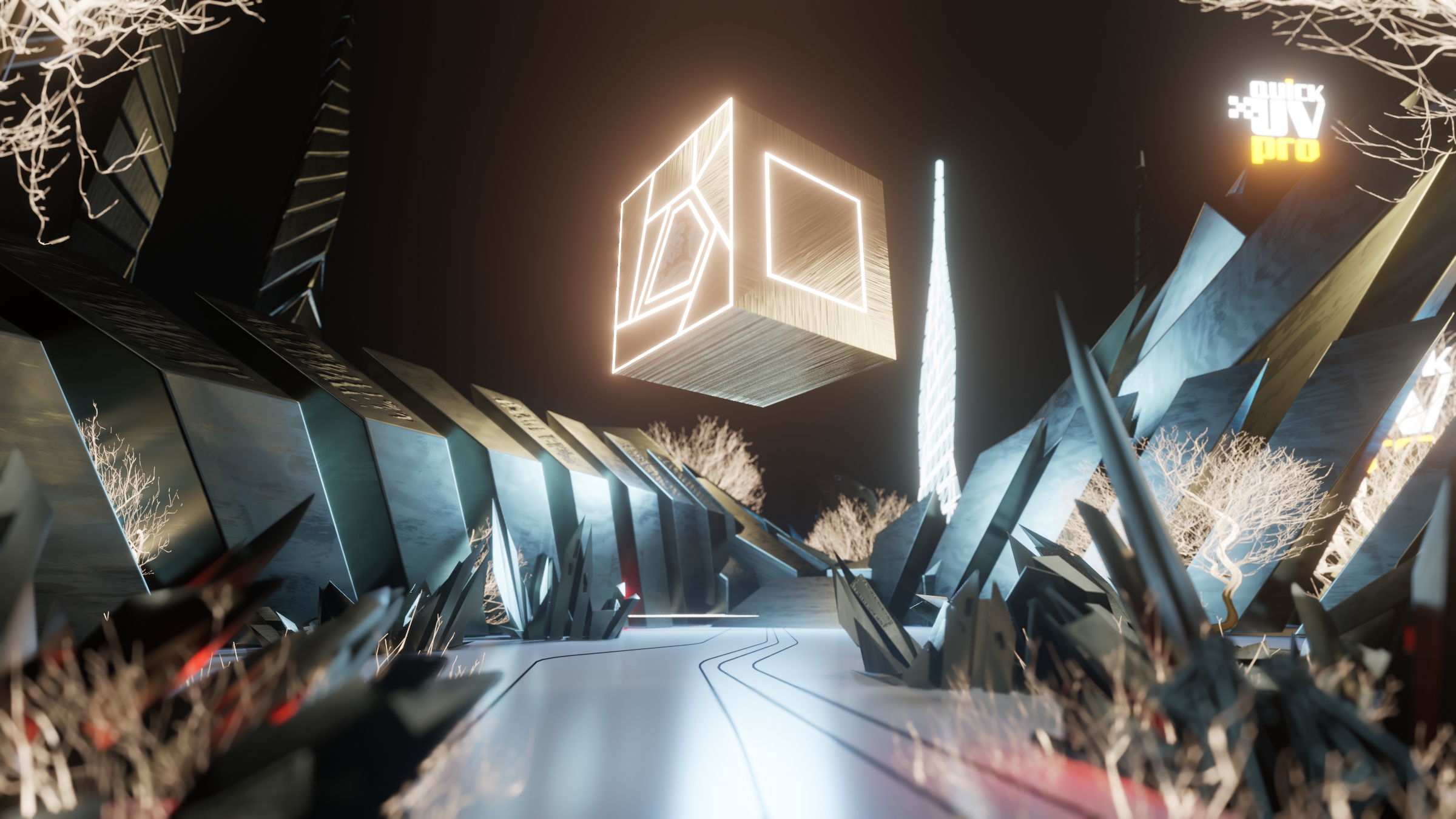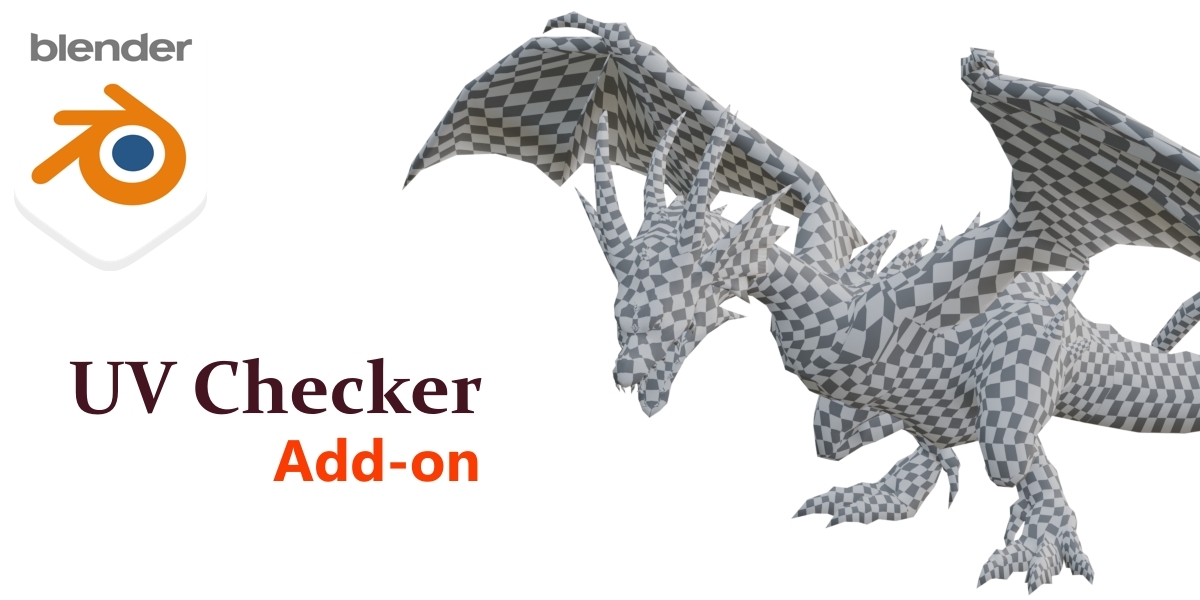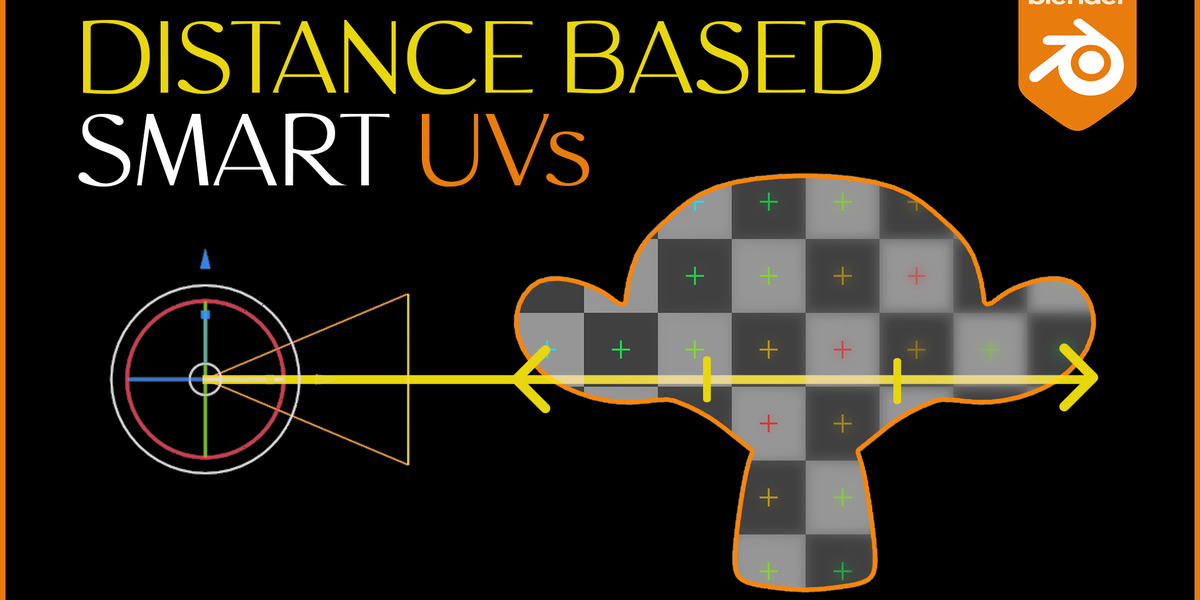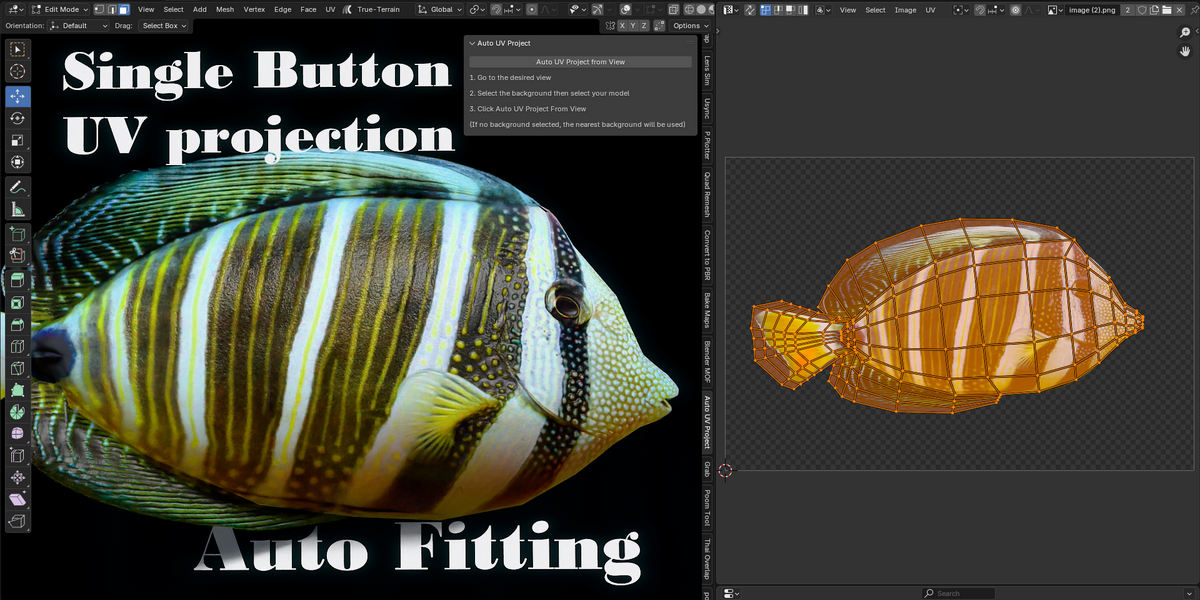
Quick UV Pro is a Blender add-on for projecting and adjusting UVs from the 3D viewport. It is aimed at workflows such as architecture visualization and furniture creation, where you may want to apply a material and move, scale, stretch, or rotate UVs on selected faces without leaving the viewport. The product listing describes its projection tools and gizmos; the documentation gives the modal controls.
Work with UVs in the viewport
Press B to open the Pie Menu for projection and UV options. The modal workflow requires Face Mode for transforming UVs on faces. Its documented controls include S to scale, R to rotate, G to move, A to select all, and Ctrl+Z to cancel. Enter, Numpad Enter, or the fourth mouse button validates an operation. Press T to change the UI display while the modal tool is running.
Choose a projection and gizmo
Quick UV Pro supports cube, cylinder, sphere, and view-based projection. Use an orthogonal view before launching Cylinder Projection. It also has a one-click option to unwrap and straighten UV islands. Cube, Plane, and World gizmos are available at real size. In modal mode, right-click to reach their dimensions; the gizmo size can also fit the mesh. Shift+Tab enables snapping for the gizmos.
The Cube UV Gizmo creates a UVWarp Modifier. The documentation describes applying that modifier after setting the projection. World gizmos can switch between several textures or drive several shaders inside a shader node.
Adjust rotation, materials, and textures
The Rotate UVs command uses 90-degree increments by default. Ctrl-click changes the increment to 45 degrees, while Shift-click uses 30 degrees. Quick UV Pro also has a one-click rotate option and a straight unwrap button.
You can link a material from another mesh and tweak Quick UV Pro materials in the viewport with Alt+M. The Pie Menu can add image or IES textures to lights, a feature the listing limits to Cycles.
Compatibility and setup
The marketplace listing identifies Blender 5.1, marks the add-on as Blender Extension Compatible, and lists the license as GPL. It also says shortcuts can be changed in Blender Preferences. Check the current listing for compatibility details for your specific Blender build.