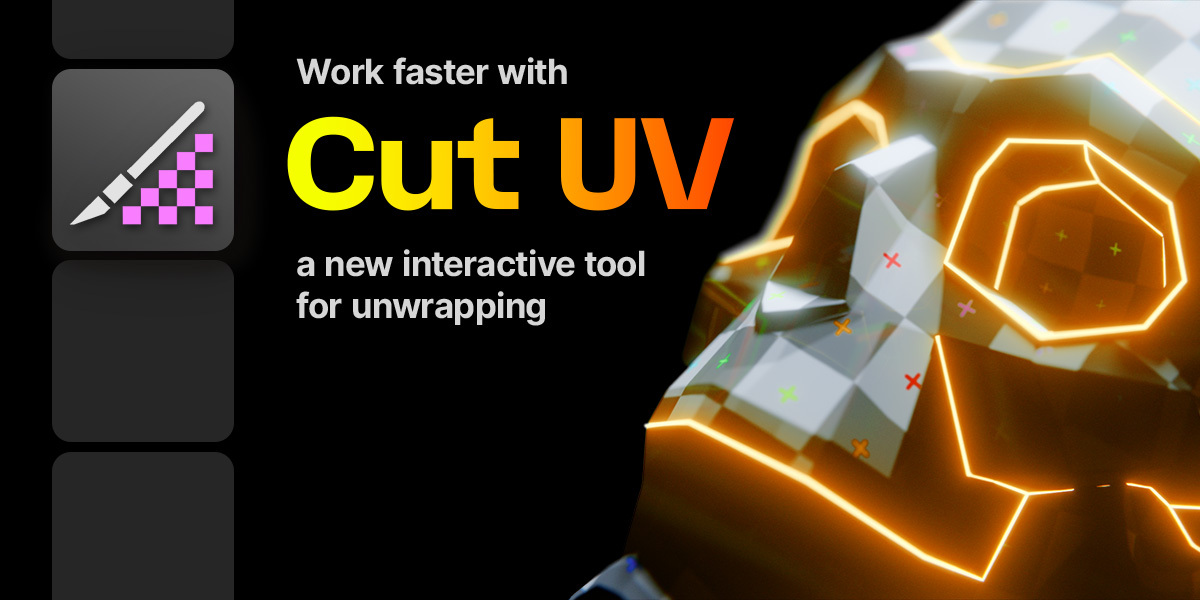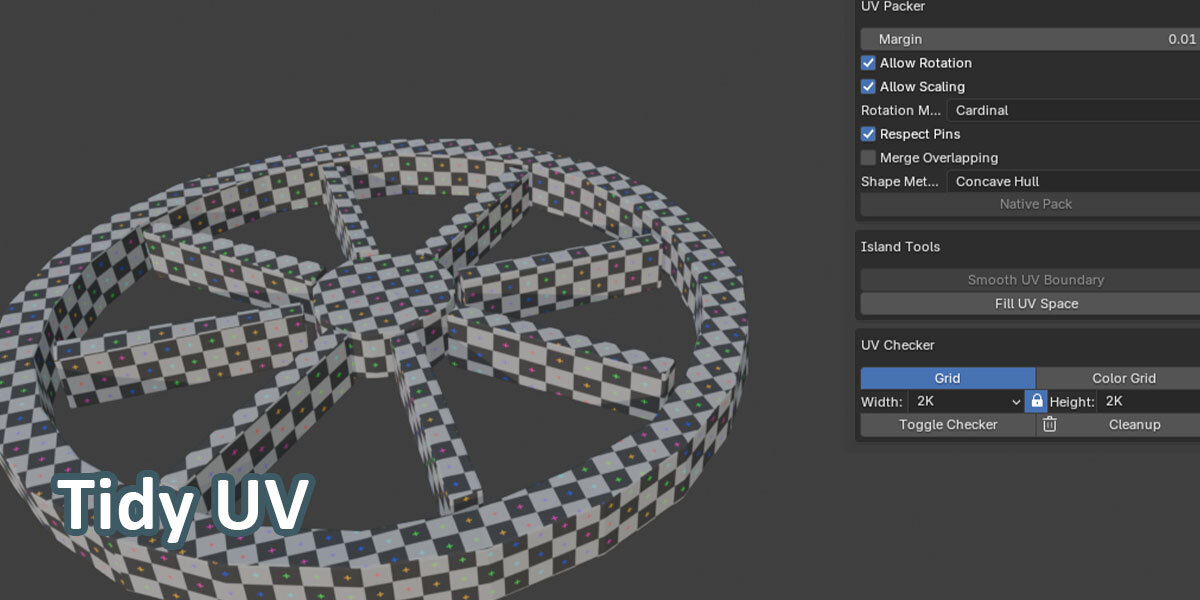
UV Flow is an Orange Turbine add-on for managing seam placement, unwrapping, straightening and packing UVs in Blender. Its Cut UV tool works from the 3D View toolbar, so seam editing can stay close to the mesh. See the UV Flow product listing for the current details.
Mark seams from the 3D View
Cut UV highlights the edge under the pointer before you mark it. Click an edge to make a seam, double-click to follow a loop until it reaches another seam, or use Shift with a double-click to mark the full loop. Ctrl-click follows the shortest path, while click-drag draws a seam along edges. Hold Alt with these actions to clear seams.
The tool works with Edit Mode symmetry, right-click select and alternative navigation keymaps. When Auto Unwrap is enabled, adding a seam unwraps only the UVs affected by that seam. Existing areas you have straightened or projected can remain in place.
Unwrap with mesh attributes
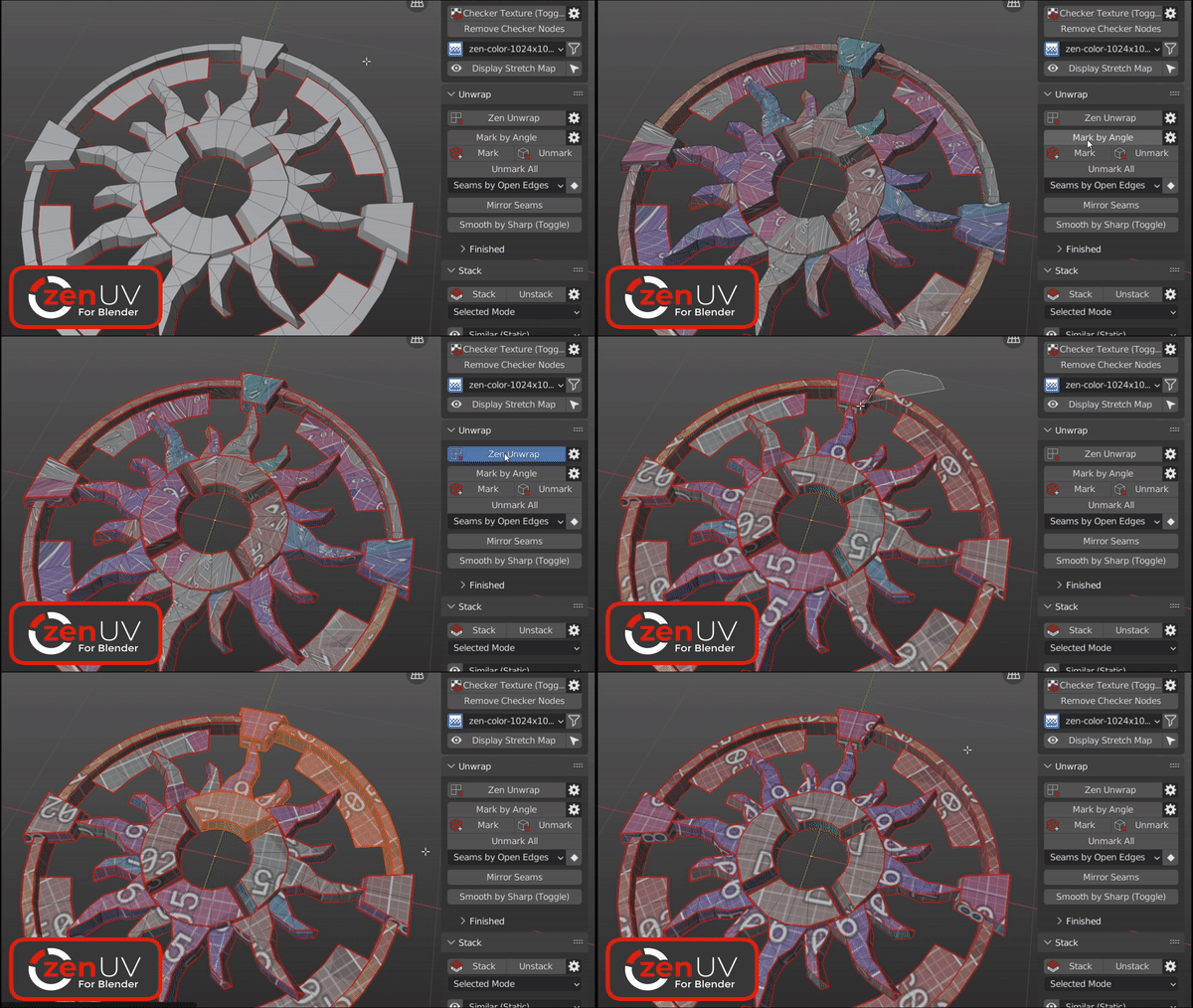
UV Flow can treat edges as seams based on their angle, bevel, crease, sharp or freestyle attributes. On some hard-surface meshes, those settings can provide enough seam guidance to unwrap without manually placing seams. They can also give you a starting point for a manual unwrap.
The Auto method begins with Angle Based unwrapping and switches to Minimum Stretch for islands that need it. Islands can also be unwrapped back to their original size and position. UV Flow can compensate for unapplied object scale, and it supports real-world sizing and texel density.
Straighten and refine UV islands
Its context-aware straightening tools adapt to the selection. A selected edge can align an island to the grid; connected edges can be flattened into straight lines; and quads can fit a grid or unroll into a strip. For triangles and n-gons, UV Flow can align the island bounds to the grid. The rest of an island is unwrapped around the selection automatically.
Refine moves faces toward their 3D angles and proportions. The listing says it can improve an island's overall shape, works with pins, and can run on its own or during unwrapping and straightening.
Keep UV maps and materials organized
UV Flow stores seam information separately for each UV map, which helps when one object has multiple layouts, such as a separate map for decals. It can also pack each material into its own UV space across multiple objects, a useful arrangement for texturing workflows in Substance Painter or Mari.
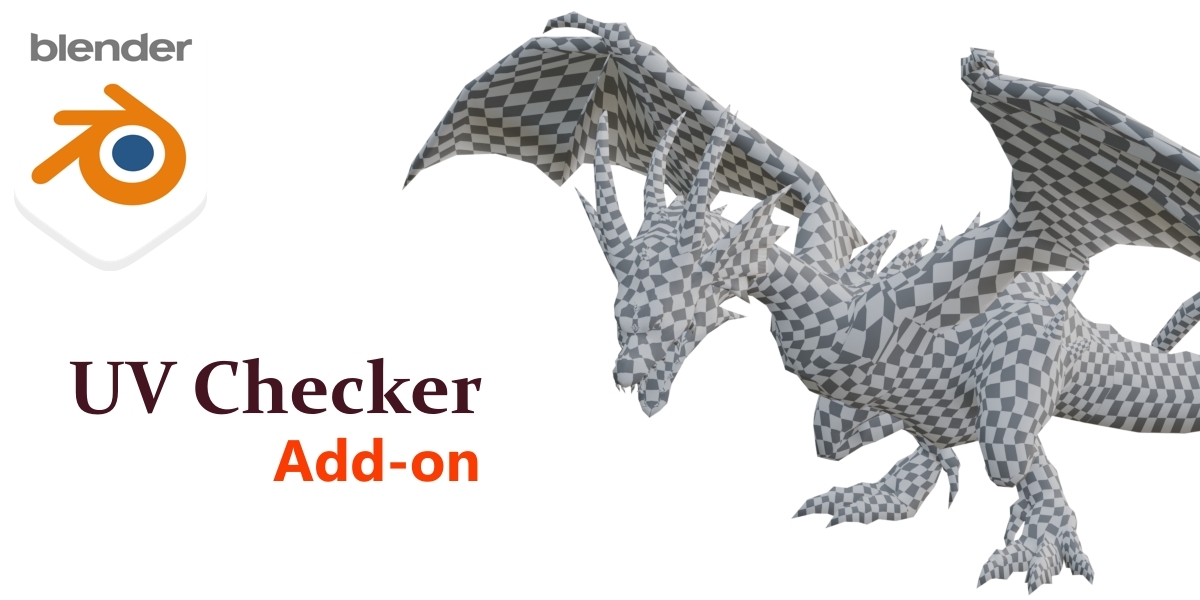
Other workflow controls include customizable seam overlays, checker textures that display on the selected mesh, Object Mode unwrapping and packing, and a one-click UV Editor toggle. The UV Flow documentation is available online.
Compatibility and license
The Superhive listing identifies UV Flow as a GPL add-on compatible with Blender Extensions and lists Blender versions 4.2–5.2. Check the product documentation page for compatibility and license details before installing.