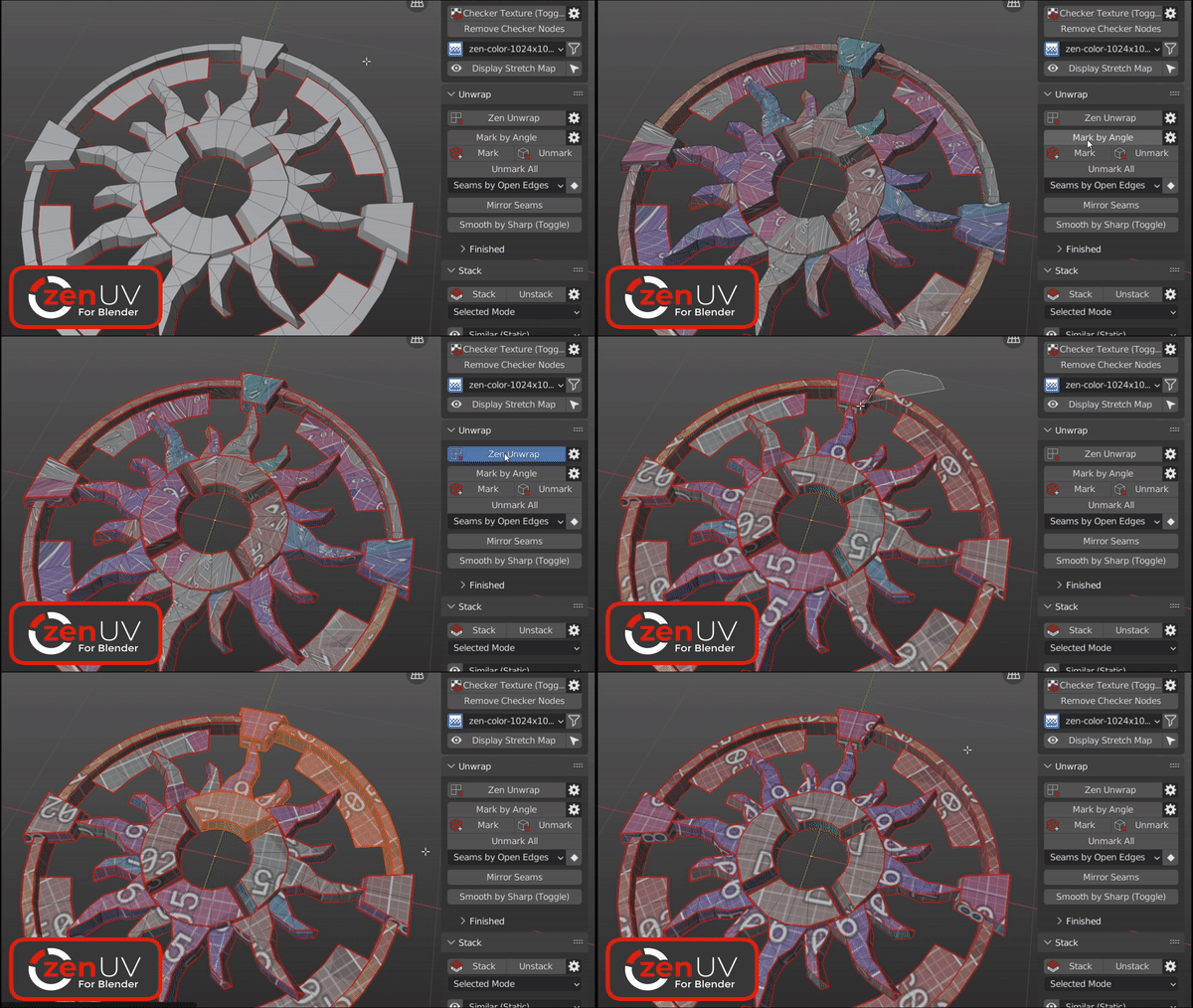
Zen UV is a Blender add-on for creating and editing UV layouts, with tools for unwrapping, island transforms, texel density, stacking, trim sheets and visual inspection.
Unwrap and refine UV islands
Zen UV includes tools for preparing geometry, marking seams, unwrapping and finishing islands. The unwrap tools include Zen Unwrap, seam groups, mirror seams and a finished system for tracking completed islands.
Zen Relax provides a relaxation workflow for organic UVs. Quadrify straightens quad-based islands into editable layouts.
Transform islands and manage scale
The Zen Gizmo moves, rotates, scales, fits, aligns and flips UV islands. It works in Blender's 3D View and UV Editor. The Touch Tool adds snapping, guides, alignment, falloff and quick actions for interactive adjustments.
Zen UV's transform tools also handle operations such as mirroring, sorting and stitching. Texel density controls help keep texture scale consistent across islands. The Stack System stacks similar or non-similar islands to reuse texture space.
Work with trim sheets, packing and UDIMs
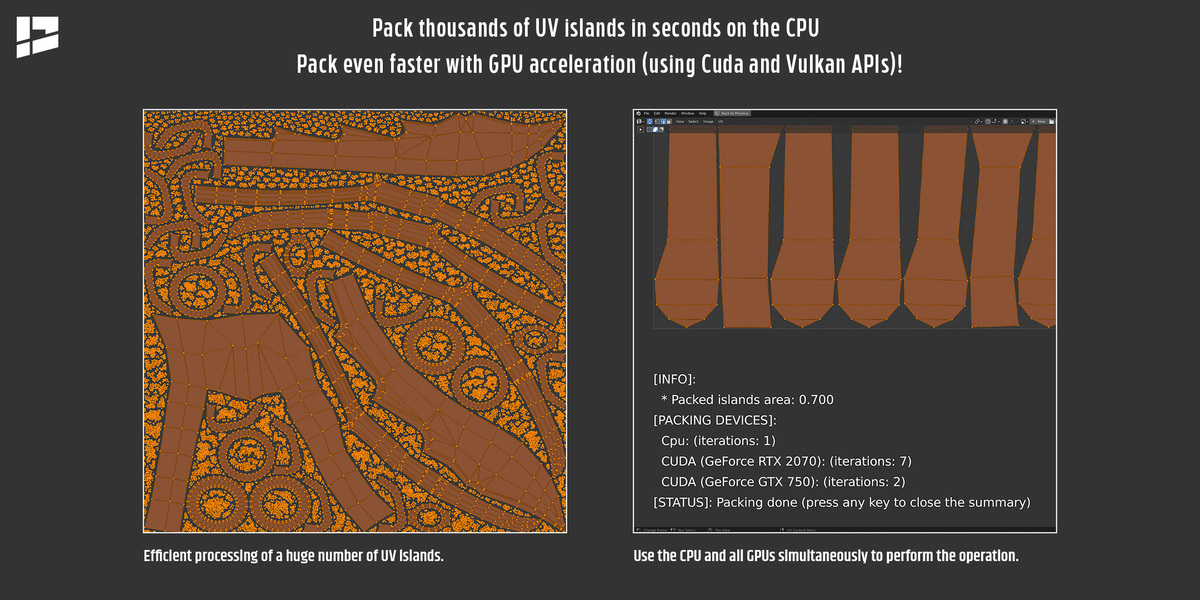
The Trimsheet System includes trim-sheet organization, import and export, transforms, and Hotspot Mapping for fitting islands to trim regions. Pack Tools and UDIM tools cover additional layout tasks for texture work across tiles.
Inspect a layout in Blender
Zen UV includes checker textures, colored islands, UV island display and border views. These displays help inspect overlaps, flipped or stretched islands, padding, stacks and UV borders in Blender's 3D View and UV Editor.
Installation and documentation
The Stack algorithm uses Zen UV's separate free Core Library. The installation guide covers installing or updating both components. The Zen UV manual documents its modules, operators, settings and workflows.