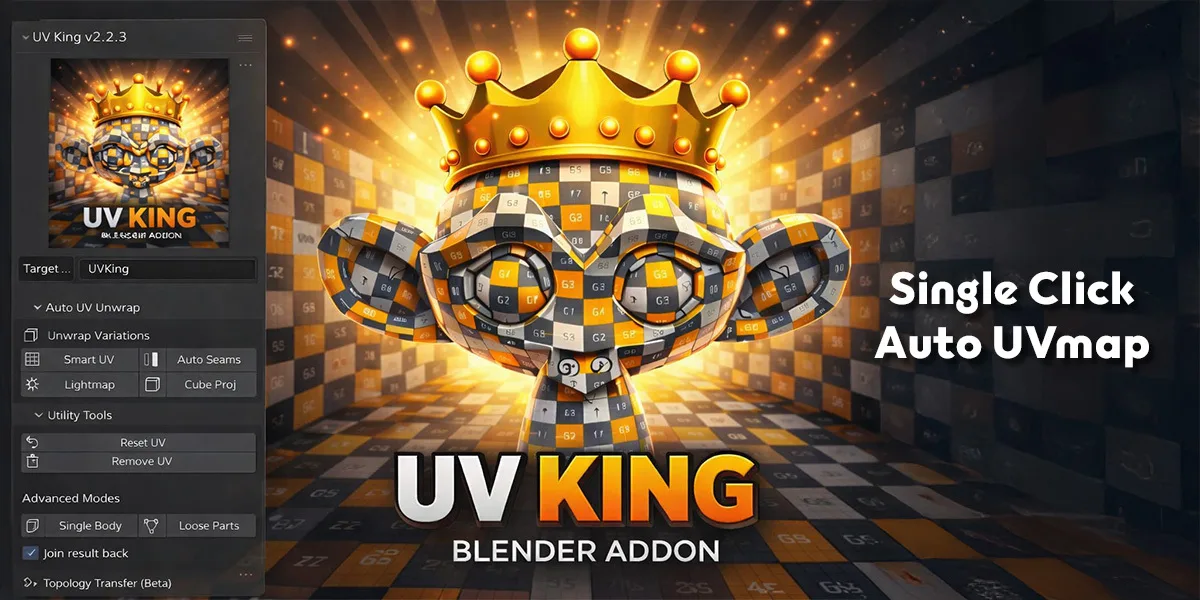
UV King - Smart UV Packing is a Blender add-on for arranging UV islands. After you unwrap a mesh, you can pack its UV islands with one click, then adjust grouping, scale, rotation and placement. It supports multiple UDIM tiles and automatic stacking of identical UVs, with tools aimed at game assets, furniture and product models, architectural visualization, and film or VFX work.
Pack and refine UV layouts
Its heuristic packing tries different layouts to use texture space efficiently. You can also rotate islands in 90-degree or 45-degree increments and keep them within the UV space. The UV King documentation describes additional controls for margins and padding, which set spacing between islands and around the layout.
Control scale, groups and stacking
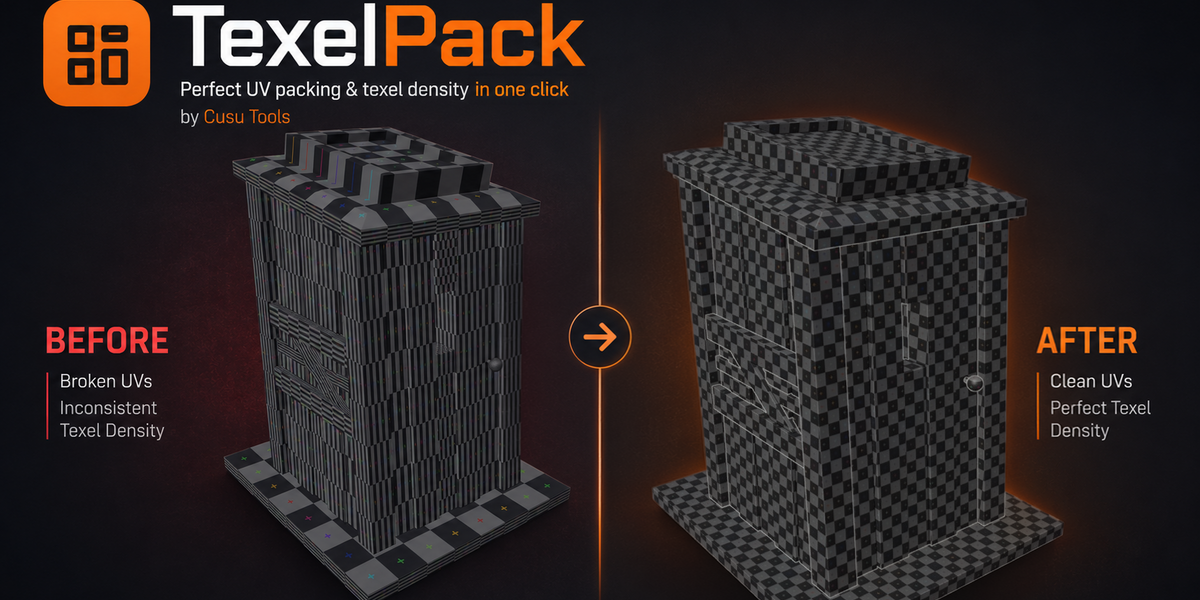
The Scale option changes how packing treats the original size of UV islands. Turn it on to let the packer resize islands for a tighter layout. Turn it off to preserve their original scale, which is useful when you need to retain texel density. The Normalize tool is a separate option for making texel density equal across UVs.
Groups let you organize islands and pack groups separately or together. You can lock a group to keep its position while arranging other islands. Stacking places identical UV islands on top of one another, which can save texture space on repeated parts such as bolts, panels or chair components.
Unwrap and align in the same workflow
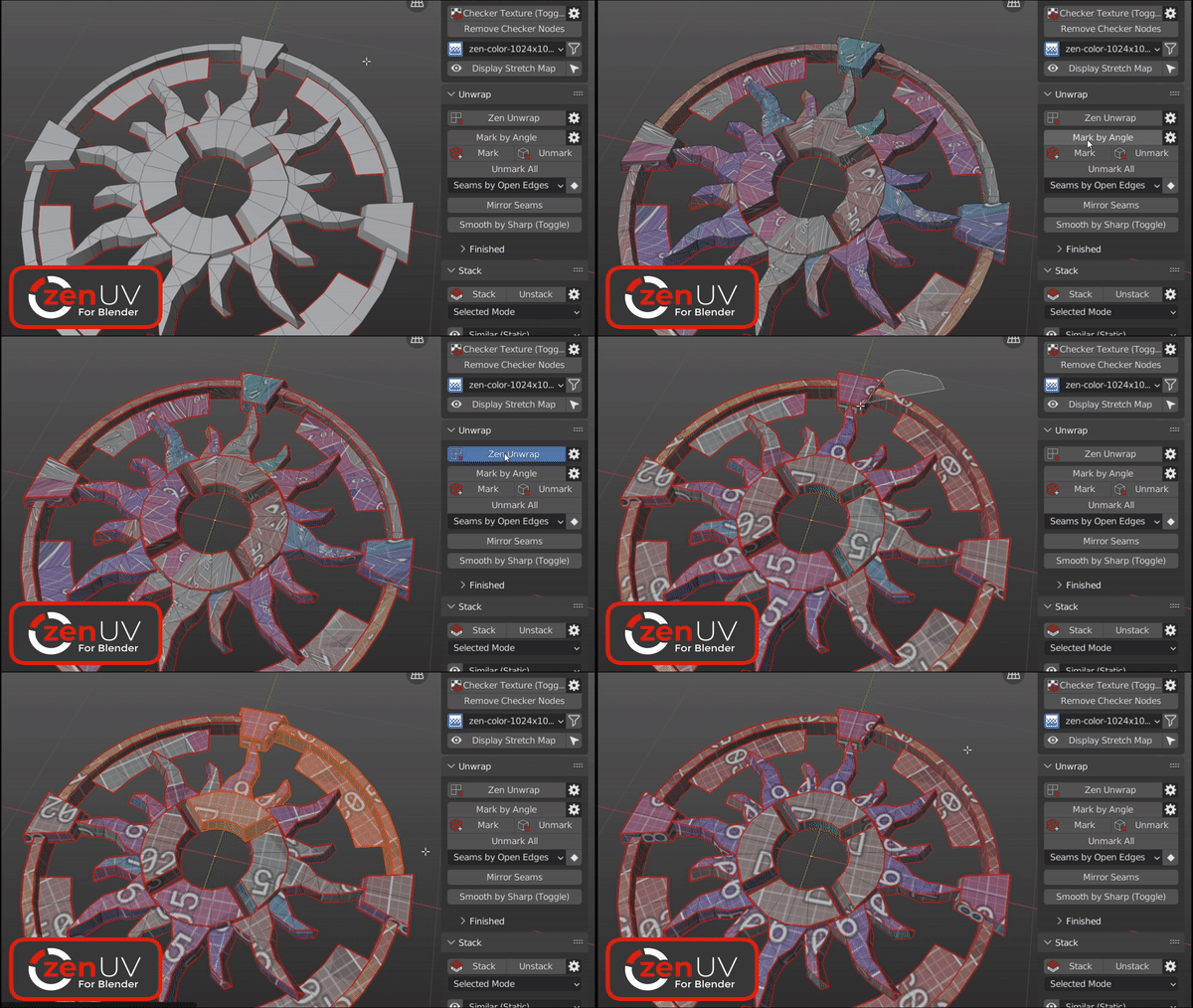
UV King includes presets for common unwrap tasks: Smart UV at 66 degrees for general models, Auto Seams at 45 degrees for hard-surface objects, Lightmap at 89 degrees for more cuts and less overlap, and Cube Projection for box-style mapping. Other tools can orient UVs to match a model's 3D direction and copy or paste UV layouts between similar meshes.
The product FAQ describes UV Transfer between meshes with the same topology and marks it as a beta feature. Check the current product FAQ before relying on it in a production workflow.
Install and start packing
Download the UV King ZIP file, then in Blender open Edit > Preferences > Add-ons, choose Install, select the ZIP and enable the add-on. The panel appears in the N-panel sidebar in the 3D View and UV Editor. For a basic pack, select an object, enter Edit Mode, open the UV Editor, select all UV islands, open the UV King panel, and click Pack. Settings can be adjusted first when a project needs specific spacing, scale or grouping.
Compatibility and performance notes
The Superhive listing names Blender 4.0 through 5.1, and lists Windows, macOS and Linux support, along with Cycles and Eevee. It also identifies the add-on as GPL licensed. For a Blender release newer than 5.1, check the current product listing for updated compatibility details.
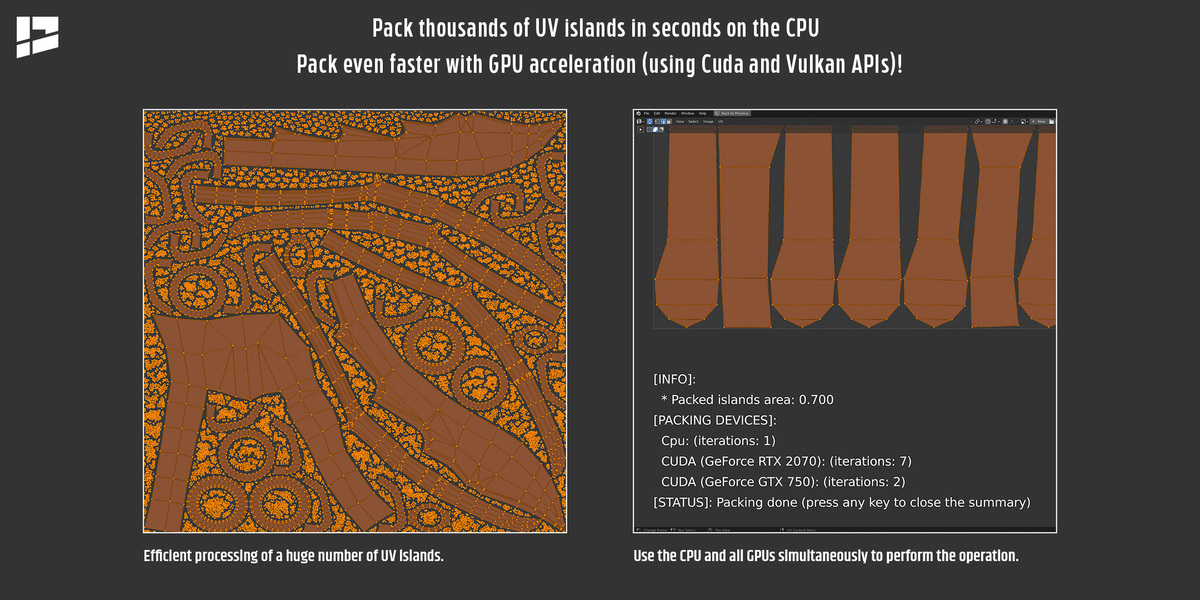
Superhive describes UV King as built for heavy scenes and thousands of islands, but the supplied listing gives no benchmark results. Test it on a representative project if packing speed is a deciding factor.