What Easy Arrows does
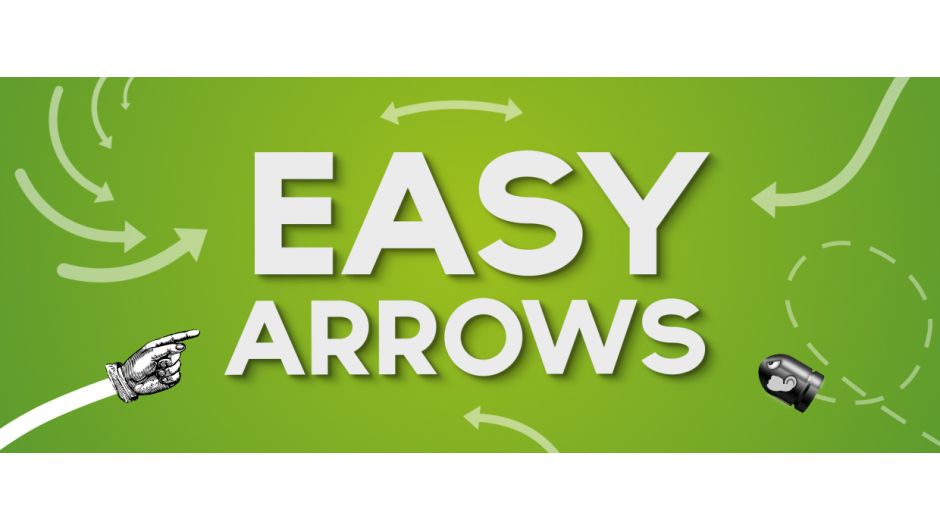
Easy Arrows is an After Effects script that makes a built-in arrow, custom graphic or composition follow a Shape Layer path. The attached object auto-orients along the path, for motion graphics where an arrow needs to travel along a drawn route.
Basic setup
- Draw a path on a Shape Layer.
- Click Create Easy Arrow in the script panel to add the default arrow.
- Adjust the path or arrow as needed. After changing the path, click Update Arrow to update the setup.
The setup remains editable after the script runs. The product also supports custom graphics and compositions, though the listing does not describe the exact steps for attaching your own artwork.
Adjust the arrow and path treatment
Effect Controls on the Arrow Head layer let you set the arrow's position along the path, the stroke length behind the arrowhead, and the stroke's offset. You can reverse direction, change stroke and arrow color, or resize the stroke width and arrow together. Turn on Easy Arrow Enable End to lock the stroke endpoint, then use Easy Arrow End to move it.
The script panel has two other options: Create End Arrow adds a default arrow at the path's end, and Precomp Layers moves the Easy Arrows layers into a new composition for duplication.
Compatibility, trial and license
The listing names After Effects 2020, CC 2019, CC 2018, CC 2017, CC 2015.3, CC 2015, CC 2014, CC, CS6 and CS5.5. It does not explicitly confirm compatibility with releases newer than 2020. A free trial is listed.
The EULA allows one installed copy on one computer at a time and one archival copy. Multi-user or multi-computer use requires an appropriate license for each user and copy. The EULA also restricts transferring or redistributing the software without the author's written consent and prohibits modifying it.