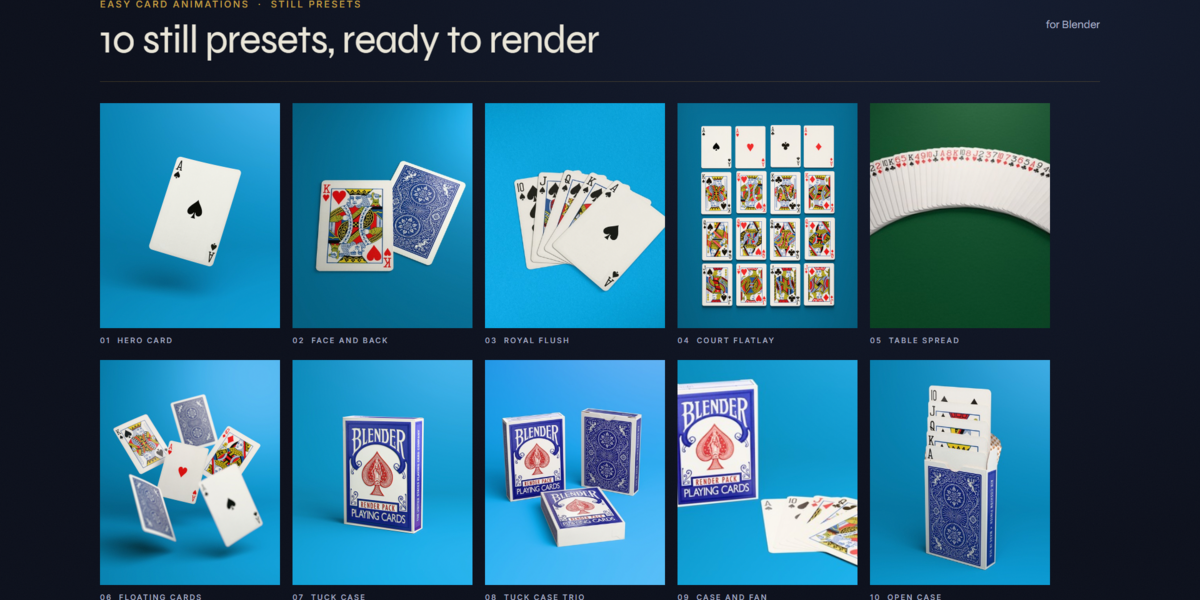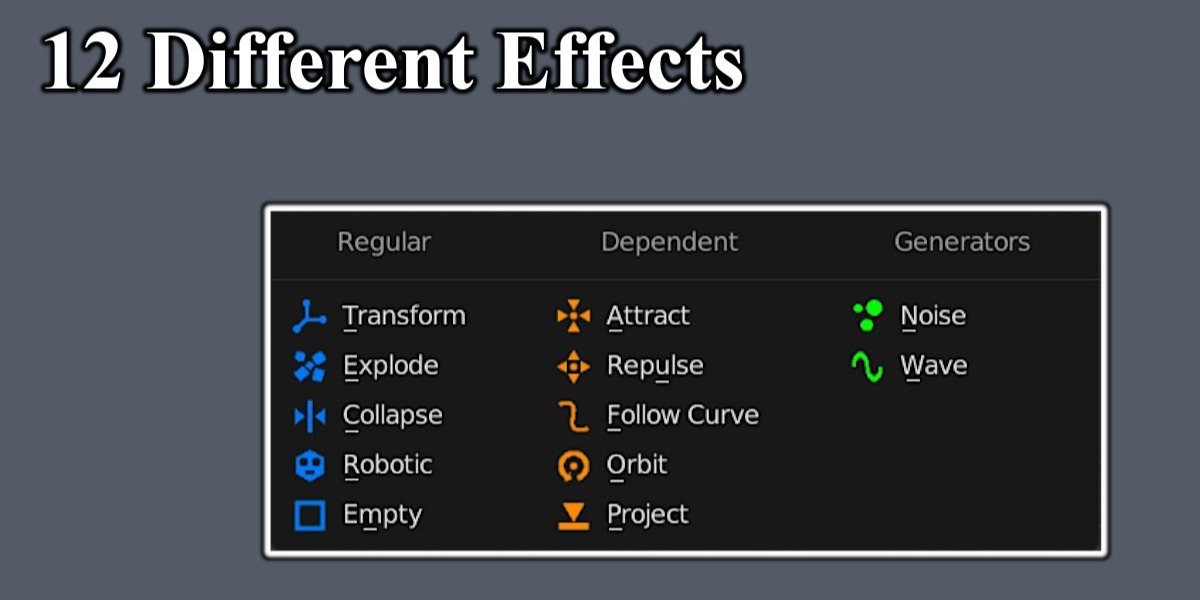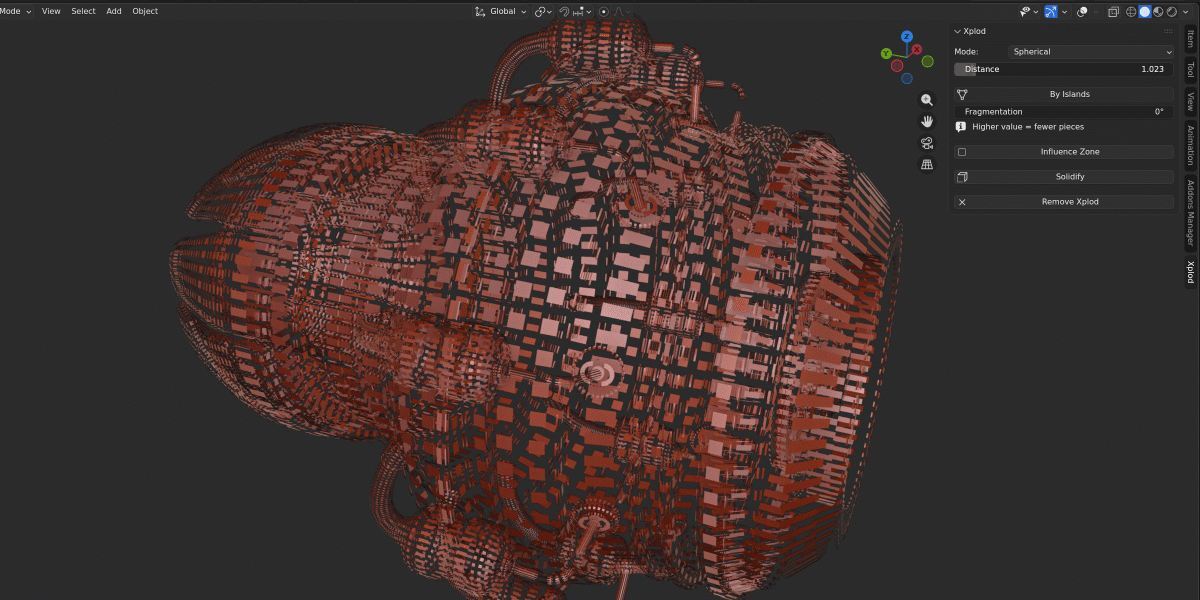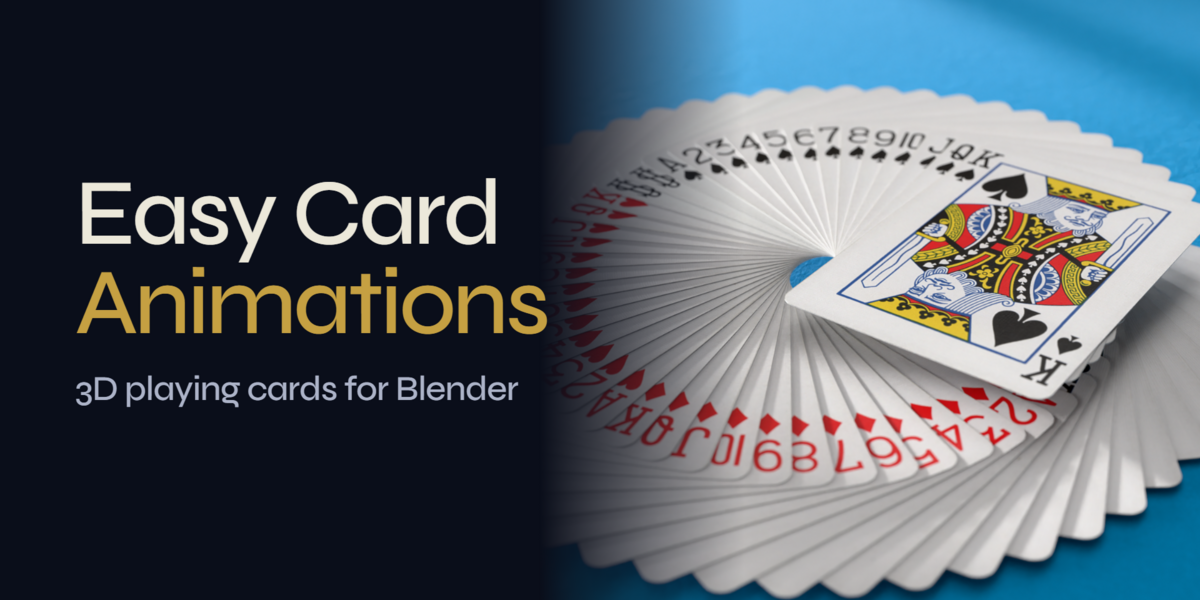
Easy Card Animation is a Blender asset pack for creating playing-card animations and product renders. It includes 21 Geometry Nodes setups, 31 ready-to-render scenes, a 54-card deck and a rigged tuck case. The Superhive product listing describes the pack; its documentation explains setup and use.
Start with a prepared scene
Each animation setup comes in a .blend file with a camera, lights, set, world and output path already arranged. The 31 scenes include 21 animated shots and 10 still presets, such as a hero card, a royal flush, a flat lay and tuck-case views. The scenes are configured for Cycles at 128 samples with denoising, so you can open one and render it with F12.
Adjust motion and card selection
The animations use Geometry Nodes modifiers, with controls in the modifier panel and English tooltips. Presets include deals, fans, riffles, waves, a house of cards and a Solitaire win. Card Selection can pick the full deck, a suit, the four cards of a rank or one card. Shuffle reorders the selection using a seed, and a count above 54 deals the deck again.
Most setups include a Flex control for bending cards as they move. Cards_Follow uses simulation nodes: play from the first frame or bake the simulation before rendering frames out of order.
Apply your own card artwork
The pack includes PSD templates for the card atlas, foil mask and tuck-case artwork. Edit the card design in the atlas layout and save it; the scenes use linked assets from the shared library, so the updated artwork carries across setups. Material controls cover paper, varnish, foil, holographic film, gilded edges and wear. The pack also includes rigged and static tuck cases with controls for opening the lid and flaps.
Add the assets to a Blender project
Unzip the pack without changing its folder structure, then add its folder as an Asset Library in Blender preferences. Four Asset Browser catalogs hold Geometry Nodes setups, card models, tuck cases and scene helpers. You can drag a card setup into your own scene, or open one of the prepared scenes. Three optional helper add-ons provide card arranging, batch rendering and linked-library reloads; the pack does not require an add-on to use its .blend files.
Easy Card Animation requires Blender 5.2 or later because its files use Geometry Nodes features from that version. The prepared scenes use Cycles; the materials also work in EEVEE for previews. The tuck-case slider panel uses a script stored in the file, so Blender may ask you to allow execution. The rig itself still works without the panel script.