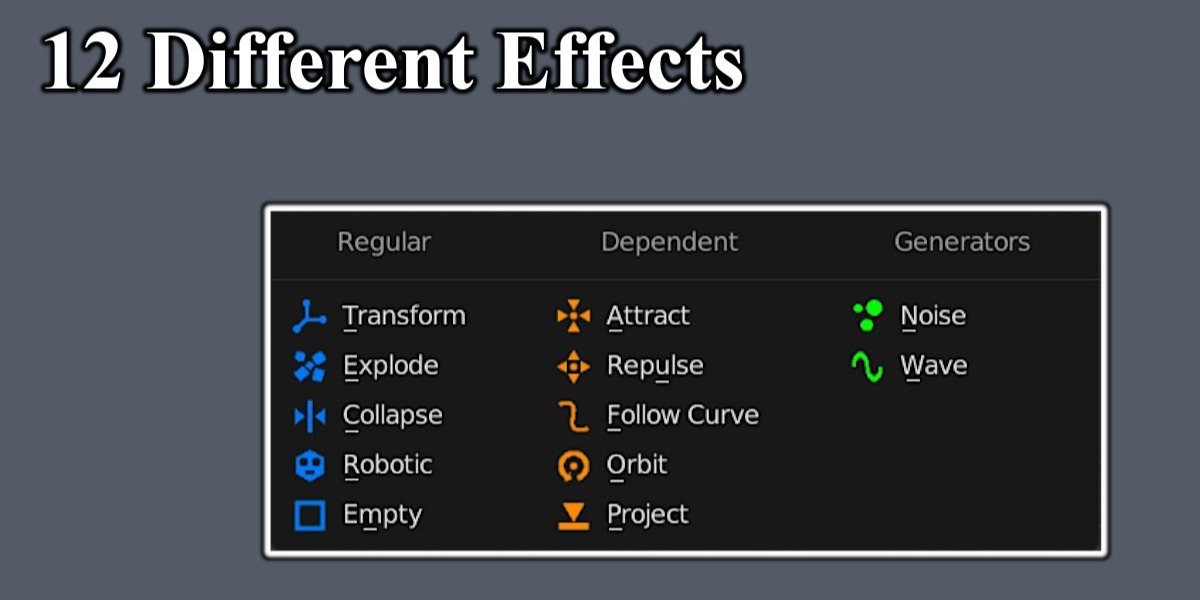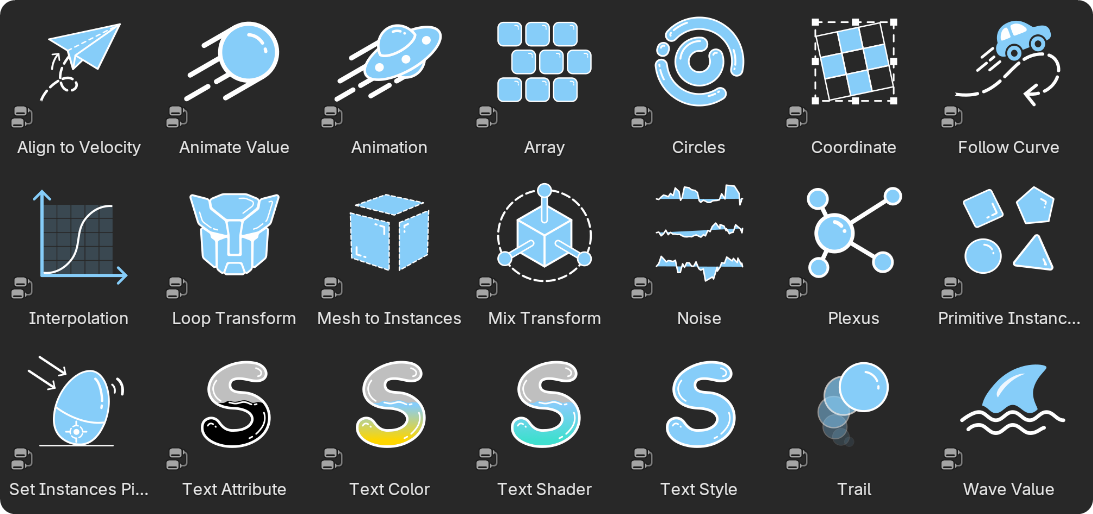
Motion Flow uses Blender Geometry Nodes to build procedural motion from reusable node setups. Its Animation node controls timing, speed, randomness, and Remap ID; Animate Value generates values without geometry input, and Wave Value can create looping triangle or sawtooth motion. The nodes can drive motion graphics such as animated titles and abstract motion designs. The product listing and documentation describe the included nodes and workflows.
Build motion from node setups
The Array node creates repeated forms with controls for count, spacing, and offset, along with sphere packing, instance picking, and voxel effects. Follow Curve places instances along a curve, while Loop Transform repeats translation, rotation, and scaling across random axes. Mix Transform blends transforms on instances. Trail can create effects from duplicates, curves, or particles, and Plexus draws connections between points, including from one emitter point to multiple targets.
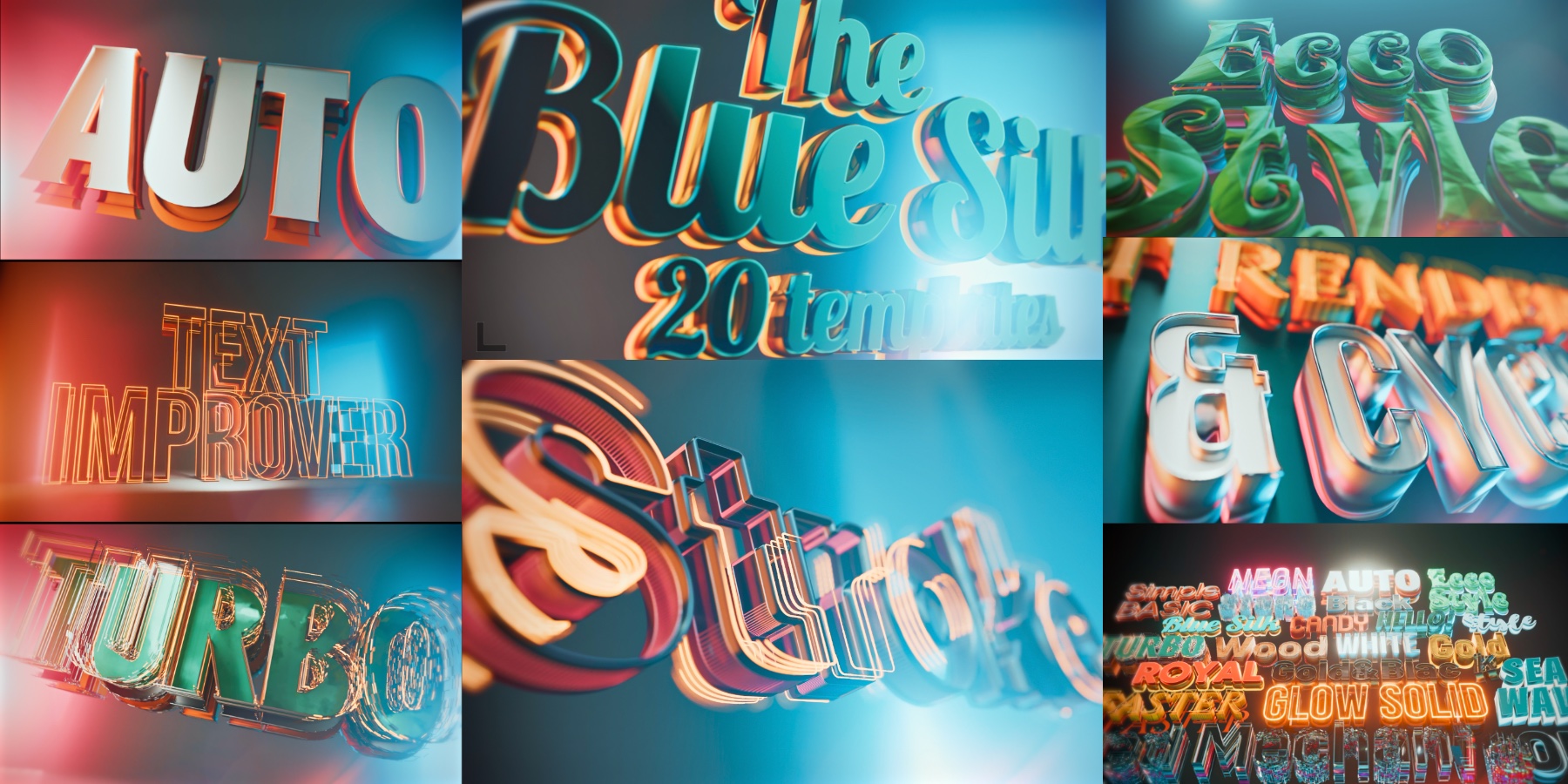
For text and shape work, Text Style converts text curves into solid geometry with controls such as thickness, bevel, and resampling. Text Attribute imports attributes from Text Style for material integration; Text Color sets colors for specific parts of the text model, and Text Shader sets shaders for those parts. The Circles node generates curves that can be used with Text Style.
Use the presets and examples
Motion Flow includes more than 40 motion text presets. Drag a preset into the 3D Viewport, then adjust its settings in the Modifiers panel. Some presets may need changes to fit a scene. The package also includes more than 55 examples; opening their node setups can help you understand how the effects are assembled and adapt them for your own work.
Install and access the assets
The documentation describes installing the ZIP through Blender's preferences using Add-ons and Install from Disk. The add-on adds Motion Flow to the Asset Library path automatically; if Auto Save Preferences is disabled, save your user preferences manually. For a manual setup, extract the ZIP, add its folder under File Paths and Asset Libraries in preferences, and save the preferences. Open the Asset Browser and select Motion Flow to browse the assets. You can add nodes from the Node Editor's Add menu with Shift + A, or drag them from the Asset Browser into the editor.
In Blender 5.0, assets import in Pack mode by default, which prevents editing. Change the import mode to Append, or localize an imported asset through Object, Relations, Make Local, All.
The product overview lists Blender 4.2 and later, the listing details show Blender 4.2 to 5.0, and the v1.2 changelog says Blender 4.5 and above. Check the current release notes for your Blender version before installing, particularly on Blender 4.2 to 4.4.