Build a clone system from artwork
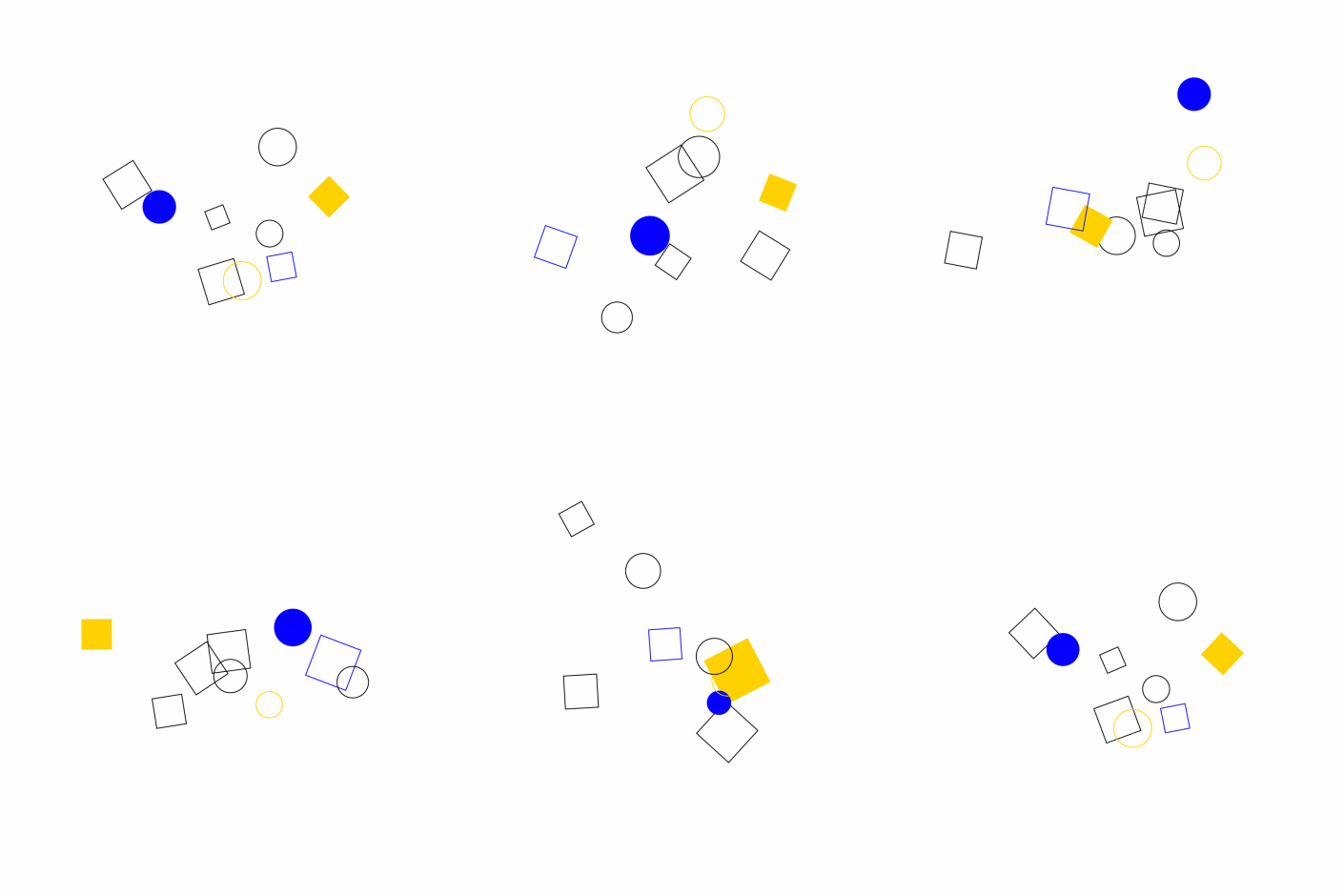
Easy Clones 2 turns bitmap or vector layers, shape layers, and precomps into clones inside After Effects. It is designed for 2D artwork, though 3D layers are also supported. Center the artwork layers' anchor points before creating a system.
A Clone Control Layer sets position, scale, rotation, and opacity. Clones reference that layer and remain controllable, with further adjustments available through the Easy Clones Effect controllers.
Shape spacing, variation, and timing
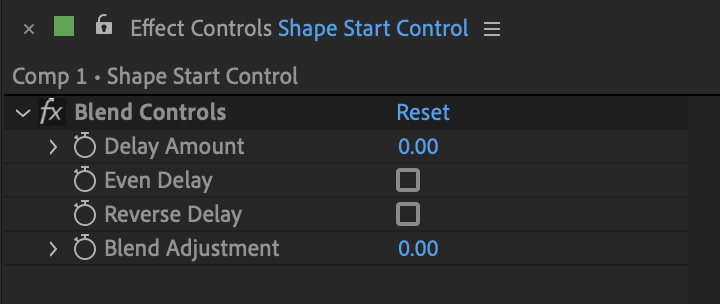
Arrange clones in a line or grid, then add randomness to position, scale, rotation, opacity, and color. Delay controls and loopable wiggles help create staggered motion. Animating the seed controllers can produce glitch effects.
Delay Expressions extend the system to keyframeable properties such as paths, stroke width, and Trim Paths, with one Control Layer driving the added expressions. This lets you stagger path or stroke animation across clones, build dust or smoke with Delay, Random, and Wiggle controllers, or create a trail with a short delay instead of Echo.
Compatibility and trial limits
aescripts lists compatibility with After Effects 2020 and 2023 through 2026. The free trial is limited to Delay and X and Y position. After purchasing a license, recreate systems made in the trial to unlock the full feature set.
Check the license type
The posted EULA says one copy may be installed on one computer at a time. The aescripts license FAQ describes Single User Licenses for up to two personal computers or accounts when they are not used simultaneously. Floating Licenses require the vendor's server on a network, and remote use requires VPN access to that network. The Easy Clones 2 listing also includes a server-required notice, so confirm which license type and terms apply before purchase.