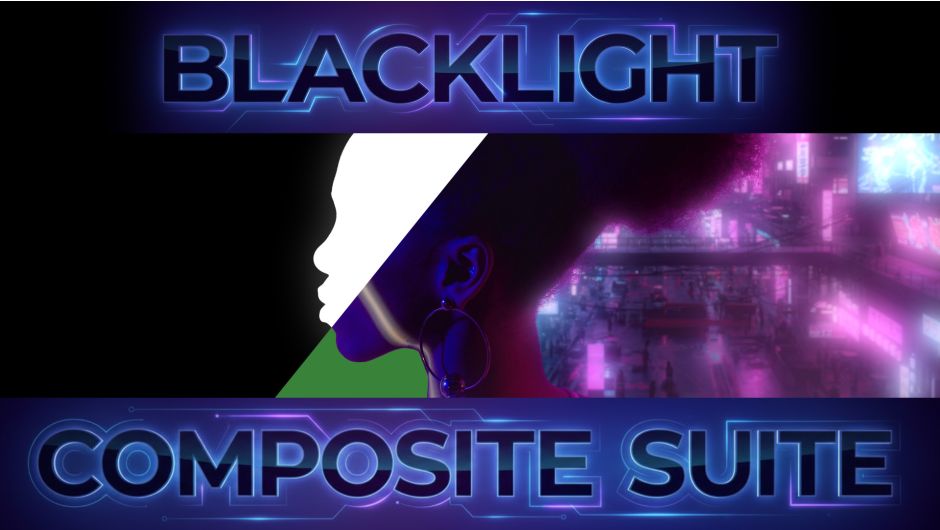
Easy Comp is an After Effects plugin for placing foreground layers over footage and matching their colors to a reference background. It suits compositing work where you want to integrate one or more elements without adjusting each layer’s color by hand.
Set up the composition
Place the reference footage at the bottom of the composition and keep that layer invisible. Add the foreground layers above it, then apply Easy Comp to an adjustment layer and link its Background layer setting to the reference. Position the foreground elements with After Effects’ transform tools.
Choose how the layers blend
Overlay changes the foreground colors while keeping the elements opaque. Blend also adjusts transparency to match the elements. The High Resolution option retains fine detail but takes longer to process. Output mode lets you render the full composition or the foreground alone.
Compatibility and processing
Blace lists Easy Comp as an After Effects plugin. The Easy Comp product page lists Windows with an NVIDIA GPU and at least 8 GB as supported, Windows with a non-NVIDIA GPU and at least 8 GB as very slow, Apple Silicon on macOS Sequoia or newer with at least 16 GB RAM as supported, and other macOS systems as unsupported. Blace’s general installation guide lists at least 32 GB RAM for Apple Silicon on Sequoia or newer, so the Mac minimum differs; check the current product requirements for your After Effects release before installing. Blace describes effect processing as local, without server processing.
GPU acceleration can speed up calculations, especially on CUDA. On Windows systems with non-NVIDIA GPUs, acceleration depends on model support. Allow CPU Fallback runs a model on the CPU if it cannot run on the GPU. Lower Precision can reduce memory use by up to half and may speed processing, with some possible loss of quality.