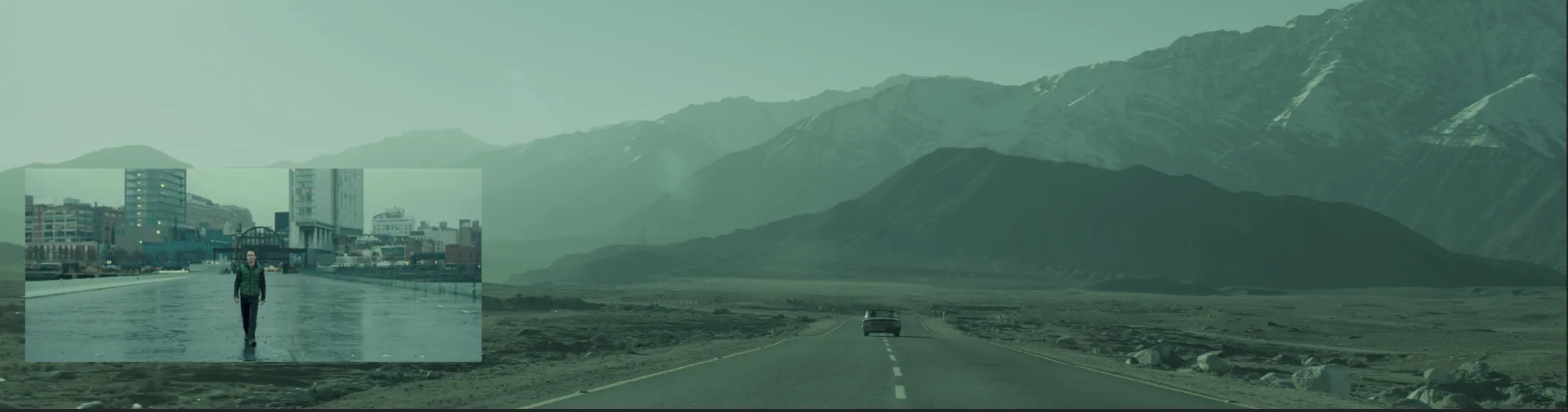
Match footage to a visual reference
AI Color Match Pro compares a frame from your footage with a style image, then adjusts exposure, contrast, white balance, and other color characteristics to bring the shot closer to that reference. In After Effects and Premiere Pro, choose a style layer, move the playhead to a representative frame, and click Match at Playhead. In Resolve and Nuke, connect the reference clip to the node's second input. The result is stored as a 3D LUT and applied across the footage. If you change the style image, run the match again; it does not update automatically.
What the Pro edition adds
The standard edition outputs 8 bits per channel. Pro adds 16 and 32 bits per channel output and can export a completed match as a 32-point .cube LUT for use in other software. Save LUT becomes available after a match exists. Intensity ranges from 0% to 200%, with 100% as the default; above 100%, the effect increases with diminishing returns, and at 200% it is about 150% strength.
Host and computer requirements
Baskl lists After Effects, Premiere Pro, DaVinci Resolve, and Nuke as supported hosts. Final Cut Pro on Mac also has an installation and activation path for AI Color Match; Pro's 16/32-bit output and LUT export are unspecified for that host. Its documentation does not give specific host release-year ranges, so check your application version before installing. On macOS, the installer requires an Apple Silicon Mac. On Windows, it requires 64-bit Windows. On macOS, processing uses the GPU through Metal when available and the CPU otherwise. On Windows, processing uses an NVIDIA GPU through CUDA when available and the CPU otherwise. Processing runs locally, so frames stay on your computer.
Installation and licensing
Install the plugin through Baskl's installer with your host applications closed. On Windows, the installer requires administrator permission. The first installation also downloads AI Machine, Baskl's local engine, and the first match takes longer while the model loads. Without a license, the trial has no time limit, but rendered output carries a watermark. Activating a license requires an internet connection, and the computer limit for each key is shown in My Licenses.