How it creates a grade
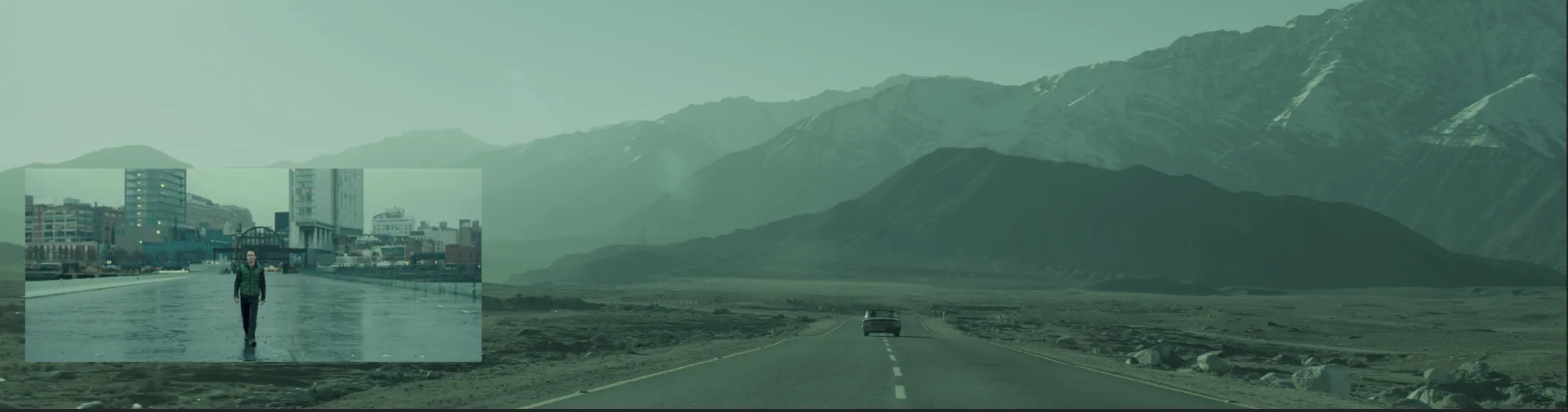
Color Grade Prompter is a grading effect for After Effects and Premiere Pro. It can use a written look description or a reference image layer. For the current frame, prompts use points or rectangular masks around an object. A text prompt uses the mask name to describe the look; an image prompt uses a source layer.
You can combine up to three inputs, mix text and image prompts, and assign weights to control their influence. Two grading models, trained on different datasets, produce different looks. Strength controls an individual prompt, while Overall Strength controls the combined grade. Pin Highlights keeps the effect from changing highlight colors, and Highlights Decay sets how strongly that protection applies.
Premiere Pro and LUT reuse
Premiere Pro has a narrower text-prompt workflow: the manual documents one text prompt, entered by modifying the clip name. That limit matters if your grading approach depends on blending multiple text prompts.
You can export the current grade as a .cube LUT and reuse it in other applications or effects that support LUTs, including Lumetri Color. This lets you apply the grade in an editing setup where Color Grade Prompter is not installed.
Hardware and compatibility
Blace says processing runs locally without server-side processing. Its product page lists After Effects and Premiere Pro but does not specify supported versions of either host application.
- Windows with an NVIDIA GPU and at least 8 GB of VRAM is listed as supported.
- Windows with a non-NVIDIA GPU and at least 8 GB is listed as very slow. GPU acceleration depends on model support, and the manual documents a CPU fallback when a model cannot run on the GPU.
- Apple Silicon Macs require macOS Sequoia or later and at least 16 GB of RAM. Other macOS systems are listed as unsupported.
Price and access
Blace lists the product at $49.99 and directs users to aescripts for trying or buying it. The product page does not specify the license term.