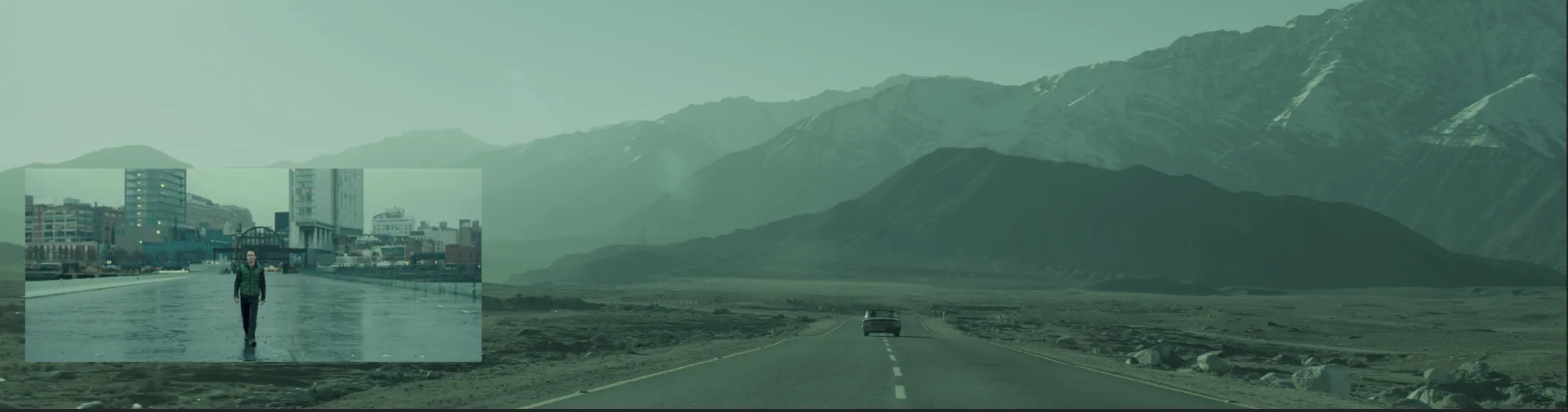
AI Color Match creates a grade by comparing a frame of your footage with a style image. It matches exposure, contrast, white balance, and other color properties, then stores the result as a 3D LUT applied across the shot. Processing runs locally on your computer; Baskl says your frames never leave the machine.
Matching a shot
In After Effects or Premiere Pro, choose a style layer for the look you want to copy. Place the playhead on a representative frame and click Match at Playhead. The effect compares the current footage frame with the style frame and saves the match. In DaVinci Resolve or Nuke, connect the reference clip to the node's second input. In After Effects and Premiere Pro, the effect controls show style and reference thumbnails, with hints when a style layer or match is missing or the playhead is outside the style layer.
Adjust the saved match with the Intensity control, which ranges from 0% to 200% and defaults to 100%. Values above 100% push the effect further with diminishing returns: Baskl describes 200% as about 150% strength. The first match can take longer because the AI model loads when you first click Match at Playhead.
Host, system, and license fit
The aescripts compatibility list names After Effects 2022-2027, Premiere Pro 2022-2027, DaVinci Resolve 18-21, and Nuke/NukeX 14-17. Baskl's installation documentation also includes Final Cut Pro on Mac but gives no version range. On macOS, an Apple Silicon Mac is required. The plugin uses Metal when available and otherwise runs on the CPU. On 64-bit Windows, it uses an NVIDIA GPU through CUDA when available, with CPU processing as the fallback.
The Baskl installer installs AI Machine, the local engine used by the plugins, along with AI Color Match. Close host applications before installing and restart them after installation. The first install also downloads AI Machine.
The Standard license is listed for After Effects and Premiere Pro with 8-bit-per-channel output. Pro adds 16- and 32-bit-per-channel output and exports a saved match as a 32-point .cube LUT for use in other software. Baskl's activation documentation also describes license registration in Resolve, Nuke and Final Cut Pro, but the listing does not specify which license tier covers those hosts. An unlimited trial is available, with a watermark on renders.