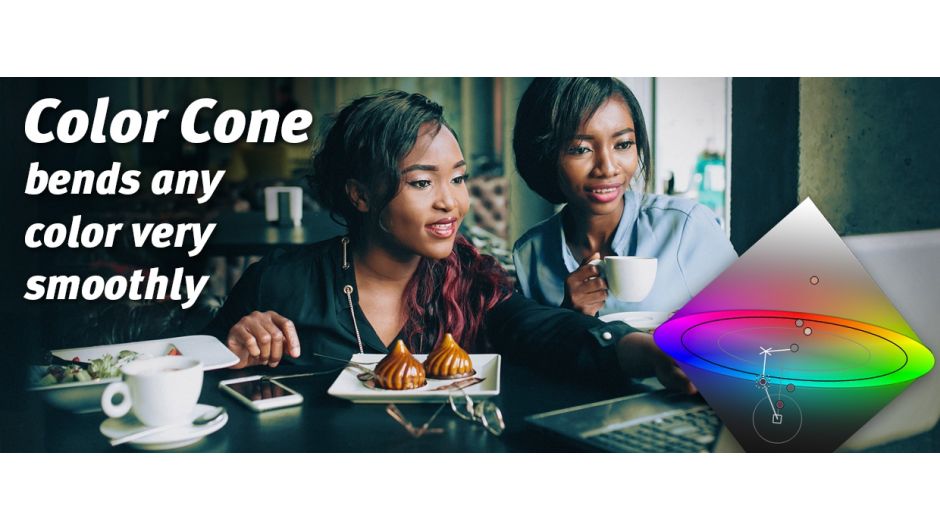
Color Cone is a color correction and grading tool for still images and video. It maps selected color ranges to target colors using an HCL bicone, with each point controlling a source color, target color and radius of influence.
Target color ranges directly
Pick a source color with the eyedropper, choose a target value and set how far the change reaches. A small radius isolates a color; a wider one can shift a broader range to build an overall look. Auto Radius adjusts nearby point radii as they move, keeping their areas of influence from overlapping and mixing or canceling each other’s changes.
In the HCL model, pure black and white have no chroma. Picture Instruments says its Color Warp transformation is designed to keep strong source-to-target changes smooth in 8-bit images. Color Cone can help remove color casts, reconcile mixed white-balance areas and create looks.
Keep skin tones in the grade
Separate skin-tone controls can protect skin from color-point changes, adjust its hue toward yellow or red, and increase or decrease its saturation independently of the wider image. Contrast, chroma and luminance controls apply globally. The manual warns that highly compressed material can show artifacts where skin-tone and neighboring color ranges sit close together.
Choose plugin or standalone
The product page lists the standalone app for Apple systems from 10.14 and Windows from Windows 10, and plugins for Photoshop, After Effects, Premiere Pro, Final Cut Pro X and DaVinci Resolve. In a video editor, the plugin opens on a clip as an effect. In Photoshop, it can be used as a Smart Filter so settings can be changed later.
Each plugin instance has a limited number of color points, though you can use multiple instances. Plugin users adjust points with controls rather than moving them directly in the cone. The standalone version allows direct point movement and adds a histogram and RGB-clipping overlay.
Reuse and export adjustments
The developer documents keyframe animation for plugin parameters in After Effects, Premiere Pro and Final Cut Pro X. Plugin settings are saved with the project, and presets can be recalled across hosts. Color Cone can also export a look as a 3D LUT in .cube or .3dl format for use in software that supports those formats.