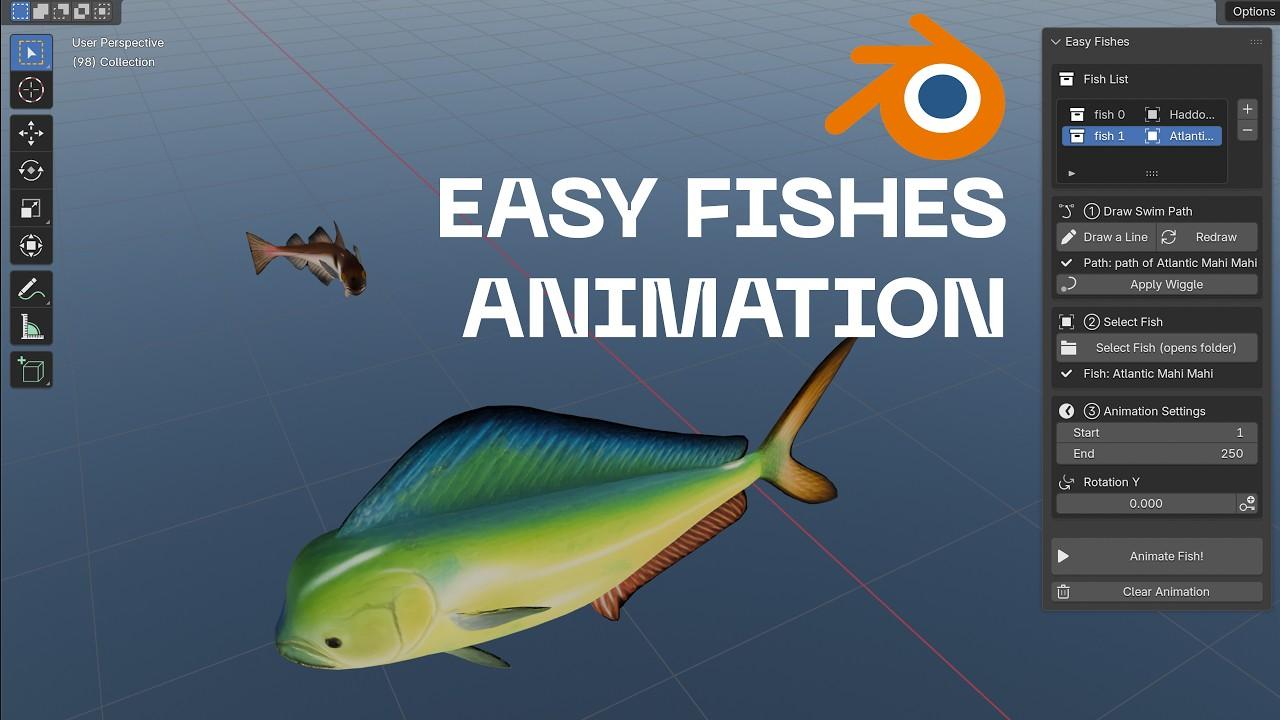
Easy Fishes is a Blender add-on by phamduyson for animating a fish or another model along a path drawn in the viewport. Draw the route, select a model, set the start and end frames, then click Animate Fish. The add-on follows the curve and handles orientation; the fish stays belly-down as its body bends along the curve, as described in the Easy Fishes product listing.
Set up a swim path
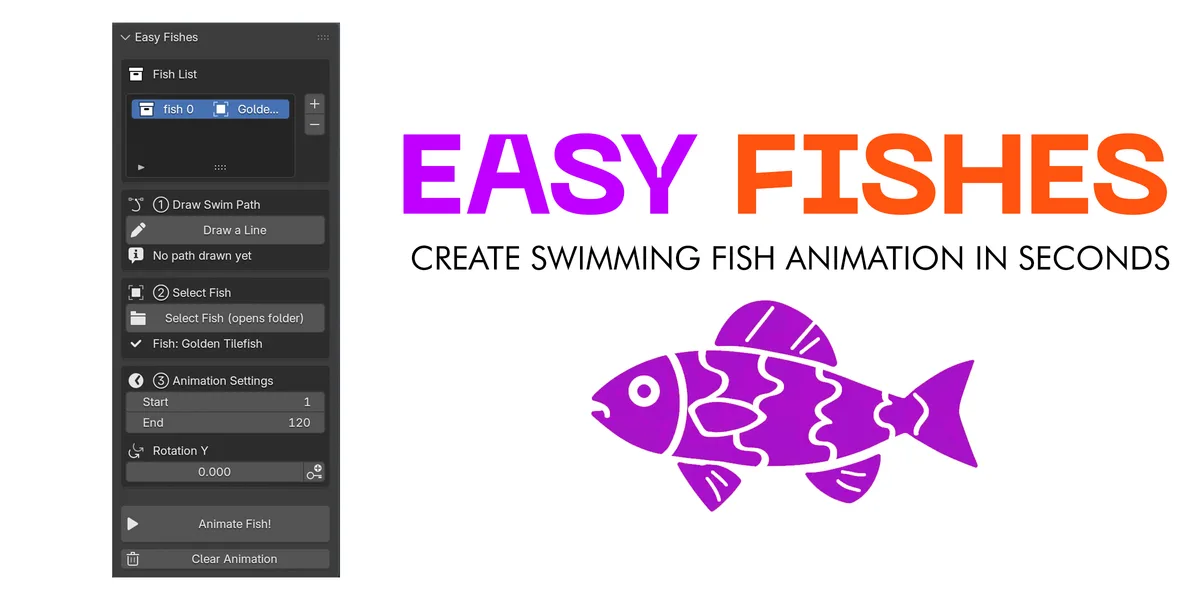
After installing the add-on, open the Easy Fishes panel in the 3D Viewport sidebar with the N key. Create a fish slot with the plus button, then click Draw a Line to sketch a route. Press Tab to finish drawing. The documentation also describes an Apply Wiggle control for adding an S-curve to the path, plus a Redraw option for replacing it.
Load a model and animate it
Click Select Fish to open Blender's file browser and choose a model. The documentation lists OBJ, FBX, glTF, GLB, and blend files as supported formats. Set the animation's start and end frames, then click Animate Fish. Easy Fishes positions and keyframes the model along the path, with its orientation following the curve. For finer control, you can adjust Rotation Y and insert rotation keyframes manually.
Each fish slot manages one model and its path independently, which is useful when a scene needs more than one swimmer. The add-on also groups its assets in a dedicated fish collection. Its workflow is non-destructive: redraw a route or clear the animation to reset the fish and remove its keyframes and modifiers.
Compatibility and render engines
The product listing says Easy Fishes is compatible with Blender 4.x and 5.0. Its documentation instead lists Blender 5.0 or later and says it was tested on Blender 5.x. Because those statements differ, check the current documentation or ask the developer about your Blender build before installing. The listing names Cycles and Eevee as render engines, and identifies the license as GPL.
The documented install process is to select fish_swim.py from Blender's Edit → Preferences → Add-ons screen, then enable Easy Fishes. The documentation notes that it opens a fishes model/ folder beside the add-on file by default. The short path-and-model workflow suits underwater cinematics, ocean scenes, game environments, and motion graphics where a fish needs to follow a drawn route.