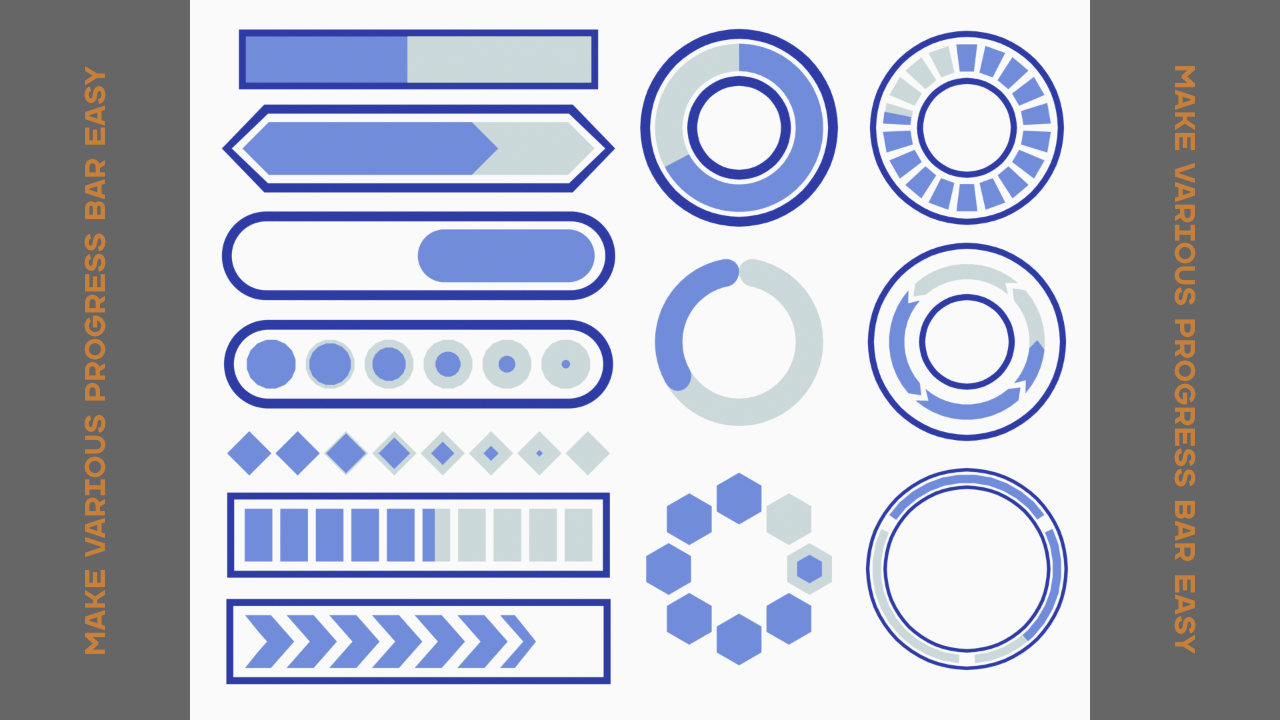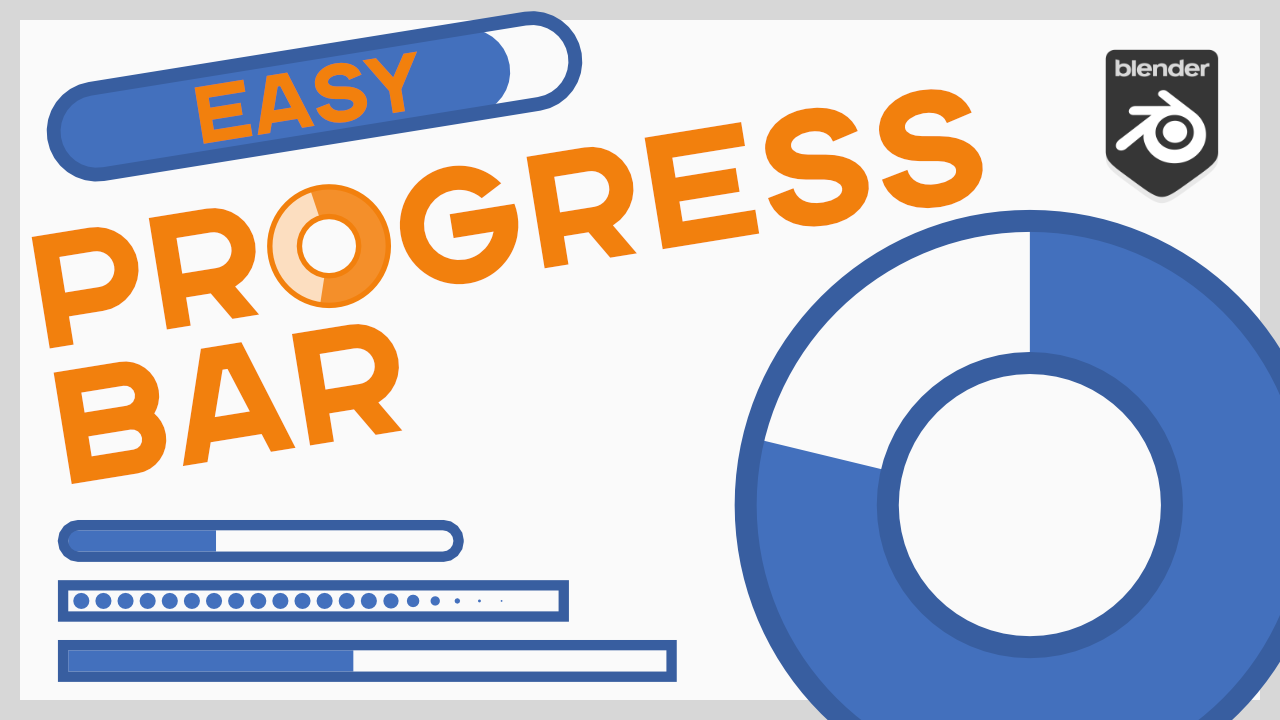
Easy Progress Bar is a Blender add-on from sum studio that creates progress bars with geometry nodes. Add a bar from the 3D Viewport's Add > EasyProgressBar menu, then select it to open its controls in N panel > Item > EasyProgressBar. The available controls cover Rect, Stepped, Scaling Circle, and Arrow forms. The Superhive listing says version 1.1.0 added Stepped bars and changed the add method and some parameters.
Adjust progress, shape, and appearance
Set Factor from 0 to 1 to control the bar's progression. Invert reverses its direction. You can assign a bar material and adjust Width and Height; when Circularize is enabled, Width changes to Radius.
Controls vary by bar type. Scaling Circle options include Count, Circle Resolution, Circle Radius, Individual Rotation, and Step Interval. A smaller Step Interval reduces timing misalignment between circles as Factor changes. Arrow options include Count, Thickness, and Tip Offset. Rect bars can have rounded corners, with radius and resolution controls; Round Radius is also available for Stepped bars.
For appearance, enable an optional background with BG and set its material. The optional Frame has its own material, thickness, offset, and a 2 Sides setting. In Circularize mode, Bar Res controls smoothness for Rect or Arrow bars, and Frame Res controls frame smoothness when a frame is enabled. Rotation ranges from 0 to 1, and Align for Center aligns each circle to the center.
Install and check compatibility
Keep the downloaded ZIP file compressed. In Blender versions before 4.2, open Preferences, go to Add-ons, choose Install, select the ZIP, and enable the add-on. In Blender 4.2 and later, open the Add-ons menu at the top right, choose Install from Disk, and select the ZIP. The listing names Blender 3.1, 3.2, 3.3, 3.4, 3.5, 3.6, 4.0, 4.1, and 4.2 as compatible versions. Its installation instructions describe a path for 4.2 and later, but do not confirm compatibility beyond the versions listed.
License and included node groups
The listing identifies a CC-BY-SA license and says the add-on includes geometry node groups from Free GN Presets by Bradley_Animations. Check the linked source and license terms when reviewing reuse or redistribution.