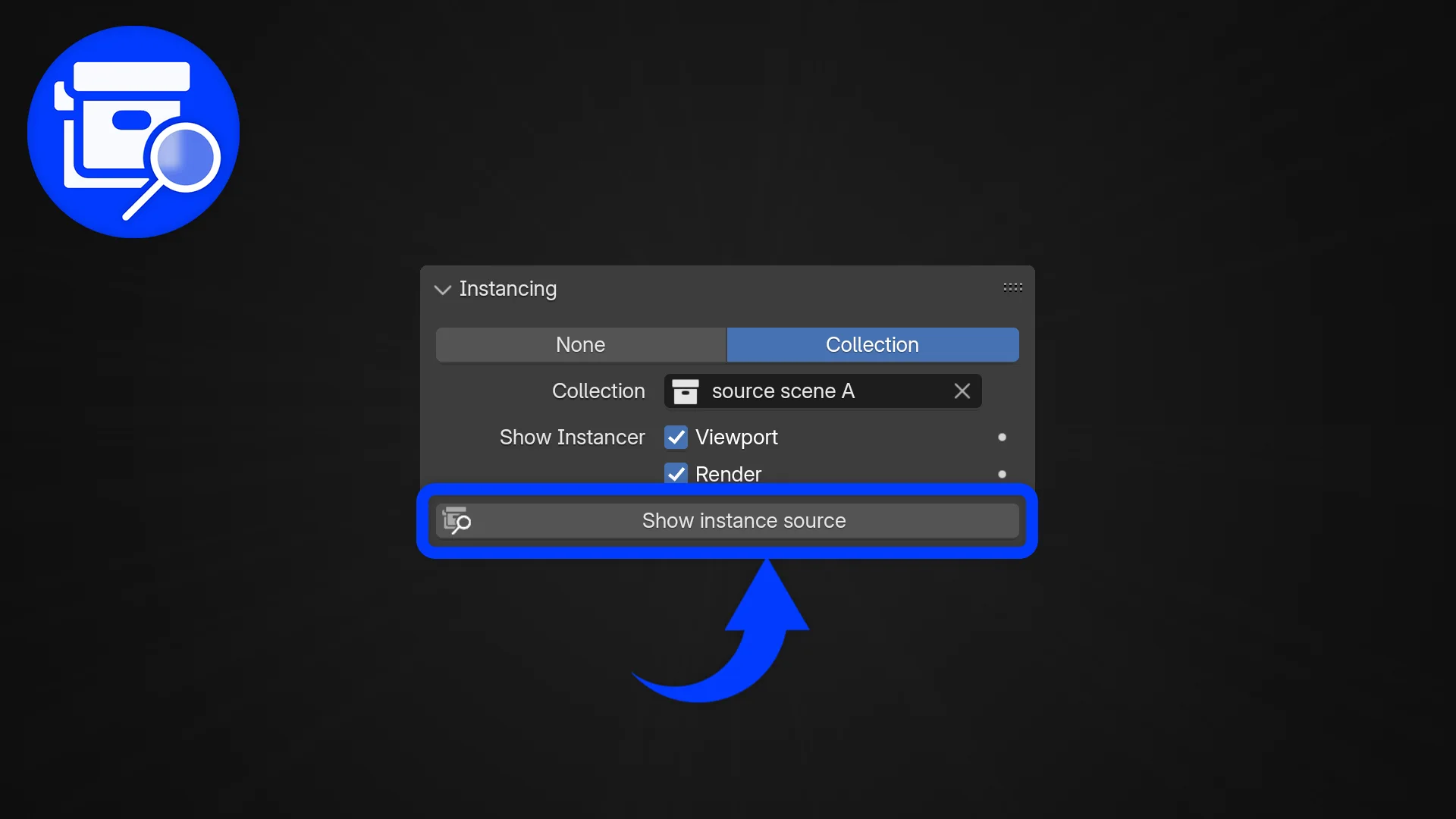
Edit Instanced Collection is a Blender add-on for locating the collection behind an instance. When that source is hard to find in a large scene, the add-on adds a “Show instance source” button under Object Properties > Instancing.
Find and frame the source collection
Use the button to search across scenes and view layers for the source collection. The add-on switches to the relevant scene and view layer, selects the collection and its objects, then frames them in the viewport. This brings the source into view so you can work with its contents.
How it handles view layers and scenes
It checks where the source collection is available:
- If a view layer already has the source collection checked, the add-on switches to that view layer.
- If no view layer has it checked, the add-on checks it in the current view layer.
- If the collection is not in any existing scene, the add-on creates a scene named after the collection and switches to it.
This is useful when you know an instance is in the scene but do not know which scene or view layer contains its source.
Version and compatibility
The Blender Extensions listing identifies version 0.0.5 and compatibility with Blender 4.2 or later. It lists the extension under the GPL-3.0-or-later license and states that it requires no special permissions. See the Blender Extensions listing for package details. Blender’s Install from Disk instructions explain the installation option linked from the listing.