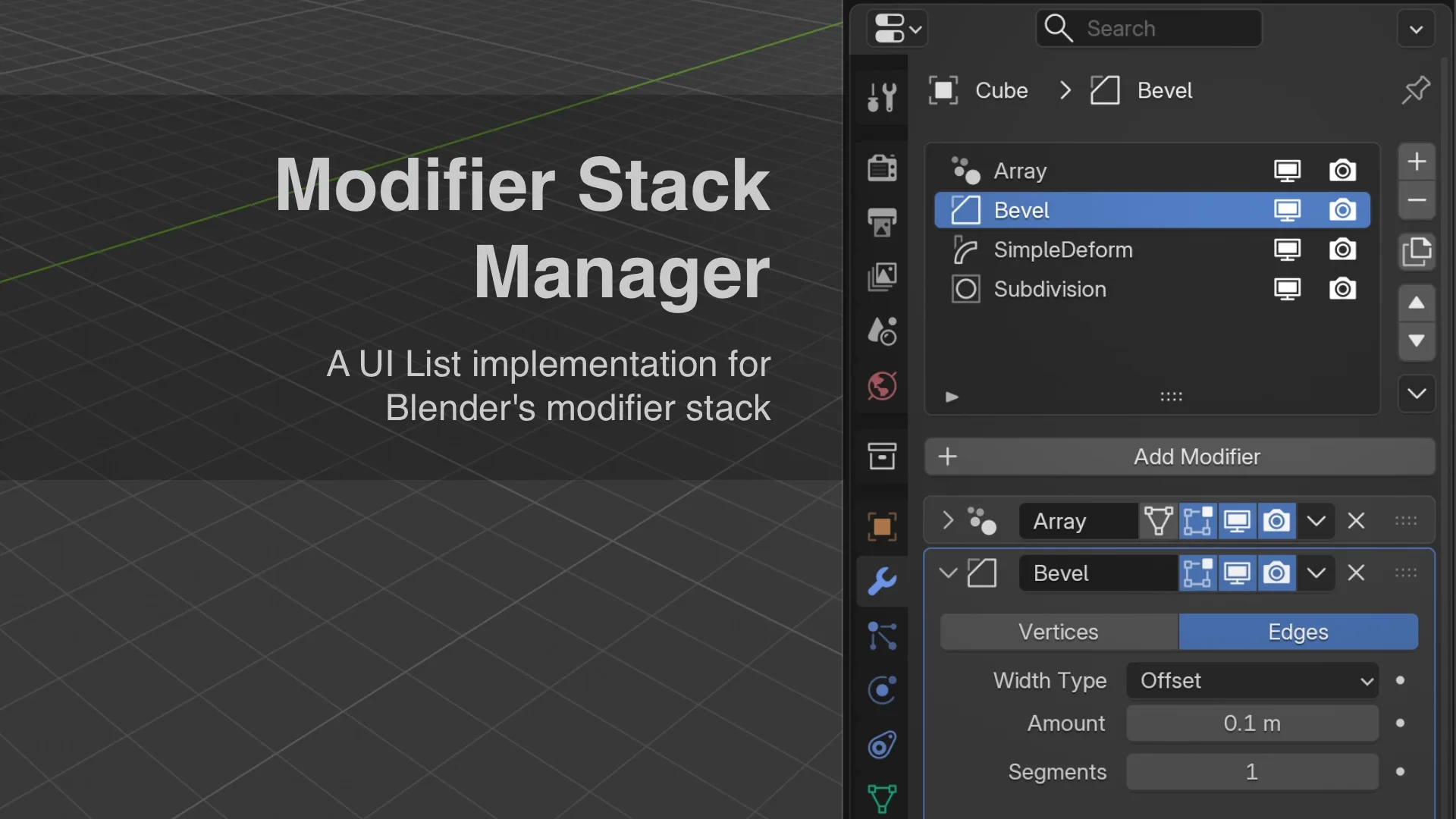
Modifier Stack Manager is a Blender add-on by salaivv that presents the modifier stack as a UI List in the Properties editor’s Modifiers tab. Its list-based interface follows the pattern Blender uses for Materials, UV Maps and Vertex Groups, so you can manage stack entries from one place.
Manage modifiers from a UI List
From the list, you can:
- Add, remove, duplicate, rename and rearrange modifiers.
- Toggle render, viewport and edit mode visibility.
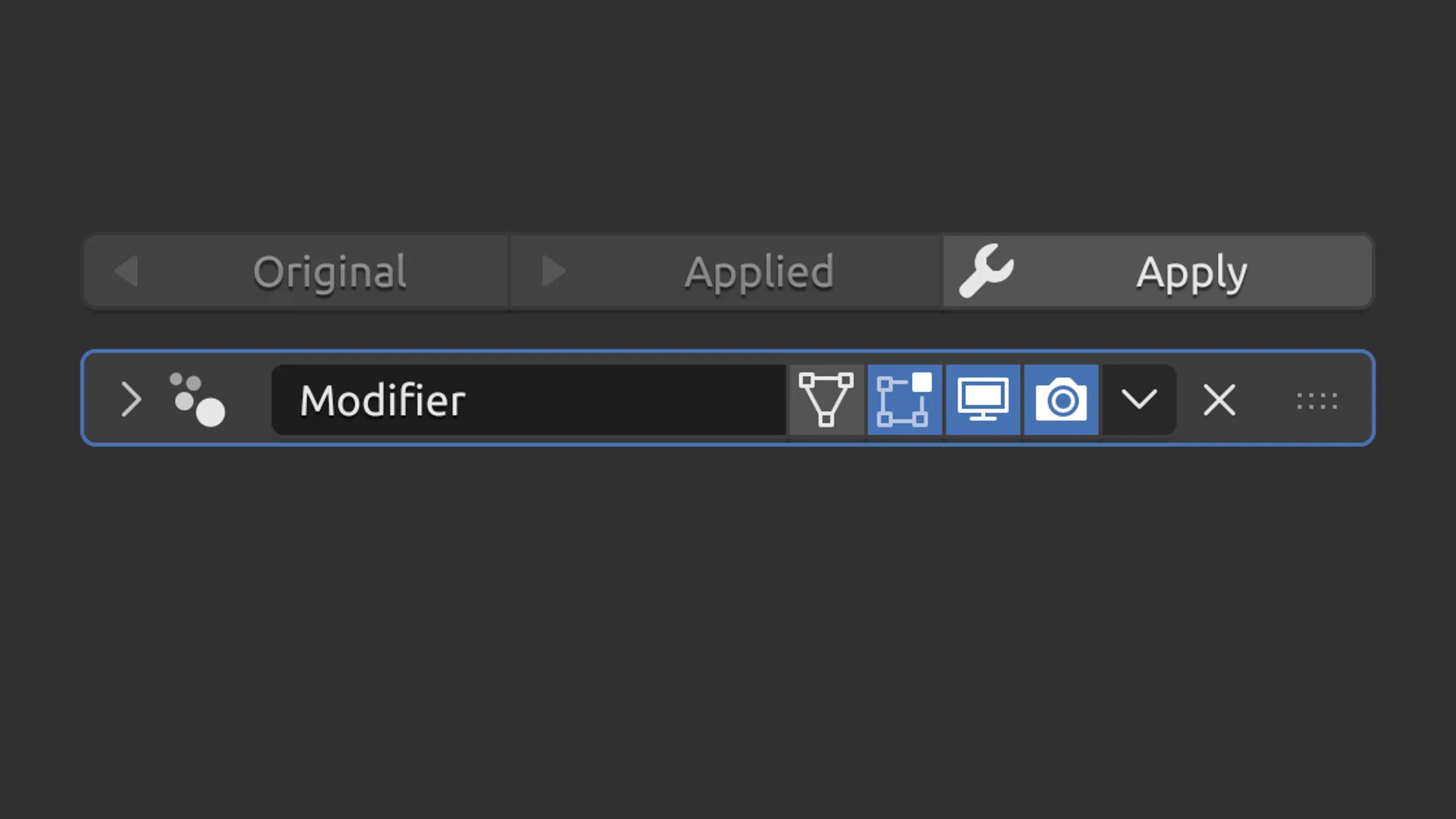
- Apply a modifier or apply all modifiers, and remove all modifiers.
- Expand the selected modifier while collapsing the rest, or collapse all modifiers.
Version 1.4.0 adds two-way synchronization between the active modifier in the list and the stack. It also includes an optional Show in Edit Mode control, configurable Show in Viewport and Show in Render toggles in the add-on preferences, and repeatable move-up and move-down shortcuts when held.
Keyboard shortcuts
Ctrl + Shift + Aapplies all modifiers.Ctrl + Shift + Xremoves all modifiers.Shift + Eexpands the selected modifier and collapses the others.Shift + Ccollapses all modifiers.Ctrl + Shift + Up/Downmoves the selected modifier up or down in the stack. Holding the shortcut repeats the move.
The shortcuts work while the pointer is over the Modifiers tab in the Properties window. To move a modifier to the beginning or end of the stack, hold Shift while using the corresponding Up or Down button in the interface.
Version and compatibility
The Blender Extensions catalog lists version 1.4.0, Blender 4.2.0 as the minimum version, salaivv as maintainer and GPL-3.0-or-later as the license. Check the Blender Extensions listing for the current release details. The developer repository includes the feature and shortcut reference.